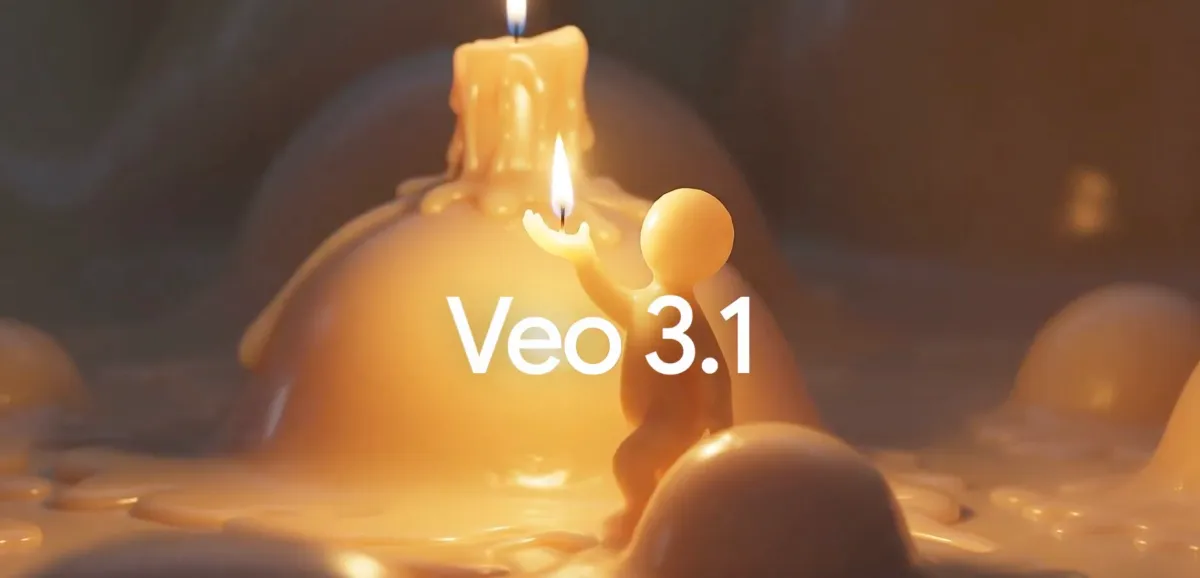
Google has unveiled Veo 3.1, the latest version of its AI video model, bringing richer audio, finer editing controls, and better image-to-video results. Building on May’s Veo 3 release, the update focuses on generating more realistic clips that follow prompts more closely, making it easier for creators to get the exact shots and styles they envision.
A standout addition is object-level control. Users can now insert an object into a scene and have it seamlessly blend with the video’s existing style, lighting, and motion. Google says object removal is coming soon to Flow, opening the door to fast clean-up and replacement edits without reshoots.
Veo 3 already offered creative tools such as using reference images to drive a character’s look and movement, generating a clip from a provided first and last frame, and extending an existing video by continuing from its final moments. Veo 3.1 layers audio onto all these features, making generated clips feel more alive and production-ready. Alongside the improved sound output, the model also delivers stronger image-to-video quality and more faithful prompt adherence for text-to-video work.
The rollout spans multiple Google products and developer surfaces: the Flow video editor, the Gemini app, and both Vertex and Gemini APIs. Since Flow’s launch in May, users have created more than 275 million videos on the app, underscoring the appetite for faster, AI-assisted production.
What this means for creators and teams:
– Faster concept-to-cut: Generate scenes from text prompts, reference imagery, or bookend frames, then refine with granular controls.
– Object-aware editing: Add an element that matches your scene’s style today, with object removal coming soon.
– Sound with substance: Audio now accompanies the full suite of generation and editing features, helping clips land with greater impact.
– Scalable access: Build and iterate across Flow, the Gemini app, or integrate via Vertex and Gemini APIs.
Whether you’re crafting social shorts, marketing spots, or previsualization for longer projects, Veo 3.1 aims to reduce the distance between an idea and a polished, realistic result, all while giving you more precise control over how each frame—and now each sound—comes together.