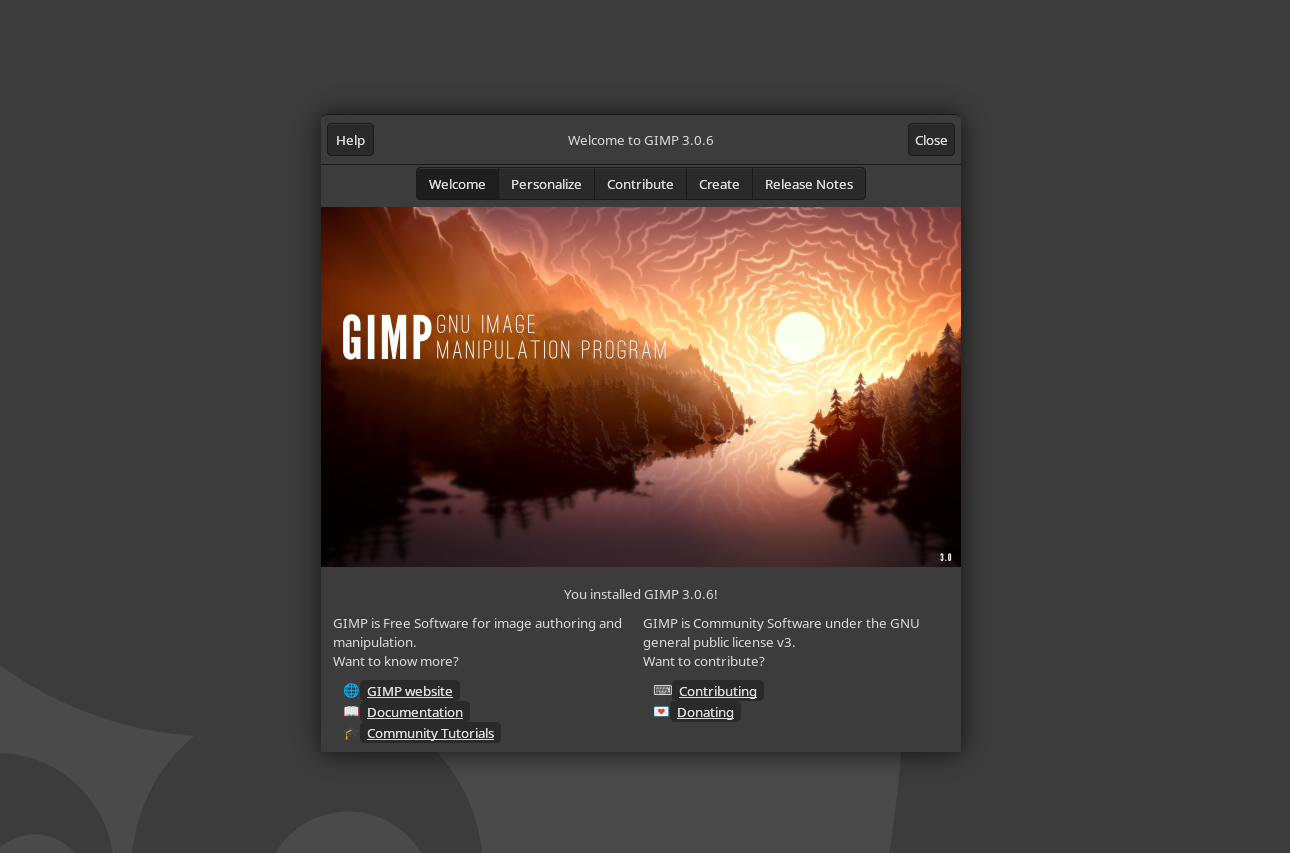
GIMP 3.0.6 is here, and it focuses on exactly what creatives have been asking for: a smoother, more stable non-destructive editing workflow and a more cohesive, responsive interface. This free, cross-platform image editor continues to tighten up its foundations while laying the groundwork for bigger features on the horizon.
The standout in this release is a major cleanup of the non-destructive filter system. The development and stable branches are now aligned, with the latest non-destructive filter improvements from the 3.1.4 track backported to 3.0.6. That means better stability, clearer behavior, and faster performance right where it matters. You’ll also see clearer messages indicating which filters can be applied non-destructively and which cannot, helping you work more confidently and avoid surprises when refining complex edits.
The interface gets thoughtful polish too. The palette, brush, and font dockers now adopt your theme colors, making the UI feel more unified and refined. Sliders have been adjusted as well: clicking on them now brings up a more precise cursor, correcting a usability misstep from the 3.0 update and making fine adjustments easier.
Another welcome change is smarter handling of transparency. When you use tools or features that require an alpha channel, GIMP 3.0.6 will automatically add transparency to the layer, no matter the file type you started with. Export rules still depend on the chosen format, but this tweak should make layer operations more intuitive, especially for newer users.
Looking ahead, some transformative capabilities are in the pipeline, including CMYK color management and printing. Alongside these headline items, the team is investing heavily in behind-the-scenes improvements to make GIMP more stable, faster, and easier to maintain. That ongoing cleanup should help the project move faster and push toward feature parity with big-name, subscription-based editors.
Highlights in GIMP 3.0.6:
– Refined non-destructive filters with backported improvements for better stability and performance
– Clear labeling for which filters support non-destructive editing
– Theme-aware palette, brush, and font dockers for a more cohesive UI
– More accurate slider cursor for finer control
– Automatic alpha channel addition when needed, with export behavior still format-dependent
– Ongoing groundwork for CMYK color management, printing, and broader performance gains
GIMP 3.0.6 is available now for Linux, macOS, and Windows from the official site. If you’ve been waiting for a more reliable non-destructive workflow, a cleaner UI, and tangible performance refinements, this update is well worth the download.