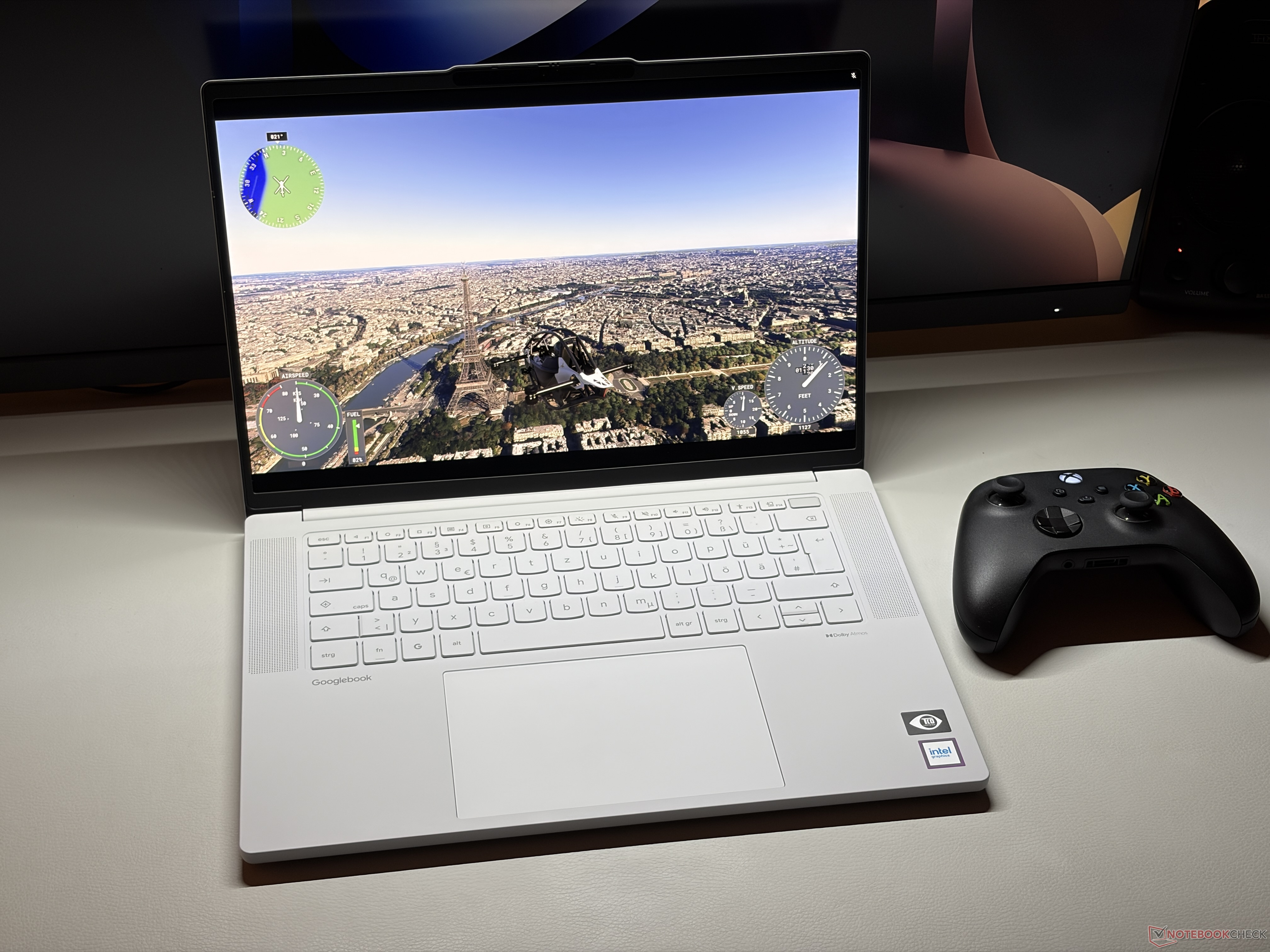
GeForce Now Delivers Smooth Cloud Gaming With Xbox Game Pass, RTX 5080 Power, and High-End Settings
Cloud gaming continues to become a more serious option for players who want premium performance without owning expensive gaming hardware. With GeForce Now, the experience largely depends on the games you already own or have access to through supported platforms. In most cases, you need to purchase a game first before linking it to the service. Supported libraries include platforms such as Steam and Xbox, making it easy to bring existing game collections into the cloud.
After connecting an Xbox account with an active Xbox Game Pass subscription, the game library became available almost instantly. This made it possible to launch supported titles directly through GeForce Now without needing to install large game files locally. For players with limited storage space or less powerful hardware, this is one of the biggest advantages of cloud gaming.
Once a game is launched, the experience feels much like playing on a traditional high-end PC. Graphics settings, resolution options, ray tracing features, and other in-game adjustments are all available as usual. This gives players control over visual quality and performance, instead of locking them into limited presets.
The listed cloud hardware is impressive. The system reports an AMD processor with 16 cores, 56 GB of RAM, and a GeForce RTX 5080 graphics card. That kind of setup is clearly aimed at demanding modern games, especially titles that use ray tracing, advanced lighting, and large open worlds.
In testing, performance was strong across several major releases. Without DLSS upscaling or frame generation enabled, the maximum frame rate generally reached around 90 FPS. For many players, that is already more than enough for a smooth and responsive gaming experience, especially in visually demanding games.
Forza Horizon 6 performed exceptionally well, maintaining the 90 FPS target even with the highest graphics settings enabled. The game remained smooth while delivering detailed environments, fast racing, and impressive lighting effects. Ray tracing could be enabled without causing major performance issues, showing how capable the cloud hardware is for premium visual settings.
Gears of War E-Day also handled maximum settings comfortably. Even with ray tracing active, the game stayed close to the 90 FPS limit and delivered a fluid experience. This is especially important for action-heavy games where stable performance can make gameplay feel more responsive and immersive.
The most demanding title in the test was Flight Simulator 2024. At maximum detail settings, performance dropped to around 50 FPS in dense urban areas. That is still playable, but it shows that some simulation games can push even powerful cloud hardware to its limits. Large cities, complex scenery, and heavy CPU and GPU demands make Flight Simulator 2024 one of the toughest games to run at ultra settings.
Performance can improve significantly when DLSS and frame generation are enabled. With these features active, frame rates can rise dramatically, reaching up to 360 FPS in supported scenarios. This makes GeForce Now especially attractive for players using high-refresh-rate displays who want smoother motion and lower perceived latency.
Overall, GeForce Now offers a strong cloud gaming experience when paired with services like Xbox Game Pass and supported PC game libraries. The ability to access a large catalog quickly, adjust settings freely, and play demanding titles on high-end cloud hardware makes it a compelling option for gamers who want premium performance without upgrading their own PC.
For players interested in cloud gaming, ray tracing, Xbox Game Pass streaming, and RTX-powered performance, GeForce Now shows how far game streaming has come. While extremely demanding titles like Flight Simulator 2024 can still challenge the system at maximum settings, many modern games run smoothly with high visual quality and impressive frame rates.


