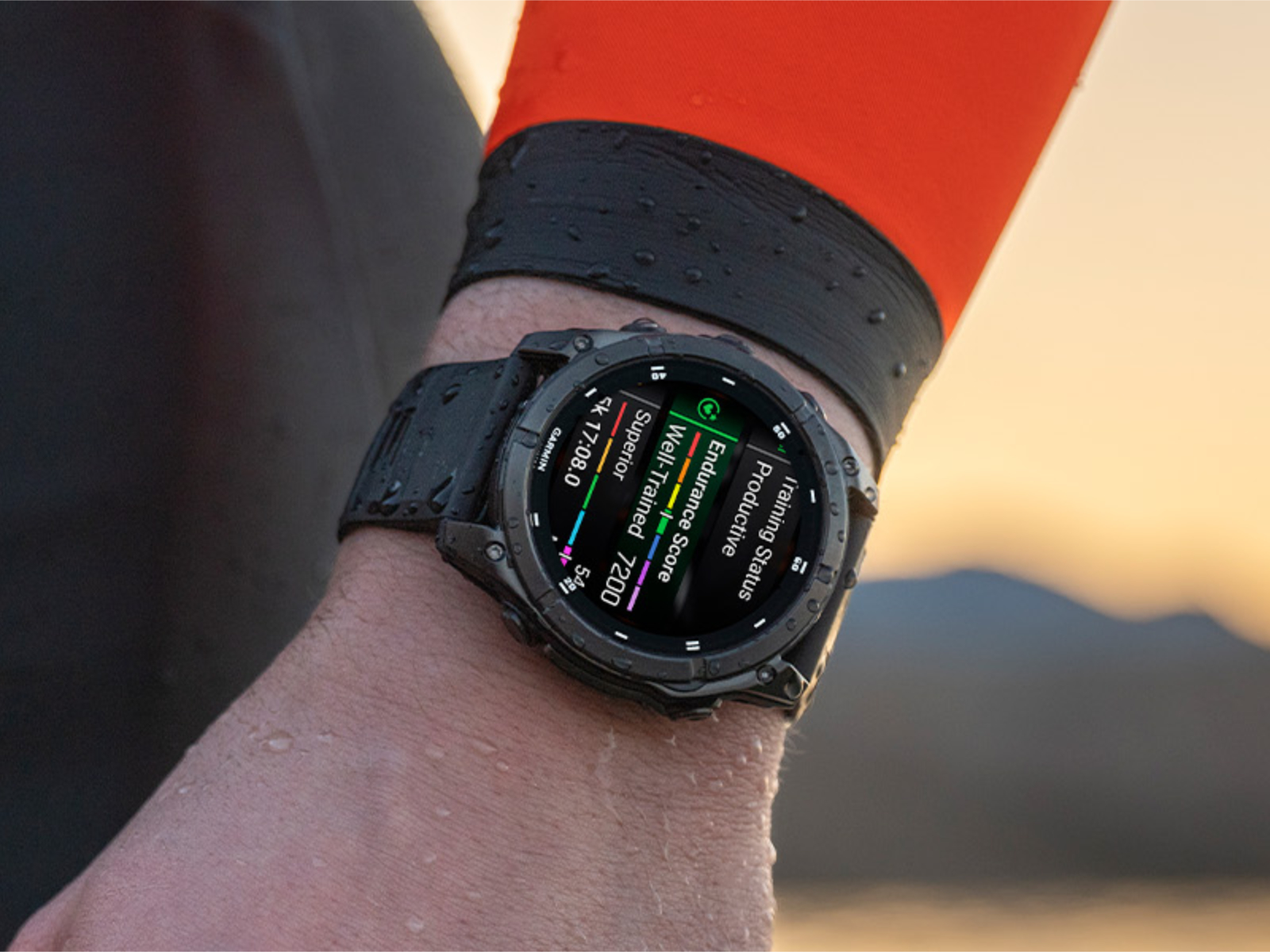
Garmin has kicked off April with a major new beta update for several of its premium smartwatches, delivering nearly three dozen improvements that focus on new features, smoother day-to-day usability, and a long list of bug fixes.
The rollout marks Garmin’s first public v22.xx software revision for its latest high-end lineup. After moving the Fenix 8 series to System Software 21.25 earlier this year (following 20.29), Garmin continued refining performance through multiple v21.xx beta builds to squash lingering issues. Now, Beta Version 22.21 arrives as the first v22.xx public beta release, and it’s available worldwide.
Supported models include Enduro 3, Fenix E, Fenix 8, and Quatix 8. At the moment, the “Pro” versions are not included in this v22.xx beta track yet, even though LTE appears in the official change list—suggesting Garmin may bring the Pro models into the same development cycle soon.
What’s new in Garmin Beta Version 22.21
This update adds more than half a dozen new features, with the rest of the changes focused heavily on stability and reliability. In total, Garmin says the beta introduces 35 changes compared with System Software 21.39 for the non-Pro devices, with roughly two dozen of those being bug fixes.
Key additions include:
– An LTE option for activity power modes, giving users more control over connectivity behavior while tracking workouts
– A navigation option that can take you back to your last Man Overboard point, a practical safety-minded feature for boaters
– QR codes in Outdoor Maps+ layer descriptions, making it quicker to learn what each map layer offers
– Read and delivered status indicators in Messenger, improving message clarity right from the wrist
– A new silent mode that’s faster to access via the control loop or an assigned button shortcut
– Voice command support to launch the battery manager app, making battery management quicker when you’re on the move
– Easier access to keyboard layout settings by swiping up from the bottom of the page
Big fixes aimed at stability, battery life, and workouts
Garmin also targets a wide range of issues that could impact daily use—especially around battery drain, device resets, workout accuracy, syncing, and navigation behavior.
Notable fixes include:
– A reset issue tied to WhatsApp usage on iPhone
– Race events not appearing when they should
– Excessive battery drain after using the phone assistant or taking calls on the watch
– Pool swim workouts progressing through steps without user interaction
– Some activities not being counted correctly as factors affecting Body Battery
– Connection issues when pairing with an inReach device (including mounting as mass storage)
– Auto lap alerts incorrectly triggering during golf
– Random resets during workout deletion
– Touch input behaving incorrectly after ECG readings
– Strength training rest timer tones falling out of rhythm
– Upload failures when sending activity files to Garmin Connect
– Slowdowns or temporary unresponsiveness on watches with many saved activity files
– Calls ending on the watch but not ending properly on the connected phone
– Missing special characters on certain keyboards
– Gear tracking progress not reflecting the activity that was just completed
– Sports scores appearing blank when you follow teams without upcoming games
– Strength personal record syncing issues with Garmin Connect
– Preventing access to voice command, music, and voice notes during an active call
– Double number entry when long-pressing the pin pad
– Nap alarms not stopping when exiting via “palming”
– Navigation ending unexpectedly after GPS loss or when deviating from the course
– Outdoor Maps+ downloads failing to resume after interruption
– Watch face sunrise/sunset fields not updating consistently
Extra polish and quality-of-life tweaks
Alongside the major fixes, Garmin is also improving the overall experience with smaller adjustments:
– Goal animations now stay on screen longer
– Fish forecast app outer ring now matches the user’s time format settings
– The phone shortcut now opens the phone app instead of the phone settings page
– Updated translations for better localization
If you use an Enduro 3, Fenix E, Fenix 8, or Quatix 8, this beta update is one of the more substantial ones in recent months, with meaningful new functionality and a strong focus on reliability. As with any beta release, it’s designed to improve quickly through feedback—so more refinements (and likely broader device support) may follow in upcoming builds.