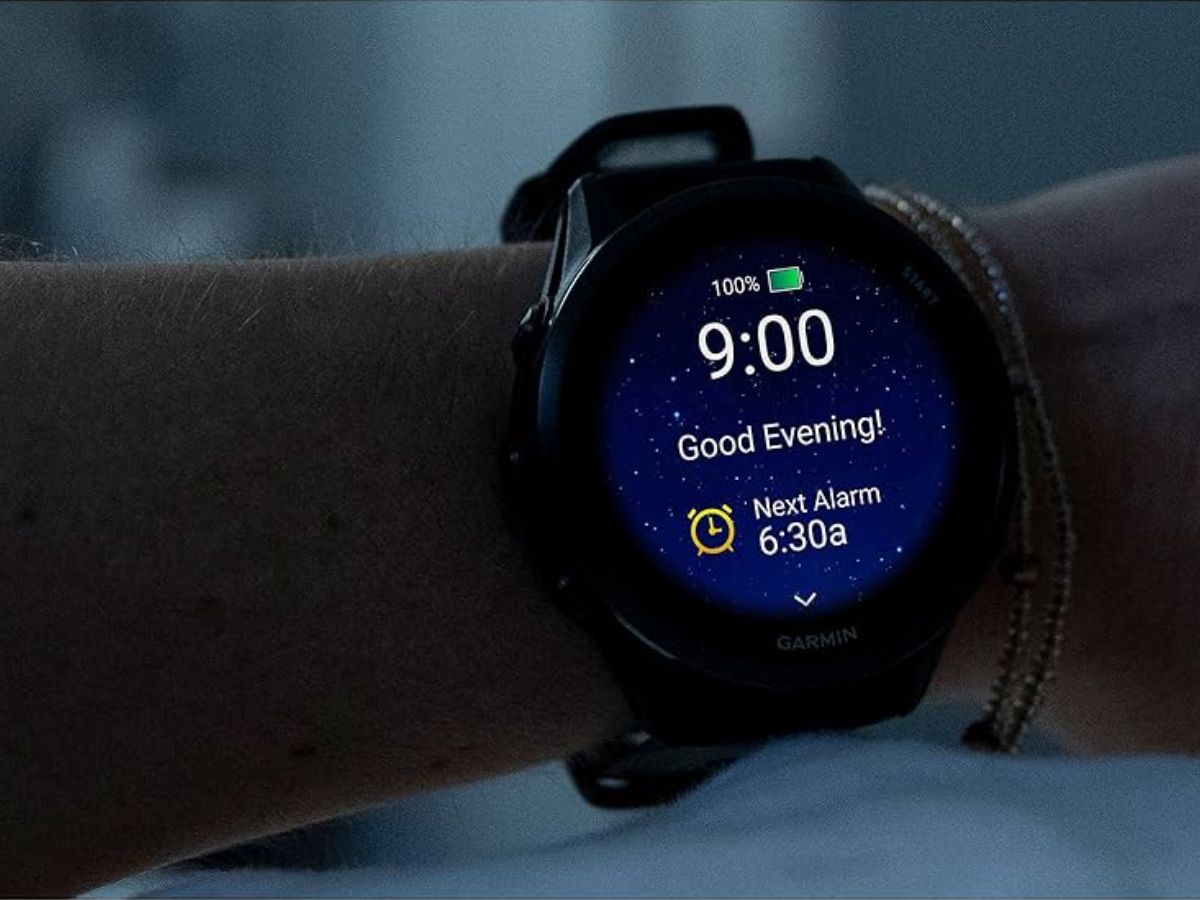
Garmin has quietly rolled out a small but welcome quality-of-life upgrade for runners and everyday users: a new Sleep Focus Mode shortcut for the Forerunner 570 and Forerunner 970.
The shortcut arrived with software version 16.28, which began rolling out in early February 2026. People started noticing the change after installing the update, and Garmin customer support has since confirmed that the feature is now available. For many owners, this update fixes a frustrating change introduced late last year.
Back in November 2025, Garmin removed the older Sleep Mode shortcut in a previous update (version 15.16). The decision triggered backlash because it made Sleep harder to access quickly. Garmin’s reasoning was that Sleep had been reorganized as a type of Focus Mode, meaning it could only be turned on or off through the Focus menu rather than with a fast button-based shortcut.
With version 16.28, Garmin is effectively bringing back that quick access—just under a new name and within the updated Focus system. After the update is installed, Forerunner 570 and Forerunner 970 users can add Sleep Focus as a shortcut and then activate or deactivate it with a single button press (or a chosen button combination), making it far more convenient to use at night.
To set it up, go to:
Main Menu > Watch Settings > System > Shortcuts > select button(s) > Sleep Focus
If you haven’t received the update yet, you can manually check for it on the watch by going to:
Main Menu > System > Software Update > Check For Updates
This change is a simple one, but it directly addresses a common complaint from Garmin smartwatch users who rely on fast controls—especially when winding down for bed or trying to avoid bright screens and extra menu digging at night.