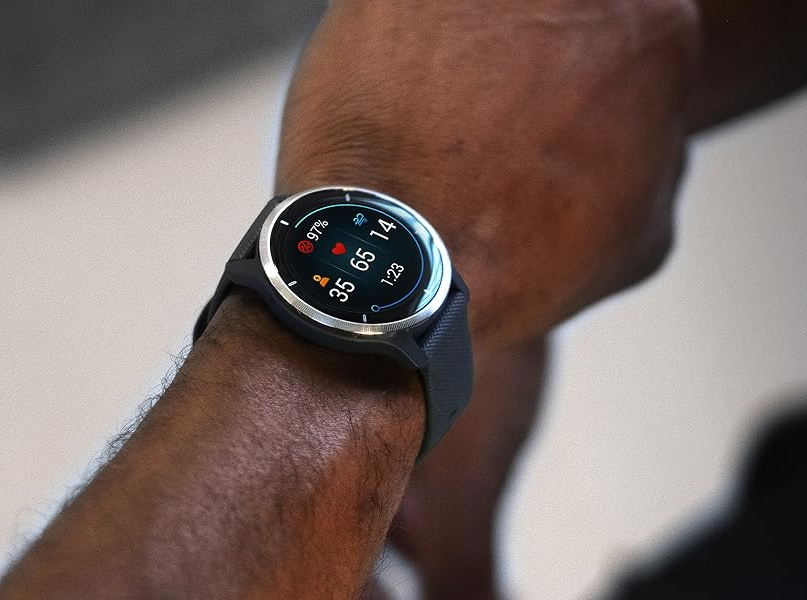
Garmin has recently initiated the release of a new software update for several of its well-received older smartwatch models. The update, known as Beta 18.05, is currently available to participants enrolled in Garmin’s Beta Program and is anticipated to introduce several new features and address multiple bugs that users have reported in the past. Despite these enhancements, there is speculation that issues related to battery drainage might persist even after applying this latest update.
This rollout comes following Garmin’s previous Beta 18.02 update, which was made available for the Venu 2, Venu 2S, and Venu 2 Plus models roughly a month ago. Garmin had communicated that this earlier update provided support for CIQ System 7 in addition to incorporating ‘various bug fixes and improvements’. At that time, the specifics of these improvements were not detailed by Garmin.
Fast forward to the present, Garmin has introduced Beta 18.05, which is being distributed through its Garmin Connect Mobile (GCM) service. As per Garmin’s announcement, this update has already been pushed to about 20% of Venu 2 series devices that are participating in the Beta Program. Users are able to manually activate the download of Beta 18.05 by navigating to the main menu then to Settings, followed by System, and finally, selecting Software Update.
What has caught the eye of many is that Garmin’s release notes for Beta 18.05 seem to be identical to those for Beta 18.02. This has raised questions as to whether the update will effectively address the battery life concerns that have been brought up by various users since Beta 18.02 was implemented. To glean more insights on this and to engage in community discussions, users are encouraged to visit Garmin’s forum post dedicated to this update.
For those interested in Garmin’s smartwatch offerings, models such as the Garmin Venu 2S are available for purchase on major retail platforms.
When it comes to integrating updates for your devices, it’s essential to regularly check for official releases like these and engage with community forums for firsthand user experiences. Although updates promise to fix existing problems and provide new functionalities, they can sometimes introduce unforeseen issues—so keeping a close eye on user feedback following such updates can be very valuable. If you find yourself experiencing technical difficulties after an update, reaching out to the device’s customer support or participating in community discussions can provide solutions and help gauge the update’s impact on the broader user base.