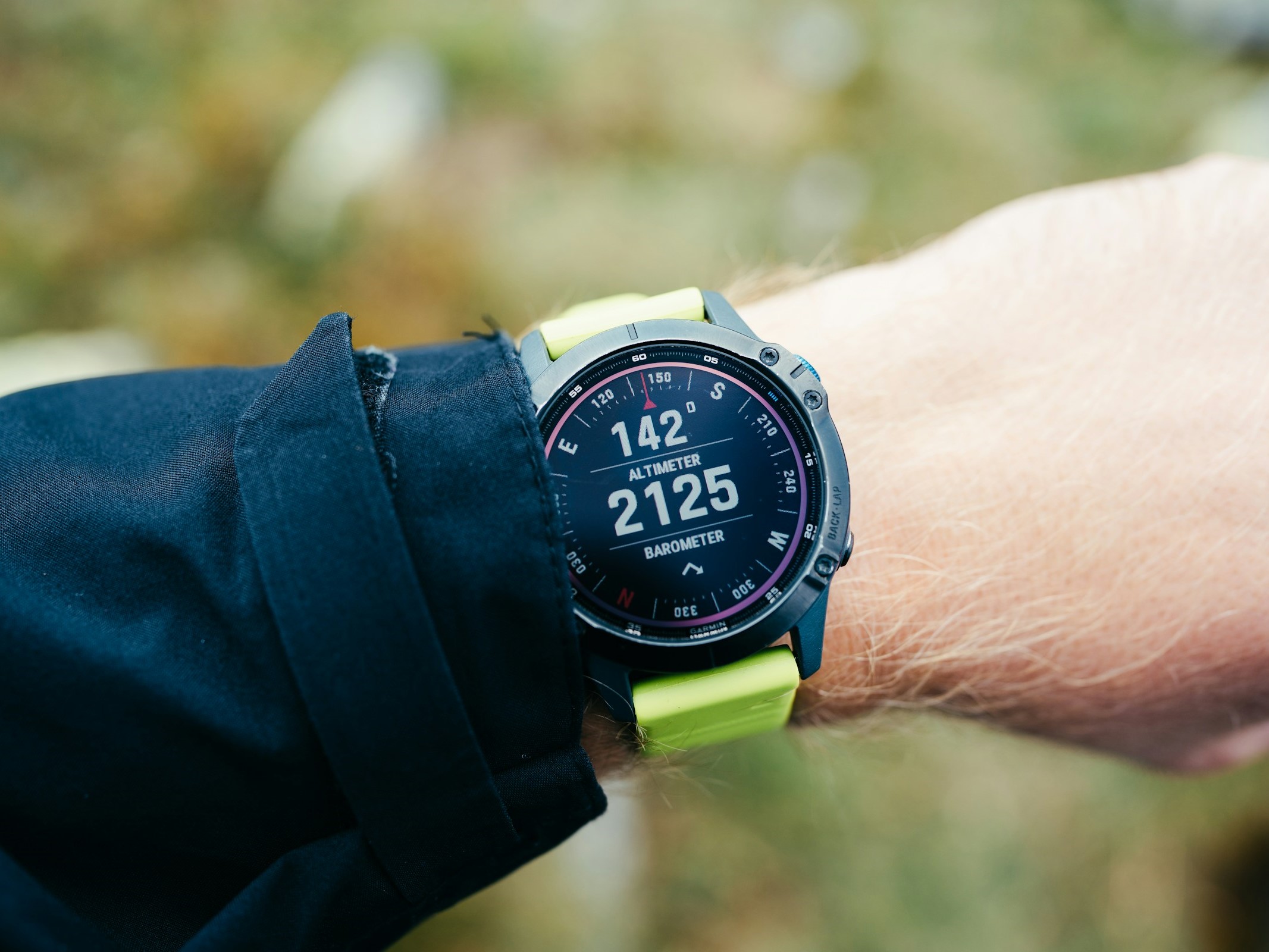
Take control of your Garmin smartwatch data with an open-source approach. Using Grafana, you can build private, highly customizable dashboards that visualize your health and fitness metrics without relying exclusively on the manufacturer’s tools. If you’ve ever wished Garmin Connect offered more flexibility, this route opens the door to deeper insights and tailored views.
What this open-source setup does
– Retrieves your data directly from Garmin’s servers at regular intervals, so there’s no need for manual syncs.
– Supports a wide range of metrics, including oxygen saturation (SpO2), steps, stress and recovery, and detailed workout information.
– Lets you design custom dashboards, overlay multiple metrics, calculate your own composite values, export data, and even set up alerts.
– Enables heatmaps for walking activity or sleep—perfect for spotting patterns over time.
– Can show data for two users side by side by adding a second database within the same InfluxDB instance.
Why it’s worth it
– Privacy and ownership: Visualize and analyze your information locally and on your terms.
– Flexibility: Build views that match your goals, whether that’s optimizing sleep, tracking recovery, or fine-tuning training loads.
– Insight: Combine metrics that aren’t typically shown together to reveal trends you’d otherwise miss.
What to expect during setup
– The solution is distributed as a Docker container. A helper script can streamline installation, but it requires Linux. Windows users can emulate a Linux environment to get started.
– You’ll use InfluxDB as the data store for your metrics. Advanced setups, like multi-user dashboards, require creating an additional database within the same instance.
– While not a one-click install, the payoff is a powerful, personal analytics platform tailored to your Garmin data.
Quick start checklist
– Linux system (or a Linux environment on Windows)
– Docker installed and running
– InfluxDB instance
– Garmin data connector configured for automated retrieval
– Grafana dashboards created or imported to suit your goals
Who this is for
– Runners, cyclists, and gym-goers who want more than standard app charts
– Quantified-self enthusiasts interested in custom metrics and trend analysis
– Tinkerers comfortable with Docker and basic server setups
Bottom line
If you’re ready to go beyond the default app experience, Grafana-powered dashboards turn your Garmin data into a private, customizable analytics hub. Expect a bit of setup work up front, but once it’s running, you’ll get richer insights, automated updates, and the freedom to visualize your health and fitness exactly the way you want.


