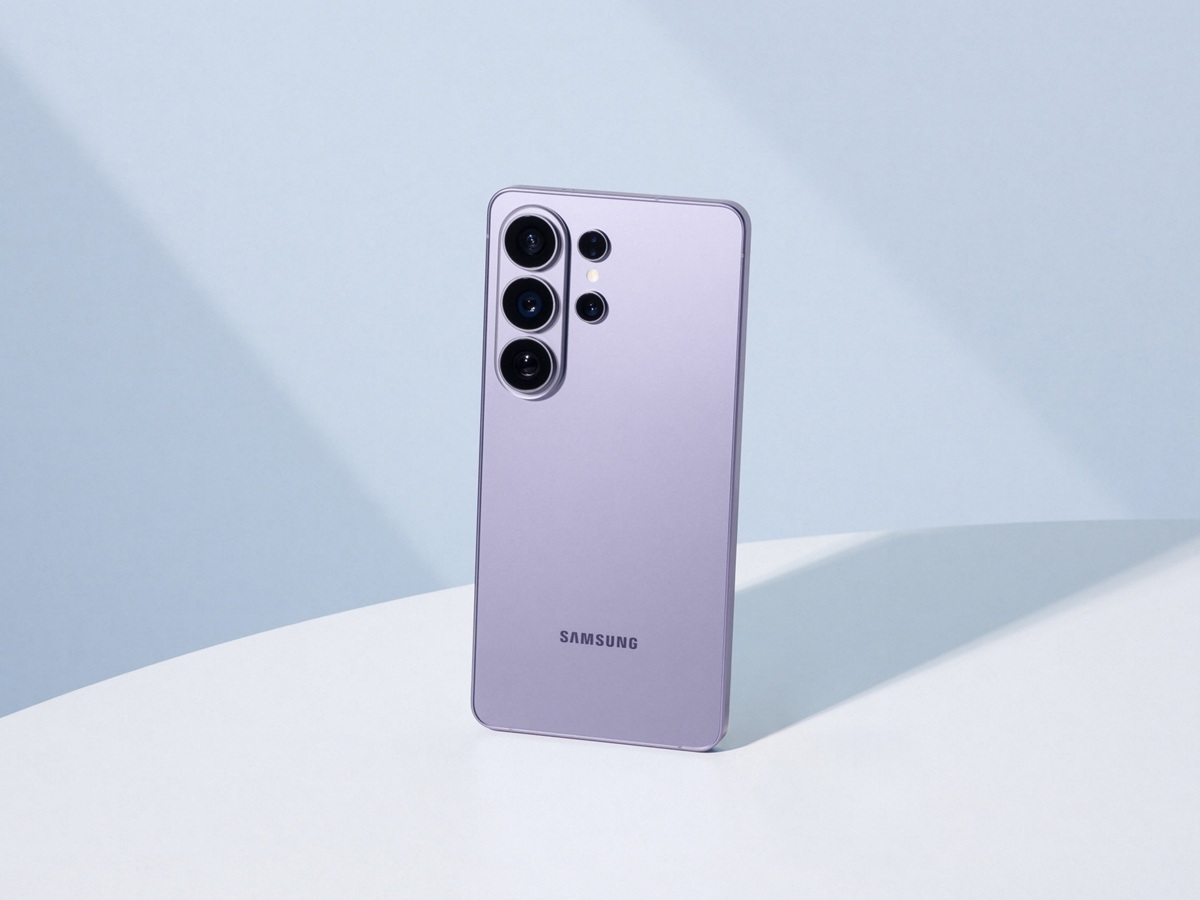
Samsung is shining a spotlight on a feature aimed squarely at serious mobile videographers: the Galaxy S26 Ultra’s support for Advanced Professional Video (APV). In a new official explainer published March 23, the company positions the Galaxy S26 Ultra as the first Galaxy device to offer APV, describing it as a pro-grade video codec created in collaboration with Qualcomm to better fit higher-end capture and editing workflows on a phone.
The big promise behind APV is better durability through post-production. Samsung argues that commonly used smartphone codecs can lean heavily on compression, and that repeated encoding during editing may soften fine detail over time. In its comparison, the company points to elements like textures, water droplets, and fast motion as areas where quality can break down. APV, by contrast, is intended to preserve more visual information from capture through export, making it more appealing to creators who color grade, reframe, or apply multiple edits before publishing.
Samsung also outlines performance targets that will catch the attention of anyone shopping for an 8K-capable camera phone. According to the company, APV on the Galaxy S26 Ultra can record up to 8K resolution at 30 frames per second. It also claims the codec can use around 10% less storage than comparable formats while maintaining the same objective visual quality—an important detail for long shooting days and large project files.
For users who want more control, Samsung’s implementation includes multiple APV profiles. Documentation indicates support for APV 422 HQ and APV 422 LQ, letting creators choose between maximum quality and smaller, easier-to-manage files. APV recording is available across a range of resolutions from HD up to 8K, with the exact options depending on frame rate settings.
Another creator-friendly detail is storage flexibility. Samsung says APV video can be recorded to internal storage or directly to external USB storage, which is especially useful for longer shoots and heavier editing workflows. One requirement to keep in mind: internal storage needs at least 10% free space to continue recording reliably, even if you’re working with external media.
Turning the feature on is straightforward. Samsung says you can enable it by going to Camera, then Settings, then Video Format, and selecting APV. From there, users can choose between APV HDR and APV Log, depending on whether they want a ready-to-share look or a flatter profile designed for color grading. You can also pick APV 422 HQ for higher-quality capture or APV 422 LQ to reduce file sizes.
APV was first introduced alongside the Galaxy S26 series launch in February, but the March 23 explainer makes the strategy clearer: Samsung is using software and workflow upgrades to appeal to creators who care less about flashy headline features and more about professional video results from a smartphone.
Separately, Samsung also announced on March 23 that it’s adding AirDrop support to Quick Share on the Galaxy S26, Galaxy S26+, and Galaxy S26 Ultra—another notable addition aimed at making sharing between devices faster and simpler for daily use and creative work alike.


