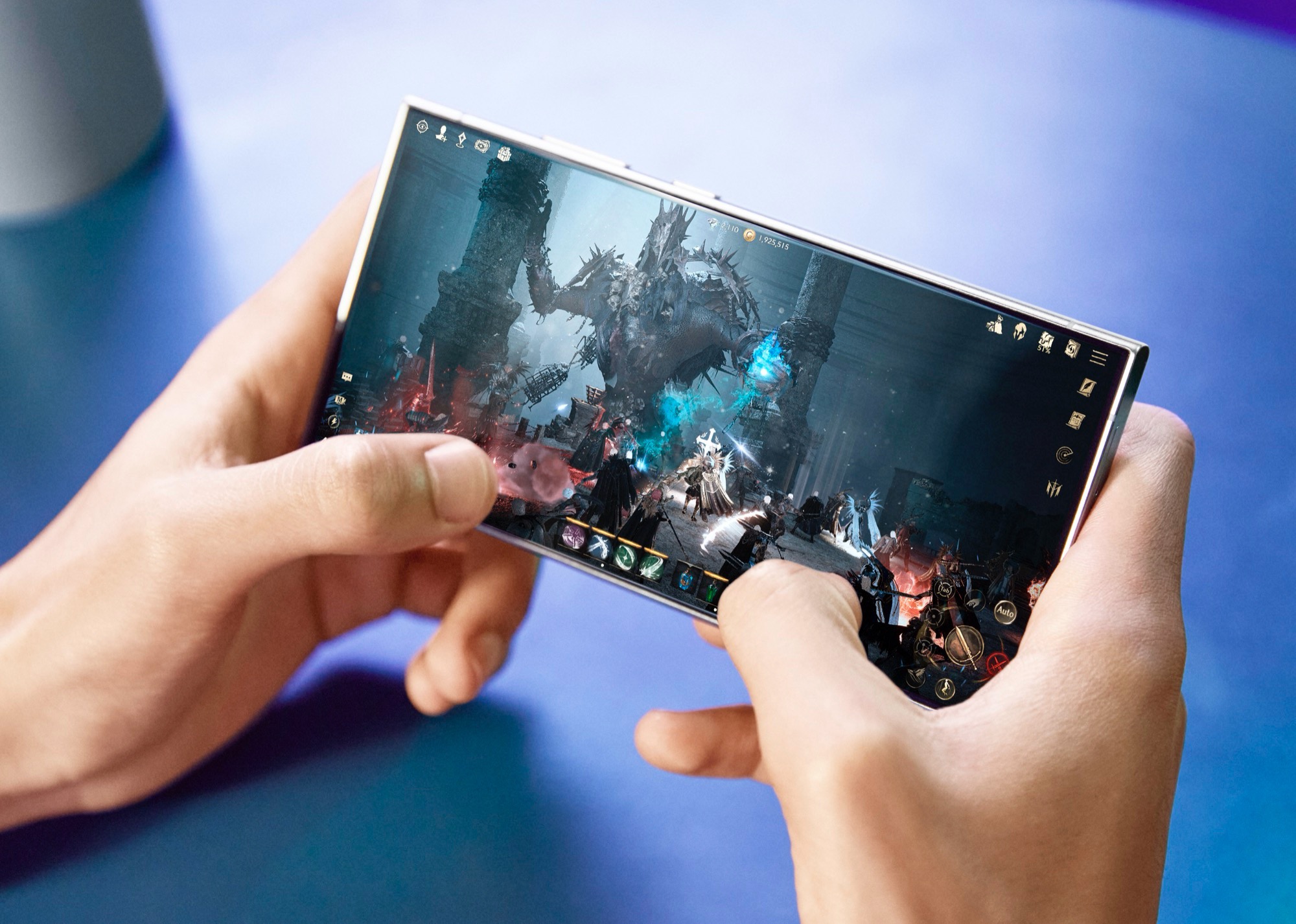
Samsung has taken steps to improve the longevity and user experience of its Galaxy smartphones with the One UI 6.1 update by reintroducing an essential feature, Pixel Shift. This function is designed to mitigate the risk of screen burn-in, particularly beneficial for the OLED displays used in these devices.
Screen burn-in occurs when prolonged display of static images causes permanent discoloration of the areas affected, resulting in ghost images or a noticeable persistence of these elements on the screen. This is especially common with high screen brightness levels and affects elements such as status bar icons. To combat this, the Pixel Shift technology slightly alters the position of these icons, moving them a few pixels at regular intervals to prevent any single pixel from displaying a static image for too long.
Earlier discussions hinted at the accidental deactivation of Pixel Shift in the status bar with the update to One UI 6.0. Samsung users paying close attention noticed that this feature had been disabled, prompting concerns over potential screen burn-in issues. However, with the forthcoming release of the Galaxy S24 and the latest updates observed in devices like the Galaxy S23 and the new Galaxy Z series, it has been confirmed that Pixel Shift has resumed its protective role after users upgrade to the latest One UI version.
The subtle nature of Pixel Shift’s operation means that it generally goes unnoticed by users during their everyday interactions with their phones. While Samsung has yet to officially comment on the temporary removal of this feature, the community has speculated that it might have been an oversight, especially since Pixel Shift remained active for other screen elements.
Burn-in protection is a critical aspect of modern smartphones, especially as display technology continues to evolve and the usage of devices expands to more continuous and diverse tasks. Pixel Shift joins a suite of features aimed at preventing damage to OLED panels, including dimming functions that activate when static content is displayed too long.
For Galaxy smartphone users, the reintroduction of Pixel Shift in the One UI 6.1 update should provide peace of mind, knowing that their device has an added layer of protection against screen burn-in. As users continue to enjoy their Galaxy smartphones for various activities ranging from productivity to gaming, they can do so with the confidence that their screen’s image quality is preserved.
Practical Advice for Galaxy Smartphone Users:
- Ensure your device is updated to the latest firmware, One UI 6.1, to benefit from improved burn-in protection.
- Maintain awareness of the brightness settings on your device, as lower brightness can mitigate burn-in risk.
- Make use of features like dark mode and screen savers, which can also help reduce the chances of burn-in.
- Stay informed about your device’s wellbeing and investigate any unusual persisting screen shadows with a service professional.
By incorporating these practices into your daily smartphone use, you can significantly extend the life and display quality of your Galaxy device. With Samsung’s commitment to innovation and user experience, features like Pixel Shift demonstrate their proactive approach in enhancing device longevity.


