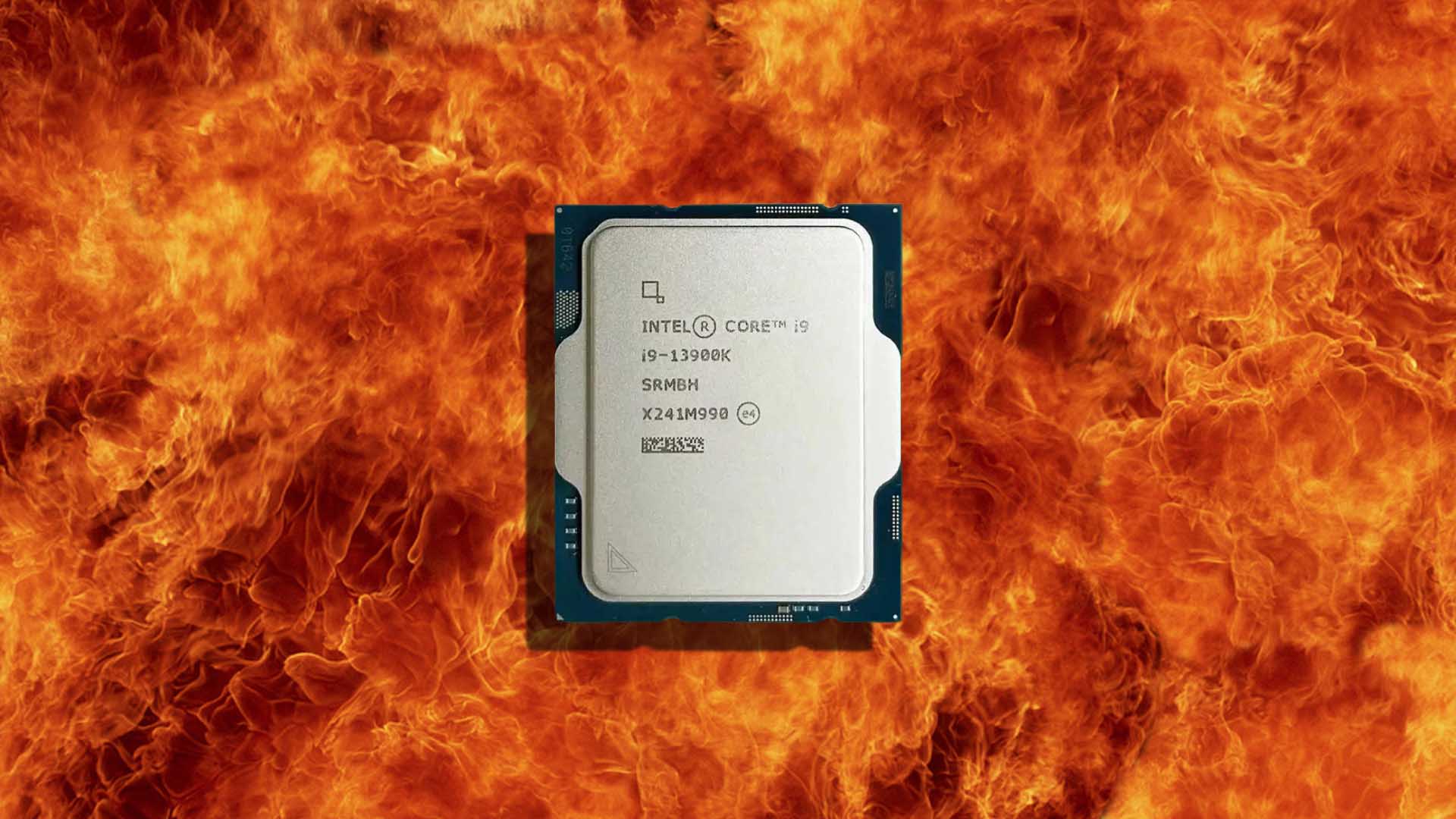
Intel Core i9-13900K Temperature Reading Hits 155°C, But It Was Probably a Software Error
Intel’s Core i9-13900K is well known for being a powerful desktop processor, but it also has a reputation for running hot and consuming a lot of power when pushed hard. Because of that, a temperature reading of 155°C would immediately raise alarm bells for any PC user. However, in this case, the situation was almost certainly not as dangerous as it looked.
A Reddit user shared an image showing an Intel Core i9-13900K apparently reaching 155°C while drawing only 93W of power. At first glance, that seems extreme, especially for a CPU running far below its higher power limits. But the most likely explanation is a simple monitoring software glitch: the program may have displayed 155°F instead of 155°C.
That difference matters a lot. A reading of 155°F converts to around 68.3°C, which is completely reasonable for a Core i9-13900K under a 93W load, assuming the system has a capable cooler installed. In other words, the processor probably was not overheating at all.
CPU monitoring tools can sometimes report incorrect temperatures, missing sensor data, or unusual spikes that do not reflect real hardware behavior. Programs such as MSI Afterburner and HWMonitor are useful, but they are not immune to bugs. Incorrect readings are more common than many users realize, especially when sensors are misread or software temporarily fails to interpret data correctly.
The Intel Core i9-13900K has a maximum temperature limit of 100°C. Once it approaches that point, the processor is designed to reduce performance through thermal throttling to protect itself. If temperatures were to continue rising abnormally, the system would typically shut down before reaching a catastrophic level. That makes a real 155°C reading highly unlikely under normal operating conditions.
Intel’s official specifications list the Core i9-13900K with a sustained 125W PL1 power level, provided the chip is cooled properly. Under more aggressive settings and without strict power limits, the processor can draw up to around 253W. At that level, strong cooling becomes essential, and many users rely on high-end air coolers or liquid cooling solutions to keep temperatures under control.
Still, a 93W load producing an actual 155°C temperature would be extremely unusual. If a CPU were genuinely running that hot, users would likely notice immediate instability, severe throttling, system shutdowns, or other obvious signs of a serious cooling problem.
If your monitoring software suddenly reports an unrealistic CPU temperature, do not panic right away. First, close and reopen the monitoring program. If the reading still looks strange, restart the PC and check the temperature again using another trusted monitoring tool. It is also worth checking the BIOS or UEFI hardware monitor, as motherboard-level readings can help confirm whether the temperature is real.
Users should also make sure their CPU cooler is mounted correctly, thermal paste is applied properly, fans are spinning, and airflow inside the case is not restricted. These steps are important if temperatures remain consistently high across multiple monitoring tools.
In this case, however, the Core i9-13900K was most likely running at a safe temperature, and the scary 155°C figure was probably just a Fahrenheit reading or a software reporting bug. Monitoring apps are helpful for keeping an eye on CPU and GPU health, but they are not perfect. Sometimes, the best fix is simply restarting the software and checking again before assuming the worst.