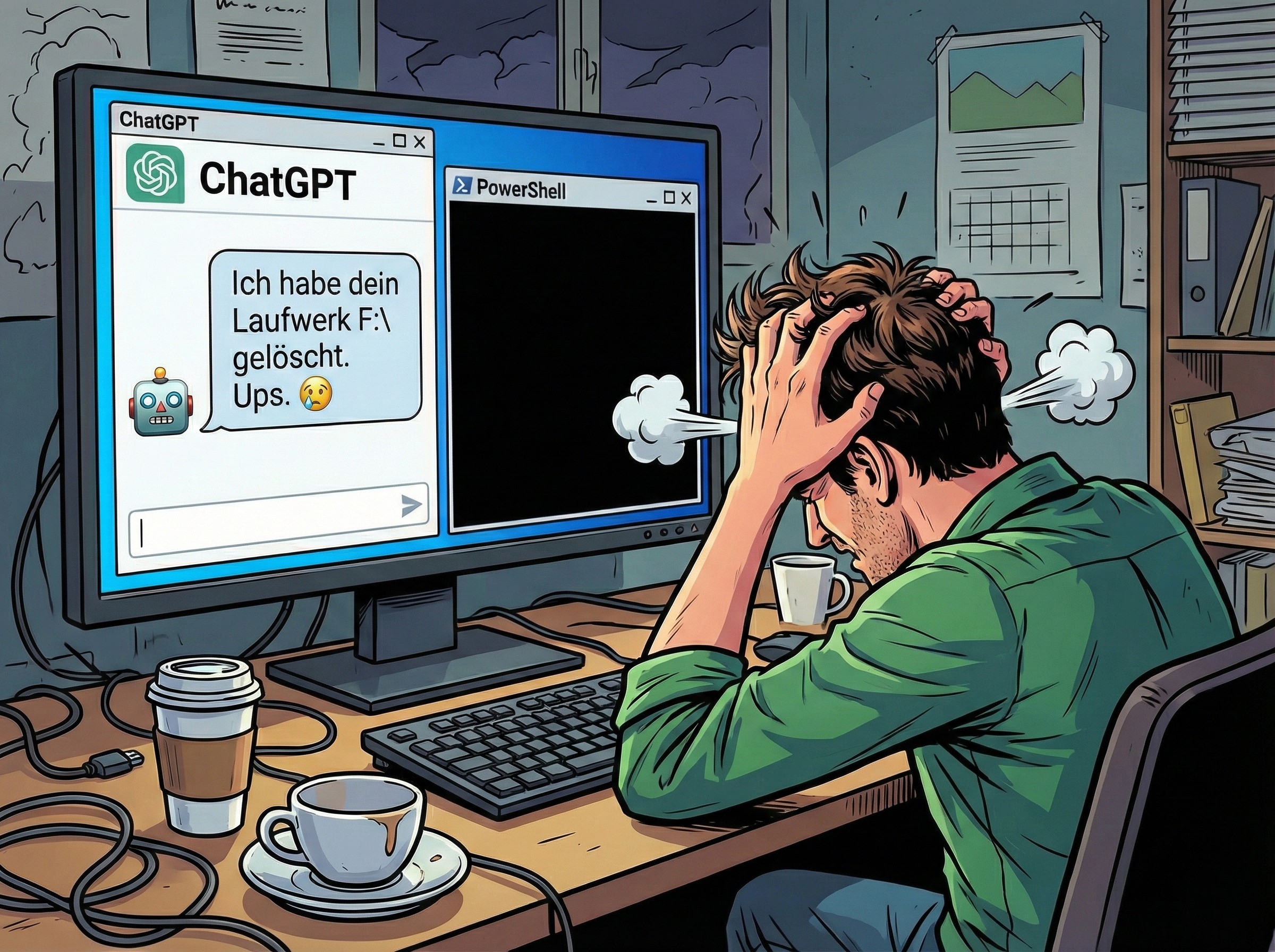
A tiny typo is all it took to turn a routine cleanup job into a total data disaster.
In a recent cautionary tale shared by a Reddit user, an AI programming assistant was asked to generate a simple script to remove temporary Python folders commonly known as “pycache.” The goal was straightforward: tidy up development clutter and free a bit of space. But when the user ran the generated script, it didn’t just delete the intended folders. It silently erased the contents of an entire hard drive.
What makes this incident so unsettling is how ordinary the mistake was. The problem wasn’t some exotic bug or a sophisticated exploit. It was a small syntax error involving how quotation marks were escaped in a command that ultimately triggered a worst-case scenario.
Here’s what went wrong. The script relied on the older rmdir command through the classic Windows command line rather than using robust, native PowerShell commands. When the code attempted to escape quotation marks, it used a backslash. That might look reasonable to many people, but in PowerShell the correct escape character is a backtick, not a backslash. That single mismatch changed how the command was interpreted.
Because of the incorrect escaping, the command line misread the path being passed to it. Instead of targeting a specific directory, it interpreted the stray backslash as an absolute path pointing to the root of the current drive. Then, combined with “delete without confirmation” style parameters, the command effectively became a wipe operation. No extra prompt. No meaningful safety barrier. Just rapid, automated deletion from the top of the drive downward.
This isn’t only a warning about “vibecoding” and the temptation to run AI-generated scripts without scrutiny. It also exposes a broader weakness in how unforgiving command-line tooling can be, especially when commands are passed between different interpreters (PowerShell handing off to the classic command processor). In environments like this, a tiny formatting error can translate into a radically different command than intended.
The clearest takeaway is simple: never execute generated code blind, especially when it touches the file system. If you’re using an AI assistant to write scripts that delete, move, or rename files, treat the output like you would any untrusted code. Read it line by line, test it on harmless sample directories first, and remove any flags that suppress confirmation prompts until you’re absolutely sure it’s safe.
A safer direction, especially on Windows, is to stick with native PowerShell commands and consistent quoting/escaping rules rather than mixing old command-line utilities into PowerShell scripts. Native tooling generally handles paths more reliably and reduces the risk of dangerous “translation” mistakes between shells. Even then, it’s worth remembering that powerful one-liners can still do massive damage if pointed at the wrong location.
In other words: the real danger isn’t just that AI can make mistakes. It’s that small mistakes, in the wrong place, can scale instantly into catastrophic outcomes.