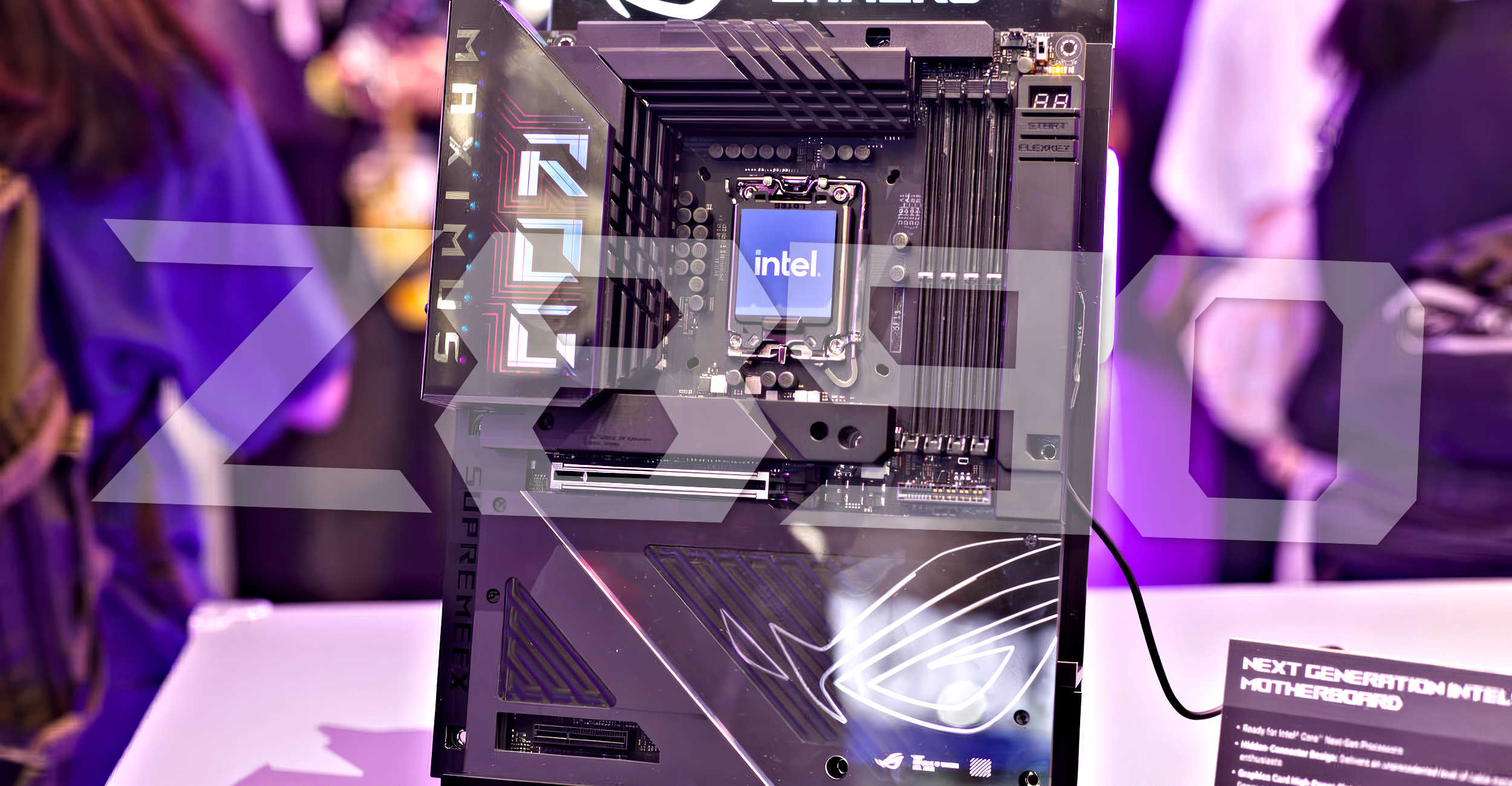
Intel’s latest Z890 motherboards are making headlines, and not for the reasons you’d hope. ASUS has sent out an alert to users, mentioning potential issues when upgrading to Windows 11 version 24H2. If you’ve just got your hands on the new Intel Z890 motherboard, here’s what you need to know to ensure a smooth operating system update.
The concern arises from possible crashes or unexpected reboots, especially for those using the Core Ultra 200S processors equipped with integrated Xe-LPG graphics. The root of the problem seems to be a conflict arising between the discrete GPU and the integrated GPU during the update to the latest Windows version.
Thankfully, there’s a straightforward solution on the horizon. Users can either disable the integrated graphics before proceeding with the OS update or, even better, update the BIOS to accommodate the new software environment. However, if you’re not familiar with how to tweak BIOS settings or are hesitant about firmware updates, this might seem a bit daunting.
ASUS has communicated this potential hiccup proactively, as illustrated by a Spanish media source, El Chapuzas Informático. This suggests that retail versions of the motherboard, not just review samples, might experience the same issue. This isn’t just limited to ASUS, either. Other motherboard giants like Gigabyte, MSI, and ASRock are also in the mix, indicating this could be a widespread issue.
While ASUS seems to be ahead in notifying users, it’s curious whether other manufacturers will follow suit by providing warnings or guidance on the matter. For those planning to update Windows, a BIOS update should be at the top of your checklist to pre-empt any disruption.
In essence, if you’re gearing up for the Windows 11 update with a Z890 motherboard, make sure to keep your firmware updated. This foresight could save you plenty of time and trouble, ensuring your system performs as expected without any unexpected glitches.