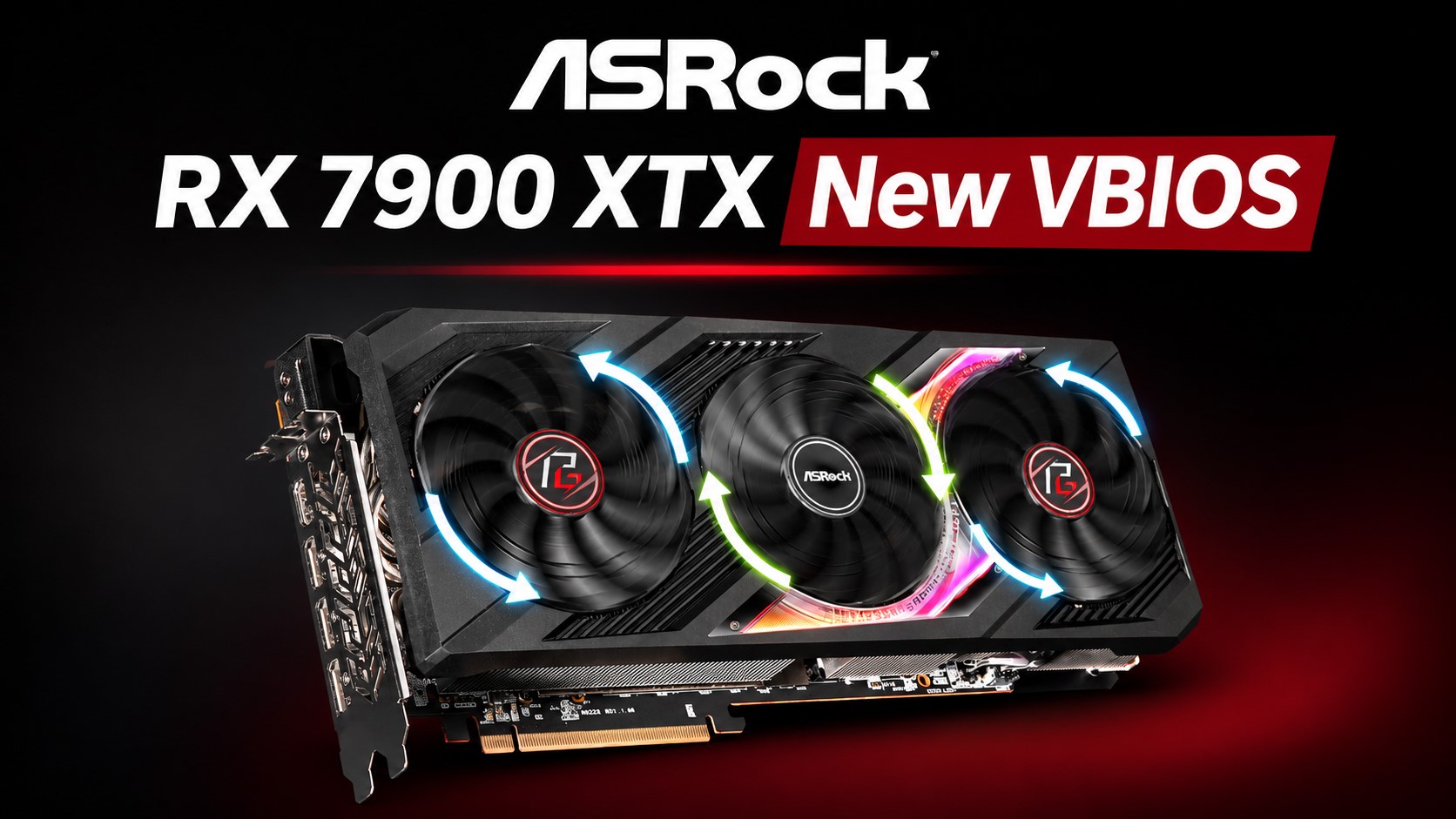
ASRock has released a new VBIOS update for select Radeon RX 7900 XT and Radeon RX 7900 XTX graphics cards after users reported serious problems with a previous firmware release.
The new firmware package, ASRVBFlash 1.0.6, appears to replace the earlier 1.0.5 update that was reportedly linked to failed boots and graphics cards becoming unusable after flashing. According to user reports, some systems would no longer POST after the firmware update was applied with affected ASRock Radeon RX 7900 XT and RX 7900 XTX GPUs installed. In several cases, the same PCs were able to boot normally once the graphics card was removed, suggesting the issue was tied directly to the GPU firmware process.
The problem appears to have mainly affected ASRock’s Radeon RX 7900 XT and RX 7900 XTX models, including cards from the Phantom Gaming and Taichi lineups. The earlier firmware was part of a broader VBIOS rollout for Radeon RX 7000 series graphics cards and was released near the end of October. It was later removed after reports of bricked GPUs began circulating among users.
ASRock’s latest replacement firmware, version 1.0.6, is dated November 6 and is now available through the company’s support page for supported Radeon RX 7900 XTX graphics cards. However, the company has not publicly explained what went wrong with the previous firmware or confirmed whether version 1.0.6 directly fixes the issue that caused some GPUs to stop booting.
Because VBIOS flashing always carries some risk, Radeon RX 7900 XT and RX 7900 XTX owners should be cautious before installing the new update unless they have a specific need to do so. If a graphics card is working normally, it may be safer to wait for ASRock to provide a clear statement about the failed firmware release and confirm whether the new VBIOS fully resolves the problem.
For now, the safest approach is to avoid unnecessary GPU firmware updates, carefully check the exact model number before downloading any VBIOS package, and follow ASRock’s official flashing instructions if an update is required. Users who already experienced a failed update may need to contact ASRock support for guidance, especially if the card no longer allows the system to boot.