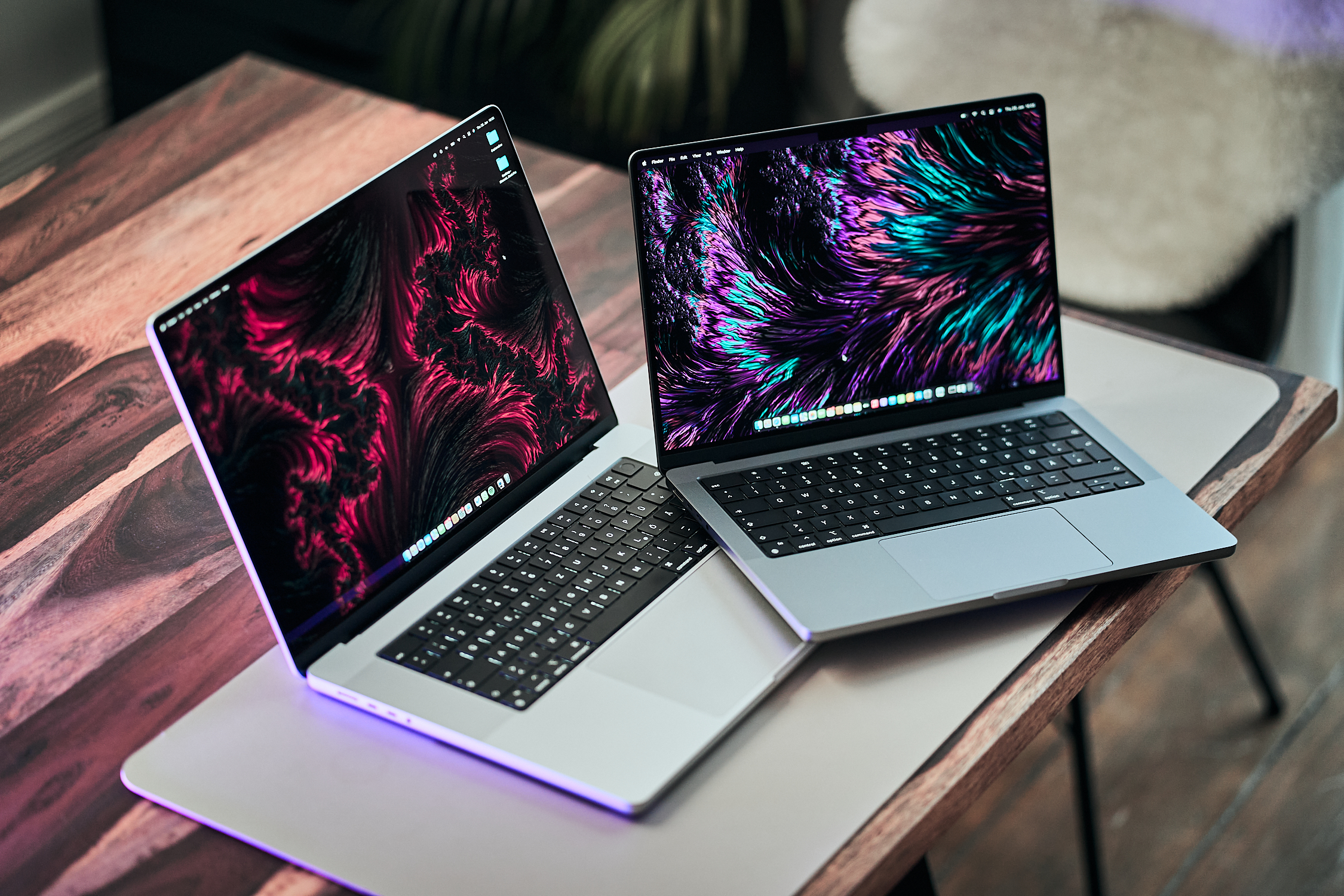
Early benchmark results suggest Apple’s M5 Max chip reaches a noticeably higher level of performance in the MacBook Pro 16 than it does in the MacBook Pro 14, and it even pulls ahead of last generation’s MacBook Pro 16 with the M4 Max. If you’re deciding between the two sizes or upgrading from an older “Max” model, these first numbers hint that the larger chassis isn’t just about screen real estate—it may be the better platform for the M5 Max to stretch its legs.
In the Cinebench 2024 multi-core test, the MacBook Pro 16 equipped with the M5 Max posts an 18% advantage compared to the M5 Max in the MacBook Pro 14. It also outperforms the previous MacBook Pro 16 with the M4 Max. What stands out is that the MacBook Pro 16 achieves this in Automatic mode, a setting that’s described as much quieter. That’s important for anyone who wants strong multi-core CPU performance without having the laptop sound like it’s constantly working overtime.
Interestingly, switching to High Performance mode doesn’t boost performance in a single benchmark run. However, it’s still worth examining whether High Performance mode changes sustained results over longer workloads—something that often matters more for real-world pro tasks like long renders, code compilation, or heavy multi-app workflows.
Power behavior also shows a clear gap between the models. During one benchmark run, the CPU cores consumed 78/65 watts, which is said to be significantly higher than the MacBook Pro 14. That higher power draw can be a clue to why the 16-inch model is pulling ahead: it may be allowing the chip to run harder thanks to a larger thermal envelope.
Graphics performance follows the same trend. In 3DMark Steel Nomad, the M5 Max inside the MacBook Pro 16 delivers a 12% advantage over the M5 Max in the MacBook Pro 14, and a 21% lead over the older M4 Max in the previous MacBook Pro 16. For creators and power users, that could translate into faster GPU-accelerated tasks, smoother high-end workflows, and better performance in demanding 3D and compute scenarios.
Stability under sustained loads may be the biggest takeaway so far. These initial results indicate the MacBook Pro 16 maintains completely stable GPU performance during extended workloads. That’s a notable contrast to the smaller model, which reportedly showed drops over time: -7.4% in High Performance mode and -25% in Automatic mode. In practical terms, sustained stability is what you want if you’re running long exports, extended 3D renders, or continuous GPU-heavy processing—situations where consistent performance matters more than a brief peak.
More testing is planned, but the early evidence points to a straightforward conclusion: Apple’s M5 Max appears to be a significantly better match for the MacBook Pro 16. Compared to the MacBook Pro 14, the difference isn’t minor—it’s substantial enough to matter for buyers who want maximum CPU and GPU performance, especially when workloads don’t stop after a single quick benchmark run.