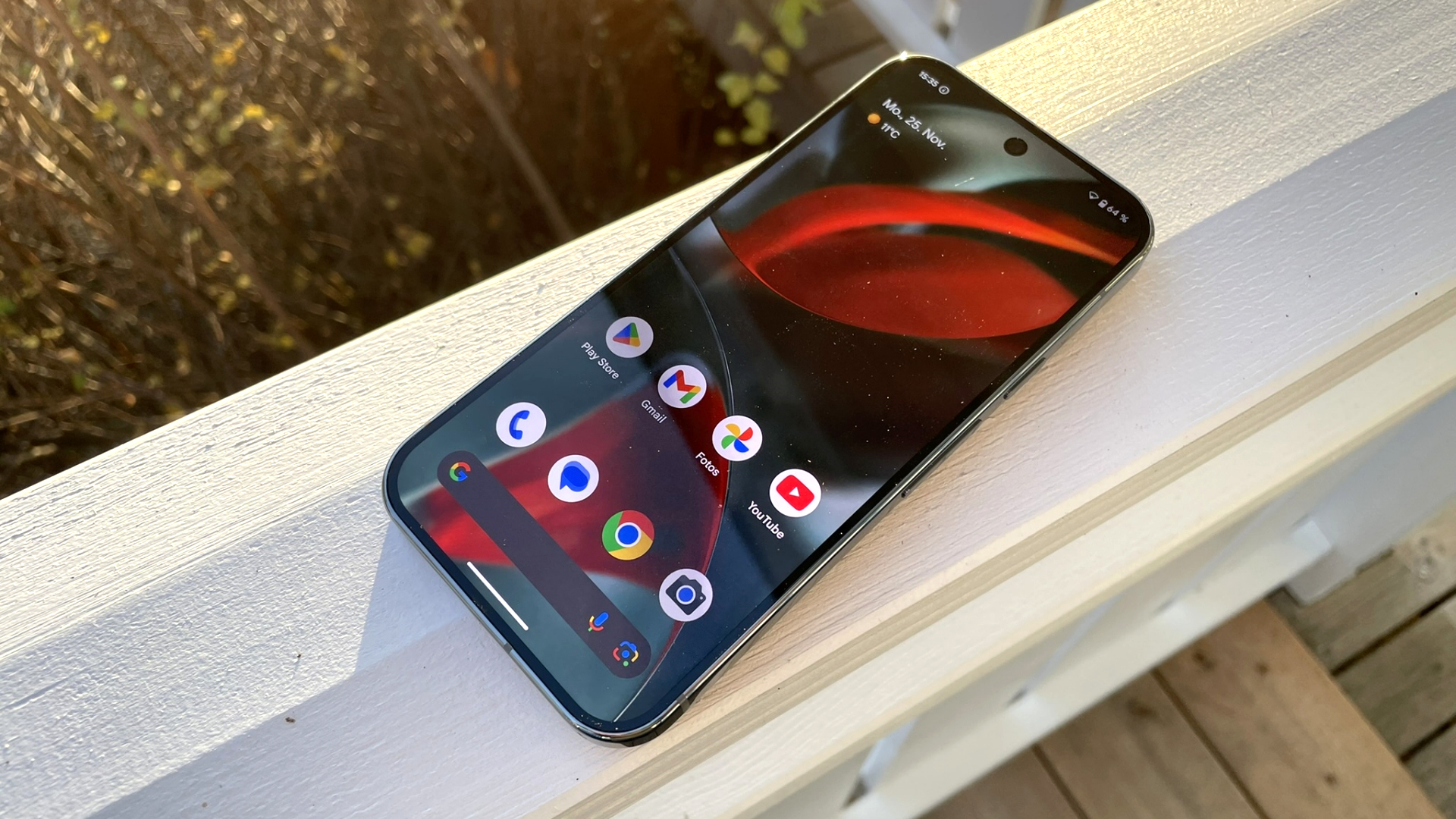
Google has opened the beta program for Android 16 QPR3 Beta 1, the third and final quarterly platform release in the Android 16 update cycle. If you’re using a Pixel 6 or newer device, you can install the beta now to preview what’s coming before the stable rollout, which is expected in March 2026.
This beta arrives shortly after the Android 16 QPR2 stable update that recently landed as part of the December Pixel Drop. With QPR3, Google is continuing its steady pace of Pixel improvements, combining performance updates with practical, everyday usability tweaks.
What’s new in Android 16 QPR3 Beta 1
Android 16 QPR3 Beta 1 introduces several quality-of-life upgrades aimed at making Pixel phones feel smoother and more customizable.
One of the biggest changes is a long-awaited driver update for the Pixel 10’s PowerVR GPU. The driver is updated from version 1.602.400 to 1.634.2906, a move expected to help address performance complaints reported by some players in demanding games such as Genshin Impact.
Google is also refining the interface with a collection of smaller but noticeable improvements. You’ll find updated folder open and close animations, adjustments to the Quick Settings “Edit tiles” screen, and a new Samsung-style three-button navigation layout for users who prefer classic navigation controls over gestures.
Other additions focus on control and personalization. The flashlight now supports adjustable brightness, the At a Glance widget can be removed from the home screen, and the Always On Display behavior has received additional refinements to improve the overall experience.
Eligible Pixel devices for Android 16 QPR3 Beta 1
Google is offering the beta to a wide range of devices, including:
The simplest way to get Android 16 QPR3 Beta 1 is to enroll your device in Google’s Android Beta program. After you join, the update should arrive as an over-the-air (OTA) download.
For advanced users, manual installation is also possible using Google’s flashable OTA images. Keep in mind that installing the beta comes with an important trade-off: once you’re on Android 16 QPR3 Beta 1, returning to the stable channel typically requires a factory reset. If your Pixel is your daily device, it’s worth backing up first and weighing whether early access is worth the potential beta bugs.