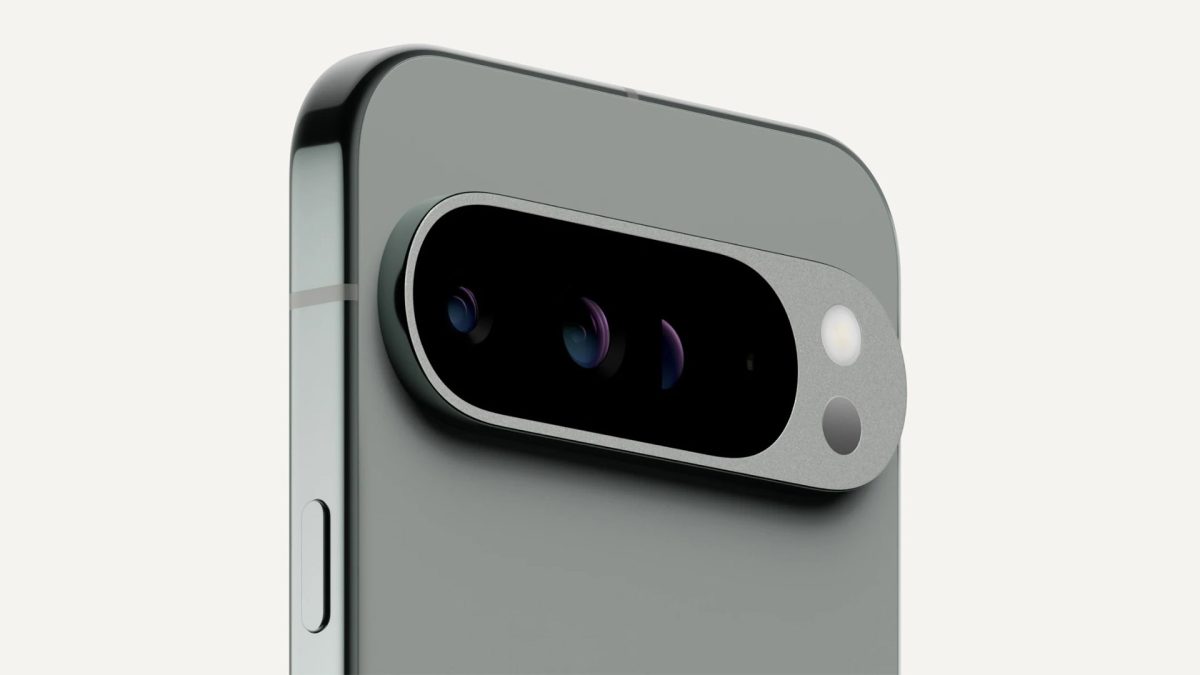
Google has unveiled the much-anticipated Android 15 update for all Pixel phones and tablets, and you can dive into the latest features right now by updating through the Settings app. After extensive testing through six major previews and beta versions, this significant update promises to enhance your Android experience.
For those with a Pixel device, the process to update to Android 15 is smooth and easy. Some standout features include Private Space for added security, Theft Detection, Offline Devices management, and Remote Lock. These enhancements are set to redefine how users interact with their devices.
To embrace these innovations, here’s a quick guide to installing the update:
1. Open the Settings app on your Pixel device.
2. Navigate to System.
3. Scroll down to Software Updates.
4. Tap on System Update and follow the on-screen installation instructions.
Different devices will have varied update sizes; for instance, the Pixel 8 update is approximately 1.5GB. Android 15 promises to reinvigorate your Pixel phone’s interface, especially with newer models like the Google Pixel 9, which also receive exclusive artificial intelligence features announced earlier this year.
Additionally, Android 15 introduces several visual enhancements, including a revamped Volume adjustment interface and the ability to display longer app names. With new widgets and customization tools, users have more control over their interface aesthetics, rivaling competitors like iOS 18. The update also offers substantial improvements for foldables and tablets.
Stay tuned as we continue to explore Android 15’s features in-depth and provide detailed guides.


