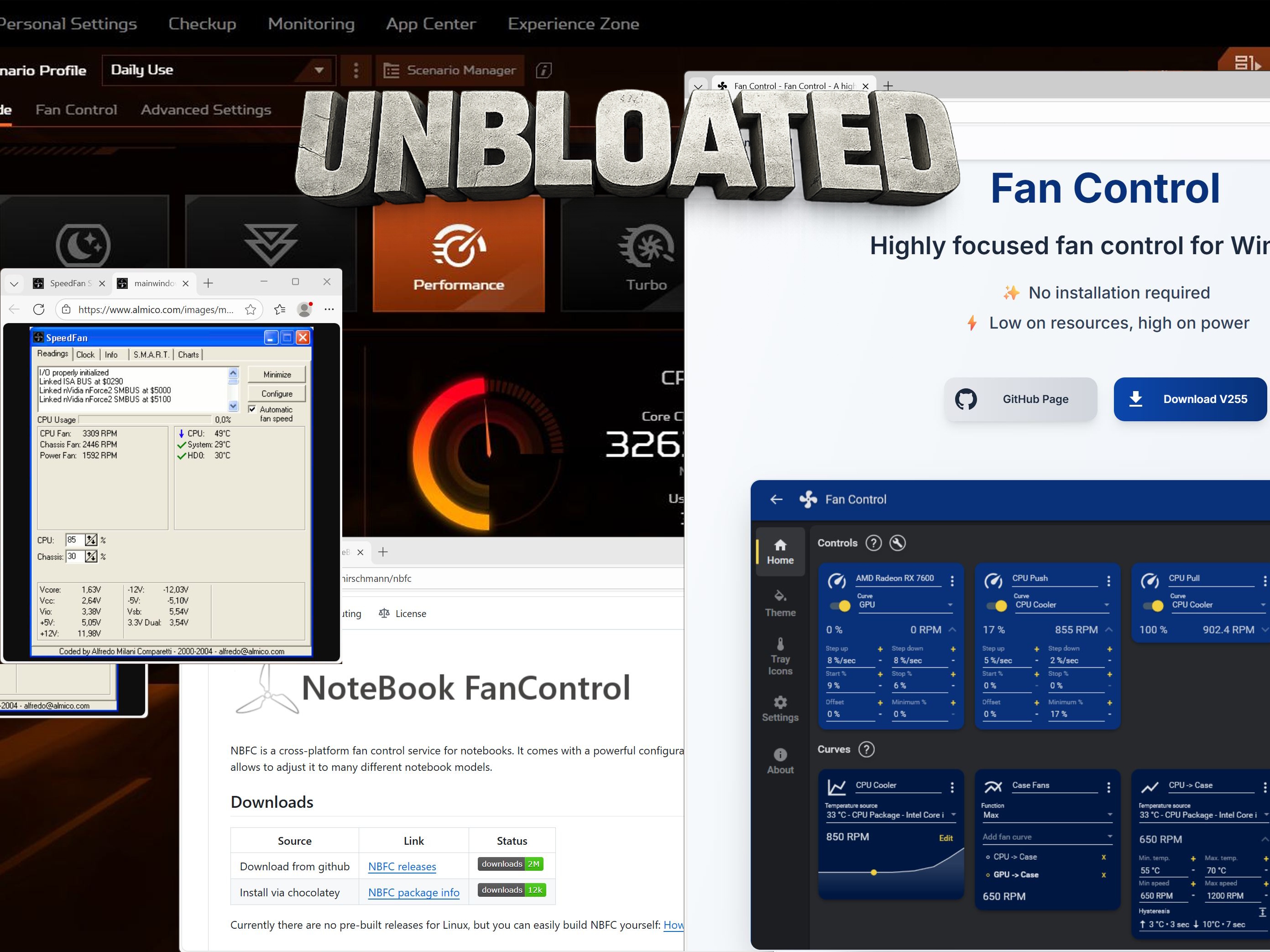
If you’ve tried to tame loud fans on a modern Acer laptop, you’ve probably discovered an annoying truth: most “universal” fan control apps aren’t truly plug-and-play anymore. Tools that once worked across a wide range of Windows laptops often stumble on newer Acer models, mainly because today’s hardware and embedded controller (EC) protections make direct fan access far more difficult than it used to be.
One of the most commonly recommended options is NotebookFanControl (NBFC). It’s popular for a reason: when it works, it can give you cleaner, lighter fan management without relying on bulky vendor utilities. The catch is that NBFC doesn’t work out of the box. To do anything meaningful, it needs a configuration file—essentially a profile designed for your exact laptop model. These config files are usually made by the community, and that’s where many Acer owners hit a wall.
Most NBFC profiles floating around are made for older laptops. If you’re using a newer Acer machine, finding a ready-made configuration file is often a dead end. Profiles for recent models are rare, and “close enough” configs can be unreliable because fan behavior and sensor mappings can vary between hardware revisions, even within the same product line.
So why not just create your own configuration file and be done with it? In theory, NBFC supports that. In practice, it’s a complicated process even when you follow the GitHub wiki documentation carefully. Building a working config requires reading specific hardware registers to understand how your laptop reports temperatures and controls fan speeds. On many modern Acer laptops, that’s where things get dramatically harder—or in some cases practically impossible—because of Acer’s EC restrictions. Those restrictions can block or limit the kind of low-level access that tools like NBFC depend on.
Another classic name in PC fan control is SpeedFan. For years, it was the go-to “universal” utility for tweaking fan curves and monitoring sensors. But modern Acer laptops present the same challenge here as well. The software can run, but when it comes to actually controlling fans on newer hardware, the same embedded controller limitations tend to get in the way. In other words, even widely known fan control tools often can’t bypass the roadblocks present on current Acer systems.
For Acer users searching for unbloated alternatives to default fan utilities, the takeaway is simple: lightweight third-party fan control is still possible in some cases, but compatibility hinges on whether your specific model has a working configuration profile—and whether the laptop’s EC allows the required access. That’s why so many Acer owners end up frustrated: the tools exist, but modern device restrictions and a lack of up-to-date community profiles make “easy fan control” far less common than it sounds.