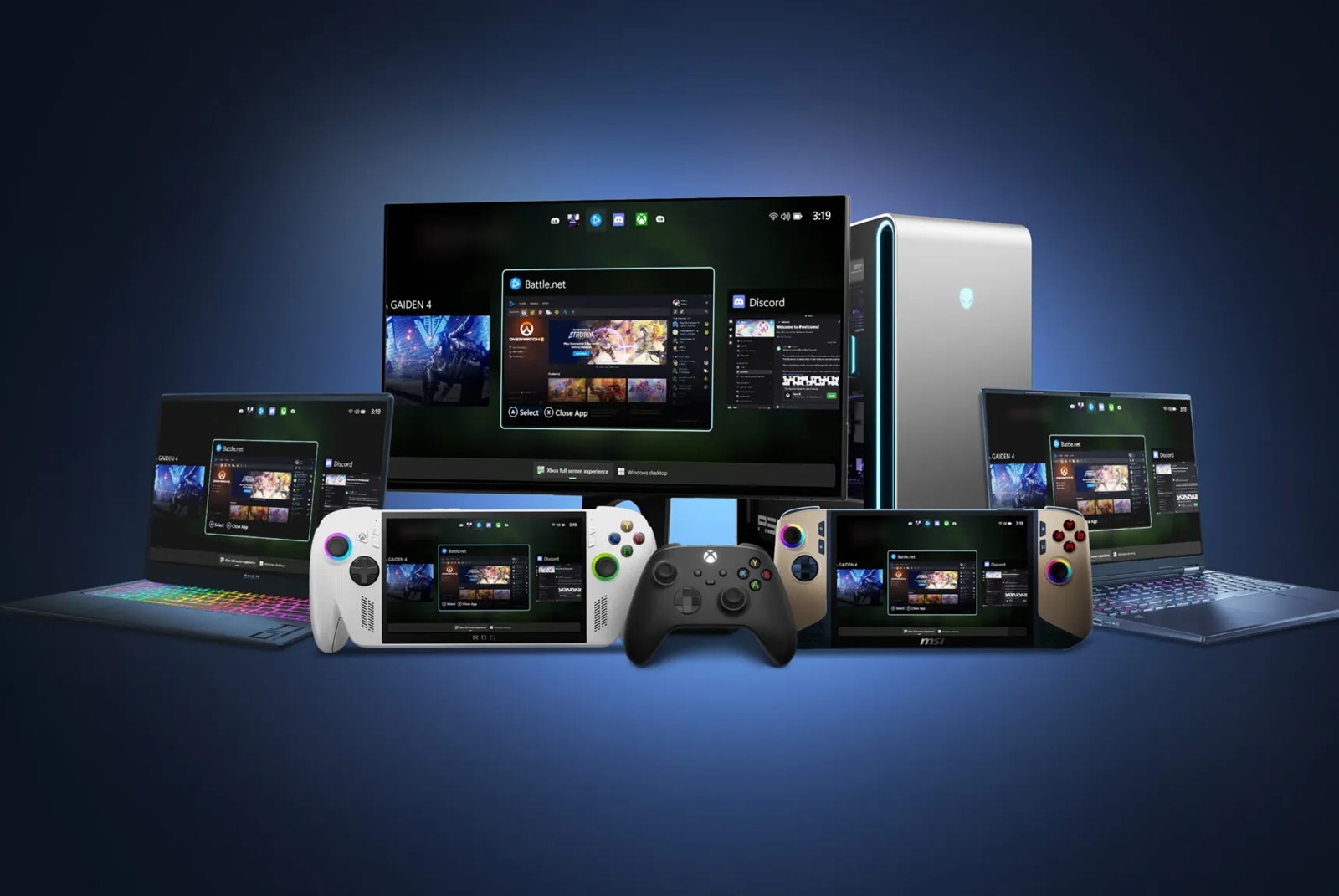
Windows 11 is getting a true couch‑gaming makeover. Microsoft is rolling out the Xbox Full Screen Experience to more PCs, bringing a clean, console-style interface that’s built for controllers. Originally limited to handheld gaming devices like the ROG Ally and Ally X, this streamlined UI is now arriving on regular laptops, desktops, and tablets.
The feature is currently making its way through Windows Insider Preview builds on the Dev and Beta channels, with a gradual rollout, so it may not appear for everyone right away. When it lands on your device, you’ll need the Xbox app installed to use it.
How to launch the Xbox Full Screen Experience:
– Hover over Task View on the taskbar and select Xbox full screen experience
– Open it from Game Bar settings
– Use the Win + F11 keyboard shortcut
Why it matters: this interface gives Windows 11 a console-like feel that’s ideal for controller-first play, especially when your PC is connected to a TV. It cuts down on desktop clutter and makes jumping into games faster and more intuitive from the couch.
Microsoft is also pushing the same experience to all Windows-based handhelds to keep the look and feel consistent across devices. If you’ve been craving a more unified, console-grade interface on Windows 11, this update brings the best of Xbox-style navigation to your gaming PC setup.