Valve’s newly introduced low-VRAM optimization is starting to show real promise for gamers using graphics cards with limited video memory, especially on Linux. The tweak, created by Valve Linux developer Natalie Vock, has now been tested in the wild, giving early insight into where it helps most and where it doesn’t move the needle.
In the latest hands-on test, YouTuber NJ Tech enabled the feature in CachyOS using the “Install GPU Boosters” option, then benchmarked several demanding games on a budget 4GB graphics card: the AMD Radeon RX 6500 XT. While this RDNA 2 entry-level GPU was originally aimed at 1080p gaming, modern titles can easily overwhelm 4GB of VRAM, leading to stutters, low frame rates, and inconsistent performance even when settings are lowered.
The rest of the test system was also fairly standard for midrange gaming: 16GB of DDR4 memory and a Ryzen 5 5600X using its stock cooler. That makes the results especially relevant for a lot of real-world PC builds still in use today.
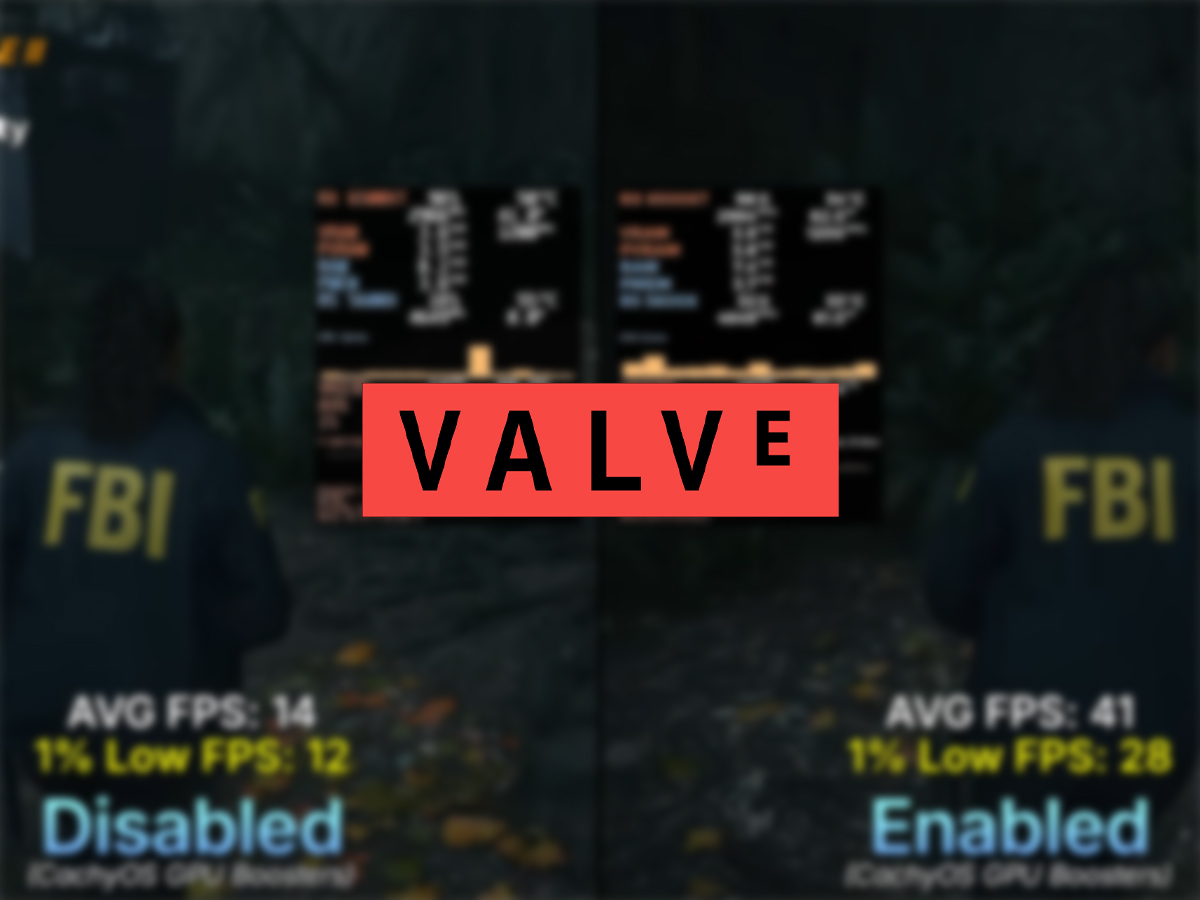
Alan Wake II delivered the standout win. Running at 1080p on Low settings with FSR 2 set to Quality, enabling Valve’s VRAM optimization pushed the average frame rate from 14 FPS to 41 FPS. That’s a massive 192% increase in average performance. The 1% low frame rate, which is critical for smoothness and avoiding hitching, also improved significantly from 12 FPS to 28 FPS. For a game as heavy as Alan Wake II, that kind of gain can be the difference between “unplayable” and “actually workable” on a 4GB card.
Resident Evil Requiem also showed meaningful improvements. Tested at 1080p with the lowest visual settings and upscaling pushed to the maximum, the average FPS rose from 67 to 78, a 16% bump. Even more importantly, the 1% lows jumped from 36 FPS to 56 FPS, suggesting smoother gameplay with fewer severe dips during demanding scenes.
Silent Hill F saw only a modest increase, but it was still measurable. At 1080p with Low settings and Temporal Anti-Aliasing enabled, the average frame rate went from 47 FPS to 50 FPS, while the 1% low improved by just 1 FPS. That indicates the optimization didn’t have as much VRAM pressure to relieve in this particular configuration, at least at these settings.
Not every game benefited. Titles like Crimson Desert, Cyberpunk 2077, Hogwarts Legacy, Death Stranding, and Spider-Man 2 were also tested, but didn’t show notable gains from the optimization in this round. One possible reason is that everything was tested at 1080p. Since higher resolutions tend to consume more VRAM, improvements might be easier to spot at 1440p or in scenarios where texture settings and memory demands spike harder. It’s also entirely possible the optimization only helps a smaller set of games depending on how each engine handles memory management.
Because this is still early testing, it’s too soon to draw firm conclusions about how broadly the performance boost applies. More benchmarks across more GPUs, game versions, and settings will be needed to map out when Valve’s low-VRAM optimization provides major improvements and when it simply doesn’t apply.
For anyone interested in trying it, the tester also demonstrates the setup process, showing how the GPU booster is installed and enabled in CachyOS. As more users experiment with it, expect a clearer picture to emerge—especially for gamers trying to keep older 4GB graphics cards viable in today’s increasingly VRAM-hungry PC games.