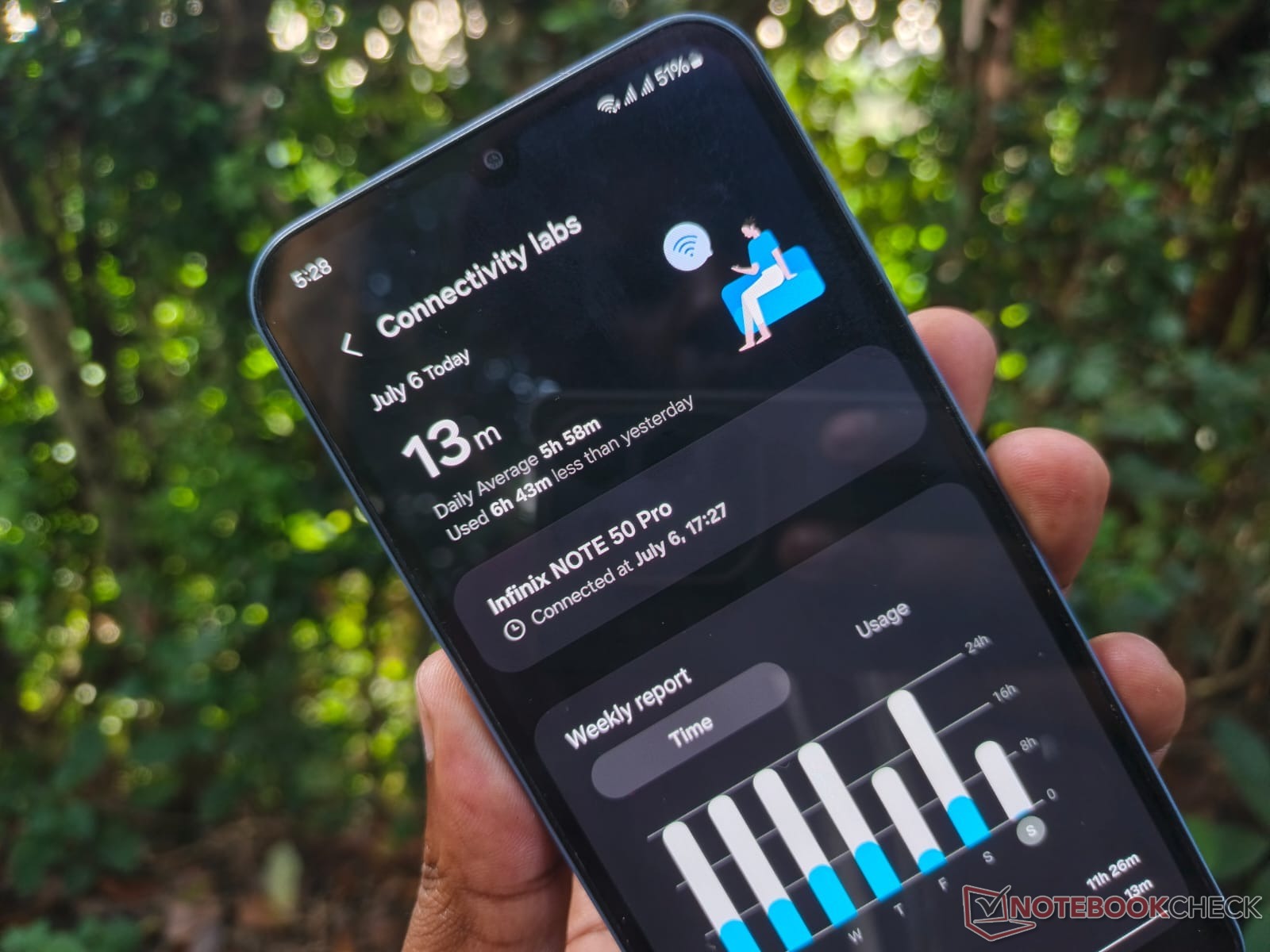
Samsung’s One UI software holds a hidden gem known as Connectivity Labs, a suite of powerful Wi-Fi tools designed to give users enhanced control and diagnostic capabilities over their networks. Discovered through an online community discussion, this feature offers an impressive range of options tucked away for “internal test purposes.” Introduced in 2023 for phones running One UI 6 or later, Connectivity Labs remains largely unknown but incredibly useful.
To unlock this feature, Samsung users must follow a unique sequence. Start by opening the Settings app on your Galaxy device, navigate to Connections, then Wi-Fi. Tap the three-dot menu in the top-right, and select Intelligent Wi-Fi. Tap the words “Intelligent Wi-Fi” seven times, prompting a countdown that activates the Connectivity Labs option.
Once inside, users can explore tools like Home Wi-Fi Inspection, which helps identify weak signal spots around your home. By walking through your space, you can map out your coverage and decide if router adjustments are needed.
Control over network switching is another highlight. Features such as “Switching to mobile data faster” allow phones to transition seamlessly to cellular data when Wi-Fi signals weaken. Users can also manage automatic connections to carrier-provided public Wi-Fi hotspots, offering more personalized network control.
The Customize Wi-Fi list setting adds a filter button for quick access to specific networks, such as secured or Wi-Fi 6 standards. Additionally, the Wi-Fi developer options feature provides in-depth information about nearby networks, categorizing them by signal strength.
Despite these practical tools being buried in settings, they cater to both advanced users and those seeking to optimize their home network experience. Whether you’re tackling network dead zones or managing seamless connections, Samsung’s Connectivity Labs offers a hidden advantage for elevating your Wi-Fi experience.


