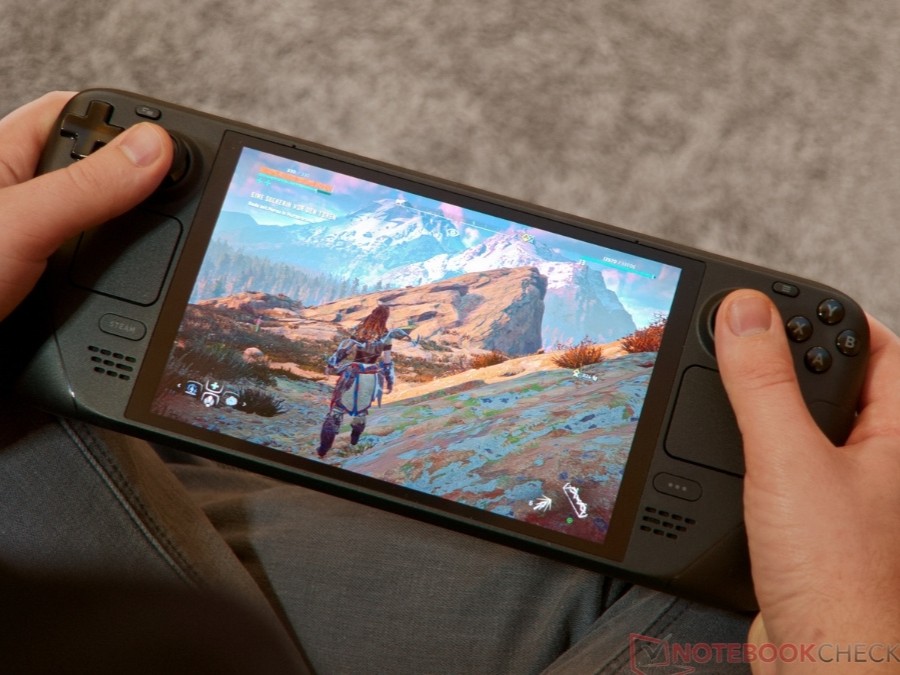
Valve makes Steam Deck game buying easier with average FPS data
Valve is giving Steam Deck owners a much clearer idea of how games perform before they hit the buy button. A new Steam feature now shows the average frame rate that players can expect from supported games on the handheld, helping users make smarter purchasing decisions and avoid performance surprises.
Until now, Steam Deck users mainly relied on Valve’s compatibility ratings, such as Verified, Playable, Unsupported, or Unknown. While helpful, those labels do not always tell the full story. A game may be marked as Verified and still struggle with frame drops, while another title listed as Unsupported might run better than expected with the right settings. The new average FPS feature fills that gap by showing real-world performance data from other Steam Deck players.
The average frame rate information is already available for thousands of games, and Valve says the list will continue to expand as more data is collected. This should make the Steam Store more useful for handheld players who want to know whether a game runs smoothly on Steam Deck before spending money on it.
To check a game’s average FPS on Steam Deck, users can visit the game’s Steam Store page, scroll to the Steam Deck Compatibility section, and select “Learn more.” If enough data is available, Steam will display performance information based on real gameplay from Steam Deck users.
One of the most interesting parts of this feature is where the data comes from. Valve is not relying only on internal testing. Instead, the average frame rate is based on anonymous performance data shared by Steam Deck owners who opted in. This gives buyers a better look at how a game actually performs in everyday use rather than in a controlled testing environment.
Valve is also including a frame rate histogram, which offers more detail than a simple average FPS number. This can be especially useful because an average frame rate does not always reveal stuttering or sudden performance drops. For example, a game might show a decent average FPS but still feel uneven if it frequently dips during busy scenes. The histogram can help players see whether performance stays consistent or fluctuates heavily.
There are some limits to keep in mind. Valve is only using data from Steam Deck systems running at their default frame limits. That means 60 FPS for the original LCD Steam Deck and 90 FPS for the Steam Deck OLED. If users change performance settings manually, such as lowering the frame limit or tweaking power options, those results may not be reflected in the displayed data.
Another important detail is that games need enough shared performance samples before average FPS information appears. Popular titles are more likely to show data right away, while smaller or less-played games may take longer to display results.
This update should be a welcome improvement for Steam Deck owners, especially those who often browse the Steam Store looking for games that run well on the handheld. By combining compatibility ratings with average FPS data and performance distribution, Valve is making it easier to understand whether a game is truly Steam Deck-friendly.
For players, this means fewer guesses, fewer disappointing purchases, and a better chance of finding games that deliver a smooth handheld gaming experience. As more Steam Deck users contribute anonymous performance data, the feature should become even more valuable over time.