RTX 4090 Users May Free Up Extra VRAM for Local AI by Moving Display Output to Integrated Graphics
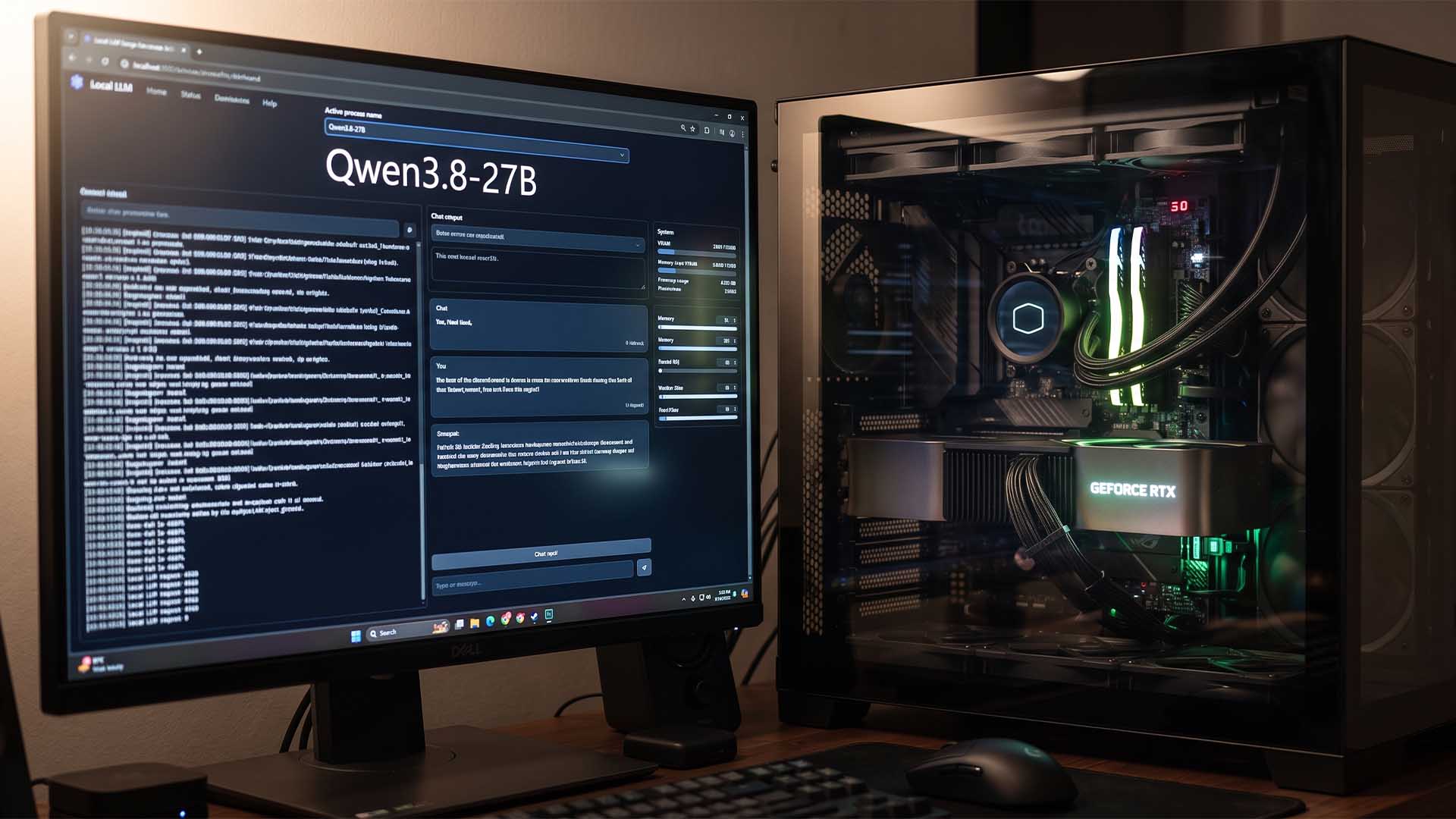
The GeForce RTX 4090 remains one of the most popular consumer GPUs for local AI workloads, thanks to its powerful performance and 24GB of VRAM. That amount of video memory is enough to run some mid-sized large language models, including models in the Qwen 27B range, but there is always a catch: VRAM runs out quickly when users increase the context window, load larger models, or reduce quantization levels.
A recent user claim has sparked discussion in the local AI community after one RTX 4090 owner reported that switching the monitor output from the graphics card to the CPU’s integrated GPU helped free up enough VRAM to significantly increase the model’s context window.
According to the user, running a display directly from the RTX 4090 limited the maximum context window to around 65K while using a Qwen 27B-class model. After moving the HDMI cable from the RTX 4090 to the motherboard’s display output, which uses the processor’s integrated graphics, the available VRAM reportedly increased enough to push the context window to approximately 132K. The user also claimed a token generation speed of around 125 tokens per second.
For anyone running large language models locally, this is an interesting idea. A higher context window allows the AI model to process more text at once, which can be useful for long conversations, coding projects, document analysis, research tasks, and large prompt workflows. Since local AI performance is often limited by GPU memory, even saving 1GB to 2GB of VRAM can sometimes make a noticeable difference.
However, the claim should be treated cautiously. There is no video proof or detailed benchmark confirming the result, and other users have questioned whether moving the display output away from the RTX 4090 would free up enough memory to double the context window in a real-world setup.
Some users pointed out that modern GPUs usually do not consume massive amounts of VRAM just to power a display. One example shared in the discussion suggested that even with multiple monitors connected to a graphics card, idle VRAM usage may be under 1GB. Playing a 4K video could raise that number, but typically not by a huge amount. Based on that, some community members believe the reported VRAM savings may depend heavily on the specific system configuration, software stack, display setup, driver behavior, or AI inference settings.
There are also trade-offs. If the monitor is connected to the motherboard instead of the RTX 4090, the system will rely on the integrated GPU for display output. That may be fine for normal desktop use and AI inference, but it can become inconvenient for gaming or graphics-heavy workloads. The user who shared the workaround said they need to move the HDMI cable back to the RTX 4090 when they want to play games.
Performance impact may also vary depending on the CPU, motherboard, BIOS settings, and how the integrated graphics are configured. In most desktop systems, using the iGPU for display output should not automatically cause a major performance loss for AI workloads running on the RTX 4090, but the experience will not be identical for every PC.
Another user in the discussion supported the general idea, saying that moving display output to integrated graphics freed up around 1GB of VRAM on a separate AI-focused GPU setup. That is a much smaller gain than the original RTX 4090 claim, but it suggests there may be some real benefit in certain cases.
For local AI users, this workaround may be worth testing if every gigabyte of VRAM matters. If your desktop processor includes integrated graphics and your motherboard has an HDMI or DisplayPort output, you can try connecting your monitor to the motherboard, enabling integrated graphics in the BIOS if needed, and then checking VRAM usage before and after the change.
This may be especially useful for people running large models, long context windows, or memory-sensitive AI tools on the RTX 4090. Still, results will vary, and users should not expect a guaranteed doubling of context length simply by changing display outputs.
Gaming laptop users may already be familiar with hybrid graphics setups, where the internal display often runs through integrated graphics while the dedicated GPU handles heavy rendering tasks. On desktops, though, many users connect displays directly to the dedicated graphics card by default, which may leave a small amount of VRAM occupied by display-related tasks.
In short, moving your display cable from the RTX 4090 to the motherboard’s integrated graphics output could potentially free up some VRAM for local AI workloads. Whether that gain is small or meaningful depends on the system. For users trying to squeeze maximum performance out of a 24GB GPU, it is a simple experiment that may be worth a try.