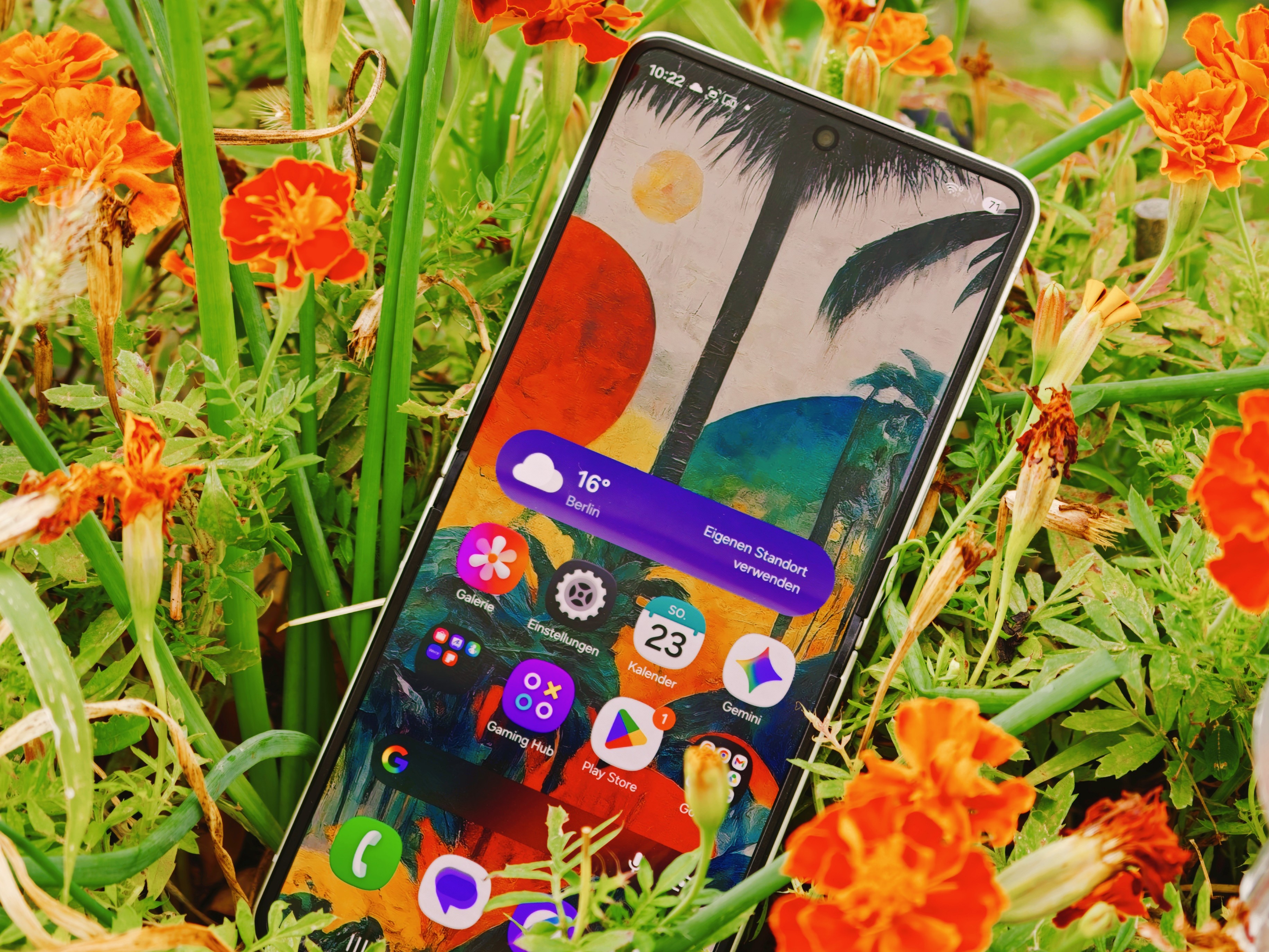
Samsung Galaxy Z Flip 8 Cover Screen App Support Comes With a Catch
The Samsung Galaxy Z Flip 8 brings a stylish foldable design, upgraded software, and a compact outer display that promises quick access to apps without opening the phone. For many users, the biggest appeal of a flip phone is being able to check messages, control music, view notifications, and use essential tools directly from the cover screen.
However, there is an important limitation that buyers should know about: running most Android apps on the small front display is not fully open by default.
Samsung offers a workaround through an app called MultiStar, which allows users to run a much wider range of Android apps on the Galaxy Z Flip 8’s outer screen. This can make the cover display far more useful, turning it from a simple notification panel into a more flexible mini smartphone interface.
The issue is access. MultiStar is only available through Samsung’s Galaxy Store. To download apps from the Galaxy Store, users must have an active Samsung account linked to the Galaxy Z Flip 8. Without that account, the download is blocked.
That means anyone who prefers not to create or use a separate Samsung account may miss out on one of the Flip 8’s most useful features. This could be frustrating for users who value privacy, want fewer accounts, or simply prefer to rely on Google Play and standard Android services.
With One UI 9, Samsung has added some built-in improvements for the Galaxy Z Flip 8’s cover display. These changes make the experience smoother and more practical than before. Still, support for third-party apps on the outer screen remains limited and is still treated as an experimental “Labs” feature rather than a fully open system option.
This approach gives Samsung more control over the foldable experience, but it also creates an ecosystem restriction. The hardware is clearly capable of doing more, yet users need to go through Samsung’s own app store and account system to unlock much of that potential.
For Galaxy Z Flip 8 owners, this makes MultiStar an important app if they want to get the most out of the cover screen. It can greatly expand what the outer display can do, especially for messaging, maps, media apps, and quick productivity tasks.
At the same time, the requirement for a Samsung account may be a drawback for those who want a more open Android experience. The Galaxy Z Flip 8 remains an impressive foldable phone, but its cover screen flexibility depends heavily on whether users are willing to stay inside Samsung’s software ecosystem.