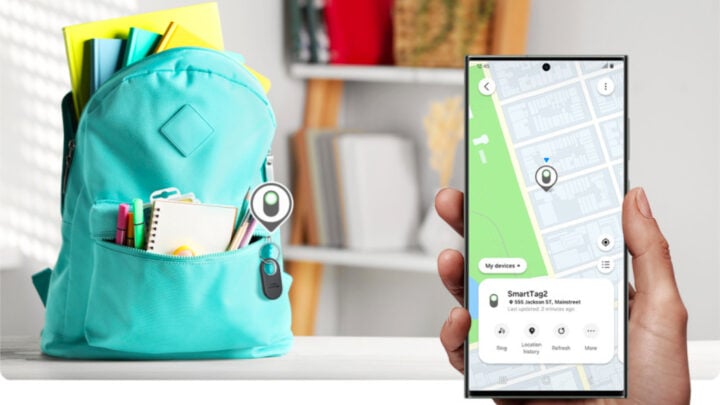
Samsung has introduced a new way for users to manage and track their devices with the launch of its Samsung Find app. This service arrives with the release of One UI 6.1 and replaces the previous SmartThings Find, which was integrated within the SmartThings app.
Samsung Enhances Device Tracking with Samsung Find
In an effort to better serve its customers, Samsung has replaced SmartThings Find with Samsung Find, a standalone application dedicated to locating Samsung devices. This app made its debut alongside the One UI 6.1 updates on the Galaxy S24 series. Now, users can access the Samsung Find app in the Galaxy Store, making it simple to download and update. At 70MB in size, the newly released app stands at version 1.0.40.
The Samsung Find app offers comprehensive location services for a range of Samsung products, including smartphones, tablets, laptops, and Galaxy SmartTags, as well as family members who agree to share their location. The app’s interface is organized into three main tabs: Devices, Items, and People. ‘Devices’ encompasses phones, smartwatches, tablets, and laptops, while ‘Items’ is where all Galaxy SmartTags are listed. In the ‘People’ section, users can see the location of family members.
For added convenience, each tab is further divided to show both the user’s own devices or items and those belonging to their family members. Samsung Find allows users to easily share the location of their devices or items. It also features a ‘Make Sound’ function to help locate the precise location of a device or item. For those gadgets with Ultra-Wideband (UWB) technology, directional guidance is provided to streamline the finding process.
Samsung’s commitment to user convenience and security is reflected in the development of the Samsung Find app, which is now readily available for anyone using compatible Samsung devices to enhance their device management and tracking capabilities.


