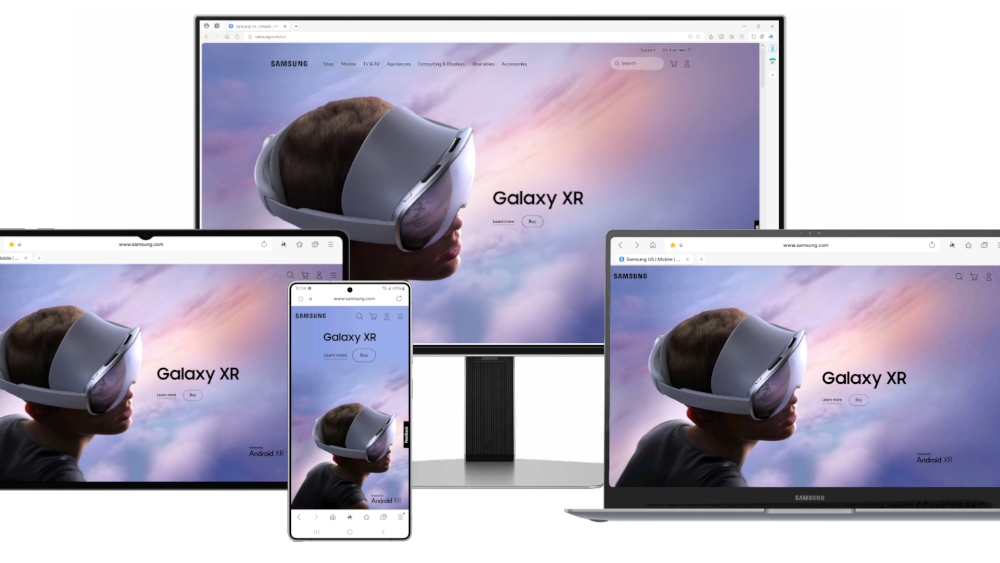
Samsung Internet finally comes to Windows PCs after more than a decade on mobile, bringing privacy tools, AI features, and seamless syncing for Galaxy users. The beta rolls out on October 30, initially in the U.S. and Korea, with a wider release planned soon.
The new desktop browser is compatible with Windows 11 and Windows 10 version 1809 or later, and it also supports ARM-powered devices. That broad compatibility means a wide range of laptops and desktops can jump in from day one of the beta.
Privacy is front and center. Smart anti-Tracking blocks cookies and online trackers, while the Privacy dashboard shows exactly how many trackers were stopped each day and gives you straightforward controls to manage interruptions and settings. It’s a simple way to understand and tighten your privacy without digging through menus.
Galaxy AI is built in through Browsing Assist, a tool that can summarize long articles and translate web pages into multiple languages. If you research, shop, or read globally, this can save serious time and reduce the need for separate extensions or copy-paste workflows.
Cross-device syncing ties the experience together. Bookmarks, browsing history, open tabs, and Samsung Pass login information can move with you between Windows and Android, so picking up where you left off on your phone or PC feels natural. For Galaxy users, this finally delivers the unified browsing experience many have wanted since the mobile app’s debut 13 years ago.
If you’re in the U.S. or Korea and running Windows 10 or 11, the beta is the easiest way to see how Samsung Internet translates its mobile strengths to the desktop. With privacy-first features, Galaxy AI enhancements, and tight Android-to-Windows syncing, it aims to be a compelling new option among Windows browsers.