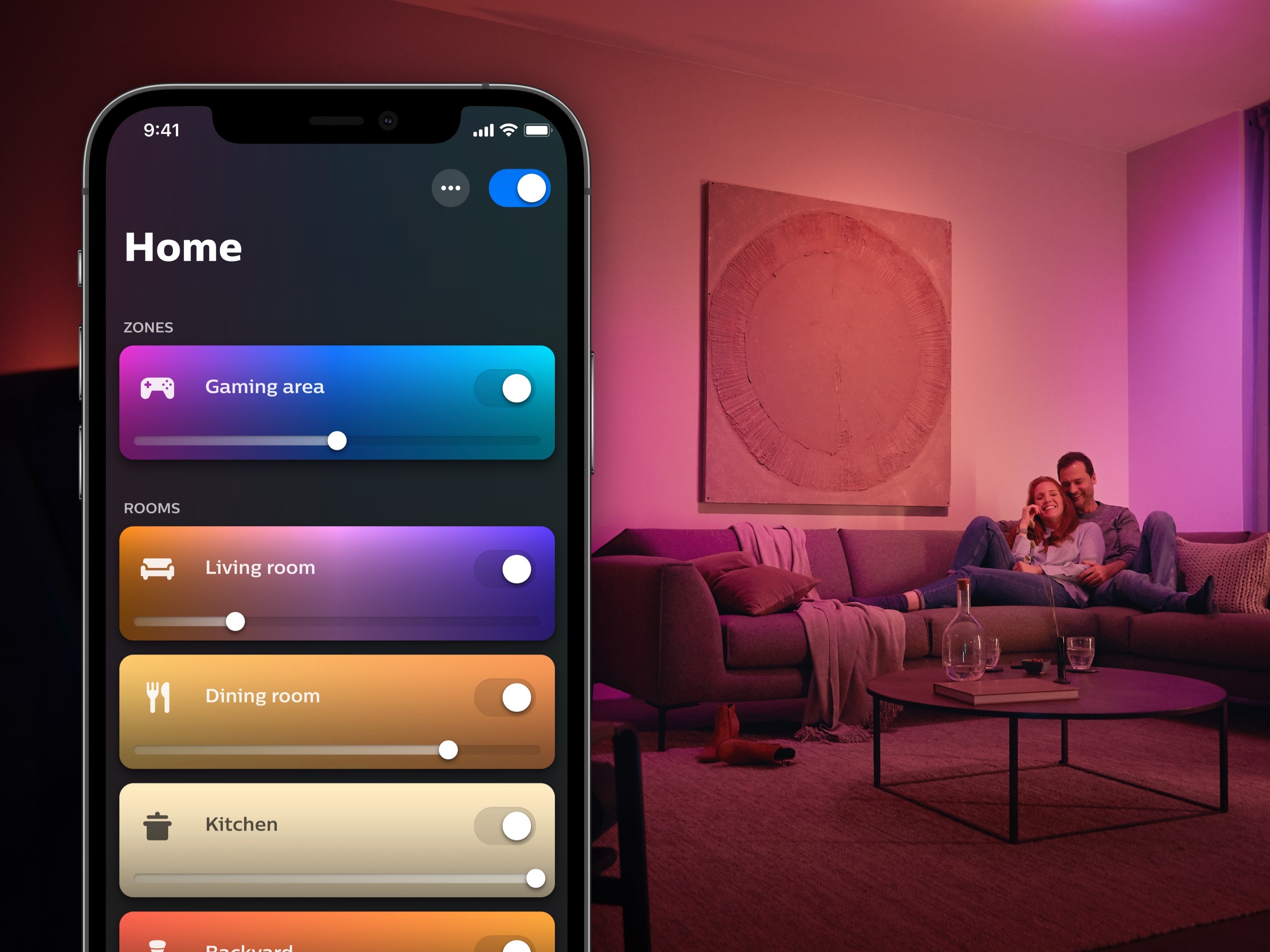
Philips Hue has rolled out a new update for its smart lighting app, bringing Philips Hue app version 5.63.0 to both iOS and Android users. The release arrives just a couple of weeks after the previous update, version 5.62.0, which went live in early March 2026 and introduced a handy new control for Gradient lights. That earlier build let users fine-tune the orientation of Gradient lighting products, such as the Hue Gradient Lightstrip Ambiance, making it easier to align effects with how a strip or fixture is installed in a room.
On paper, the official notes for Philips Hue 5.63.0 don’t reveal much. Signify describes the update simply as delivering various bug fixes and stability improvements. For many smart home users, those behind-the-scenes tweaks can still be meaningful, especially when they improve responsiveness, reduce app crashes, or make everyday controls feel smoother.
What’s more interesting, though, is a change that isn’t clearly highlighted in the release notes: a new option that allows users to remove the Hue AI Assistant from the main screen experience.
The Hue AI Assistant is designed to help people generate custom dynamic lighting effects using simple voice or text prompts. Instead of manually building scenes and animations, users can describe a mood or idea and let the assistant suggest an effect. The feature originally launched for English-language users, but it has since expanded to include additional languages, including Spanish, German, and Dutch, making it more accessible to a wider global audience.
Until now, the AI Assistant typically appeared as a floating icon in the bottom-right corner of the Philips Hue app home screen. With version 5.63.0, users who prefer a cleaner interface—or who simply don’t use AI-based lighting tools—can now disable that floating button.
To turn it off, open the Philips Hue app and follow this path:
Settings > App preferences > Floating search button, then disable the Floating AI Assistant.
That same section also offers control over a couple of other shortcuts found on the Home tab. Users can choose to switch off the Hue shop shortcut and the Home switch as well, giving more control over what appears in the app’s main interface.
For Philips Hue owners who value customization, this update adds a small but welcome layer of control. Whether you want the newest smart lighting features front and center, or you prefer a more minimal home screen focused only on core lighting controls, Philips Hue 5.63.0 gives you more say in how the app looks and behaves.


