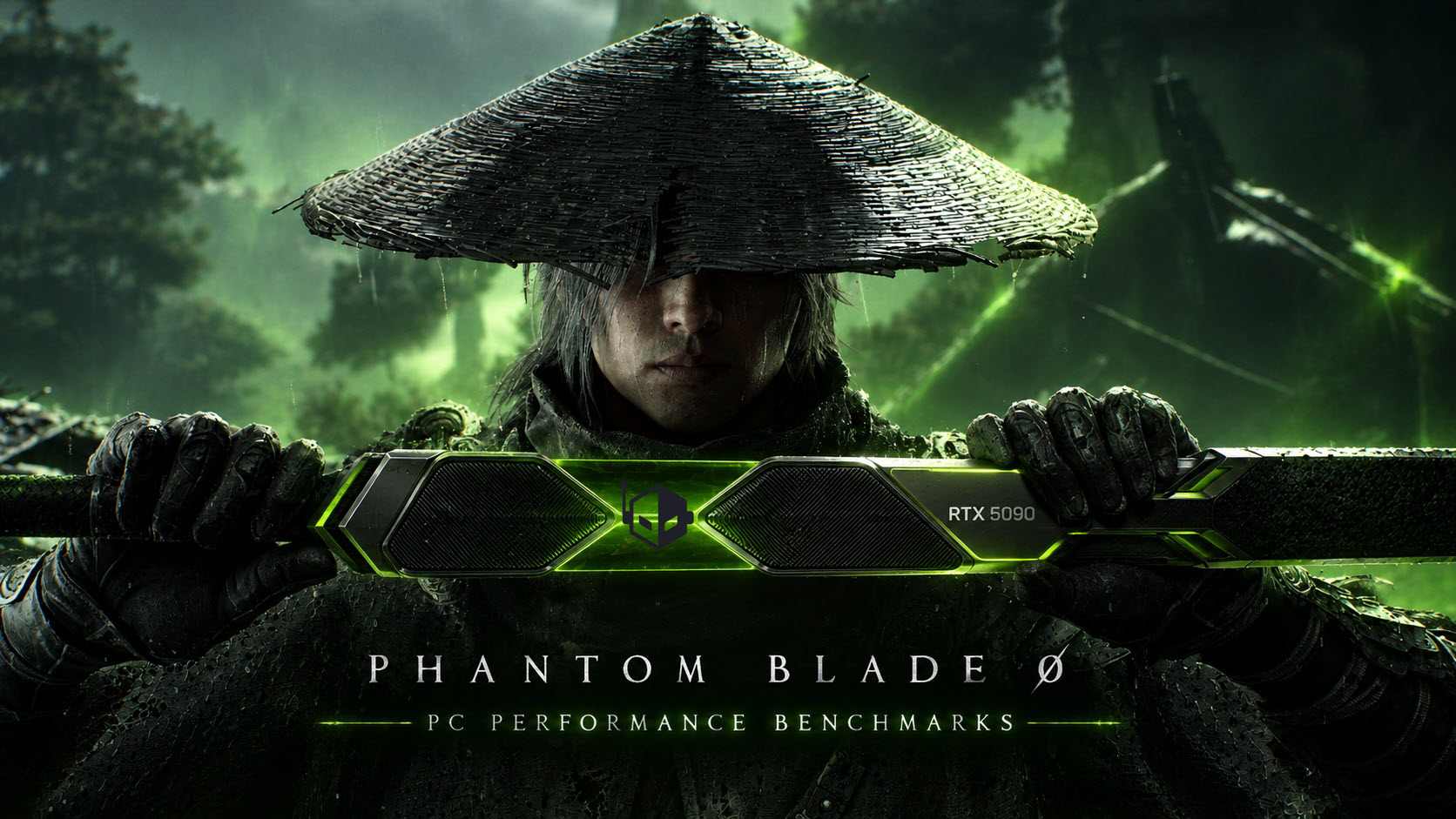
Phantom Blade Zero arrives on PC with stunning visuals, brutal combat, and advanced NVIDIA RTX features
Phantom Blade Zero is now available on PC, bringing a striking blend of fast-paced action-RPG combat, cinematic presentation, and high-end graphics technology. Built on Unreal Engine 5, the game delivers a visually rich world filled with detailed environments, intense battles, dramatic lighting, and a powerful soundtrack that matches its dark, brutal tone.
The game is already drawing attention as one of the most impressive action titles from China’s growing AAA development scene. Following the global success of major Chinese-developed games in recent years, Phantom Blade Zero looks positioned to become another standout release, especially for players who enjoy stylish swordplay, demanding boss fights, and visually spectacular fantasy worlds.
At its core, Phantom Blade Zero is an action-RPG where combat takes center stage. The opening tutorial battle immediately sets the mood with heavy music, aggressive enemy design, and a semi-boss encounter that throws players straight into the game’s high-energy rhythm. While it shares some DNA with challenging action games, it does not feel like a pure “souls-like” experience. The combat requires timing, awareness, and patience, but it also offers enough speed and flair to appeal to players who prefer stylish action over slow, punishing encounters.
Even for players who are not usually drawn to difficult action-RPGs, Phantom Blade Zero makes a strong first impression. The game’s movement, weapon strikes, enemy animations, and cinematic presentation all work together to make every fight feel dramatic and responsive.
Phantom Blade Zero PC graphics settings and customization
One of the biggest strengths of Phantom Blade Zero on PC is its wide range of graphics options. Since the game is built using Unreal Engine 5, it offers detailed visual settings that allow players to fine-tune performance and image quality depending on their hardware.
When launching the game for the first time, players are greeted with a shader compilation process. This can take some time, but it is a one-time step designed to help reduce stuttering and improve overall gameplay smoothness once completed.
The display settings menu includes several useful options, including image calibration, display selection, window mode, resolution settings, and frame-rate limits. Players can also adjust visual features such as V-Sync, HDR, motion blur, sharpness, camera shake, and film grain intensity.
The graphics menu includes a recommended preset option that automatically checks the player’s PC hardware and selects suitable settings. For those who prefer manual tuning, the game includes multiple graphics presets and detailed individual options.
Phantom Blade Zero supports several upscaling technologies, including TSR, NVIDIA DLSS, AMD FSR, and Intel XeSS. Players can choose from common quality modes such as Ultra Performance, Performance, Balanced, Quality, Ultra Quality, and anti-aliasing-focused modes like DLAA, FSR AA, and XeSS AA. Dynamic resolution quality is also available, although it is disabled when using DLSS, FSR, or XeSS.
Frame generation is another major feature. AMD supports up to 2x frame generation, Intel supports up to 4x, and NVIDIA supports up to 6x modes. NVIDIA users can also take advantage of Dynamic Multi Frame Generation through the NVIDIA app, along with an updated faster frame-generation model.
Ray tracing, path tracing, and DLSS 4.5 support
Phantom Blade Zero is one of the latest PC games to support path tracing, giving players access to a more advanced lighting model for deeper realism. Path tracing is not enabled by default, but players can choose between native rendering, ray tracing, and path tracing.
For NVIDIA RTX GPU owners, Phantom Blade Zero also supports DLSS 4.5 Ray Reconstruction. This feature improves image quality when using ray tracing or path tracing, helping refine lighting, reflections, shadows, and fine detail in demanding scenes.
The game’s advanced graphics options include settings for shadow quality, reflection quality, post-processing quality, lighting quality, effects quality, material quality, ambient occlusion, depth of field, motion blur, anti-aliasing, view distance, character textures, character models, high-quality hair, environment textures, environment models, and environment detail.
This level of customization is important because Phantom Blade Zero is a demanding PC release, especially when pushing higher resolutions and advanced RTX features.
Phantom Blade Zero PC performance impressions
Testing shows that Phantom Blade Zero can be very demanding, particularly at 4K resolution. Native 4K gameplay at high frame rates requires extremely powerful hardware, especially when using Ultra settings, ray tracing, or path tracing.
The graphics presets scale clearly across different quality levels. The Low preset significantly reduces visual detail, with simplified textures, missing environmental elements, and reduced model complexity. Medium improves texture quality slightly and adds more world detail, such as vegetation, but the lighting remains close to the Low preset. Because of this, performance between Low and Medium is very similar.
The High preset delivers the first major visual jump. Lighting becomes noticeably better, textures appear sharper, and the world feels more complete thanks to added meshes and environmental objects. This comes with a performance drop, but High appears to be a strong balance point for many PC players.
Very High improves overall image quality further, with richer detail and more polished presentation, though it brings another noticeable performance hit. Ultra adds the best visuals available through traditional rasterized rendering, but the improvement over Very High may not be dramatic enough for every player, especially on mid-range hardware.
Ray tracing reduces performance further, but the visual benefits are easy to see in lighting, reflections, and shadow behavior. Path tracing is even more demanding, often cutting frame rates significantly compared to native Ultra settings. However, it also delivers the most impressive image quality, especially in dense environments, rainy areas, and scenes with dramatic light sources.
At 4K, only the most powerful GPUs can maintain smooth native performance at the highest settings. Many graphics cards will need upscaling, frame generation, or reduced settings to reach 60 FPS or higher.
At 1440p, high-end and upper mid-range GPUs can achieve smoother frame rates more comfortably, especially with smart settings adjustments. For mainstream and entry-level cards, players will likely need to lower graphics quality and use upscaling to maintain 60 FPS.
Best settings for Phantom Blade Zero on PC
For most players, High or Very High settings will likely provide the best mix of image quality and performance. Ultra looks excellent, but the added performance cost may not be worthwhile unless you have a very powerful GPU.
If you are playing at 4K, using DLSS, FSR, or XeSS is strongly recommended. These upscaling options can significantly improve frame rates while keeping image quality sharp. Frame generation becomes especially useful for players targeting high-refresh-rate displays or enabling ray tracing and path tracing.
For those using NVIDIA RTX graphics cards, DLSS 4.5 and Ray Reconstruction are standout features. They help make ray-traced and path-traced visuals cleaner and more stable while improving performance when paired with frame generation.
Players with 1440p displays should have more flexibility. A strong GPU can handle High or Very High settings smoothly, while upscaling can push frame rates even higher. At 1080p, mainstream cards should be able to deliver a good experience with tuned settings, though path tracing will still require powerful hardware.
Visual quality and gameplay experience
Phantom Blade Zero is not just technically impressive; it also uses its visuals to enhance atmosphere and combat intensity. The environments are dense, dark, and carefully designed, giving the world a sense of danger and mystery. During combat, particle effects, weapon flashes, enemy attacks, and environmental lighting all combine to create highly cinematic action scenes.
Rainy areas and storm-heavy sequences are especially impressive when ray tracing or path tracing is enabled. Shadows become more natural, lighting feels more grounded, and reflections add extra depth to the world. Path tracing takes these scenes even further, making the game look more realistic and visually dramatic.
The game’s soundtrack also deserves attention. Heavy music during combat helps build tension and excitement, especially during boss encounters. The combination of fast swordplay, aggressive enemy design, and intense music gives Phantom Blade Zero a distinctive identity.
Final thoughts on Phantom Blade Zero for PC
Phantom Blade Zero is shaping up to be one of the most visually impressive and exciting action-RPG releases on PC. Its brutal combat, stylish presentation, atmospheric world, and strong technical feature set make it a standout title for fans of fast-paced action games.
On PC, the game offers a deep graphics menu, support for modern upscaling technologies, frame generation, ray tracing, path tracing, and NVIDIA DLSS 4.5 Ray Reconstruction. These features help players tailor the experience to their hardware, whether they want maximum visual fidelity or smoother high-frame-rate gameplay.
The game is demanding, especially at 4K and with path tracing enabled, but it also provides enough tools to scale across different systems. High and Very High settings offer an excellent balance for most users, while Ultra, ray tracing, and path tracing are best suited for powerful gaming PCs.
With its sharp combat, beautiful environments, advanced PC features, and cinematic style, Phantom Blade Zero stands out as a major action-RPG release and a strong showcase for modern graphics technology.


