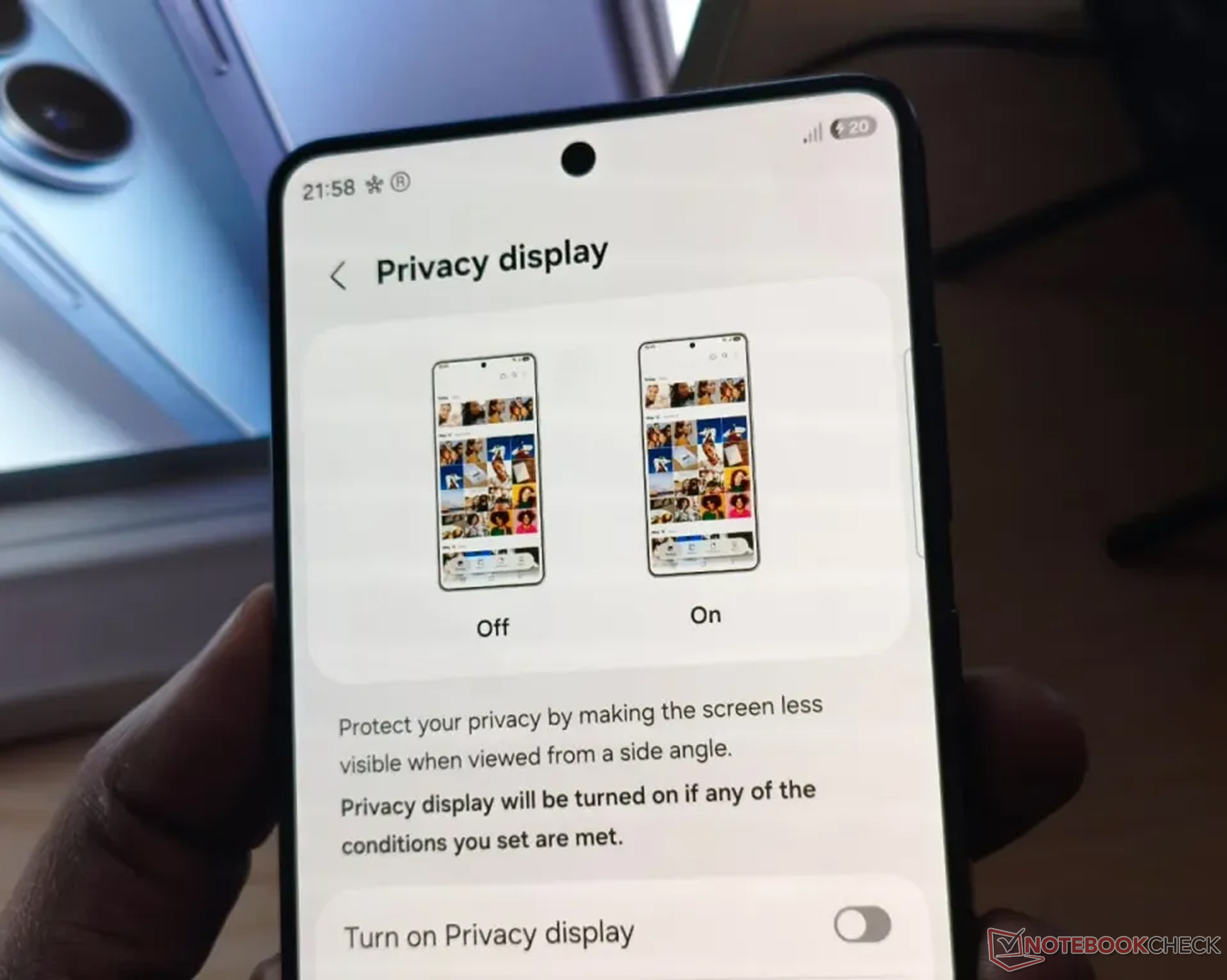
Samsung One UI 9 Beta 4 Improves Privacy Display for Galaxy S26 Ultra PiP Videos
Samsung is making the Galaxy S26 Ultra’s Privacy Display feature smarter and more practical with the latest One UI 9 Beta 4 update. The change focuses on how the feature works when videos are playing in picture-in-picture mode, giving users better privacy without making the rest of the phone harder to use.
Privacy Display is designed to reduce the viewing angle of the screen, helping prevent people nearby from seeing sensitive content. On the Galaxy S26 Ultra, users can apply this protection across the entire display or limit it to specific apps and notifications. That makes it useful in public places such as trains, cafes, airports, offices, or anywhere someone might glance at your screen.
Before this update, using Privacy Display with picture-in-picture mode was less convenient. If a video was minimized into a small floating PiP window while Privacy Display was active, the entire screen would become obscured. That meant users could not comfortably browse, message, or interact with other apps while keeping only the video private.
With One UI 9 Beta 4, Samsung has refined the behavior. Now, when Privacy Display is enabled for an app such as YouTube and a video is moved into picture-in-picture mode, only the small floating video window is covered. The rest of the Galaxy S26 Ultra display remains bright, clear, and fully usable.
This is a major usability improvement for anyone who multitasks on their phone. For example, users can keep a video protected in a floating PiP window while still checking emails, replying to messages, browsing the web, or using other apps without the whole display being dimmed or hidden.
The upgraded feature also tracks the PiP window as it moves. If users drag the floating video window to another area of the screen, Privacy Display continues to follow it and keep only that section protected. Other interface elements, including tools like the Edge Panel, remain visible and usable while the PiP video stays covered.
Samsung previously previewed this more flexible Privacy Display experience earlier this year, and the company indicated that it would work with the current Privacy Display hardware. That means Galaxy S26 Ultra owners do not need a new device or additional hardware to take advantage of the improved feature.
For now, the enhanced Privacy Display behavior is available through the One UI 9 beta program. Galaxy S26 Ultra users who are enrolled in the beta can check for the latest update through the Samsung Members app.
The update may seem small at first, but it makes Privacy Display feel much more polished in daily use. By protecting only the content that needs privacy while leaving the rest of the screen fully functional, Samsung is turning the Galaxy S26 Ultra’s privacy tools into something more seamless, flexible, and useful for real-world multitasking.


