NVIDIA’s New Frame Generation Performance Mode Can Boost FPS by Up to 35% on RTX 50 and RTX 40 GPUs
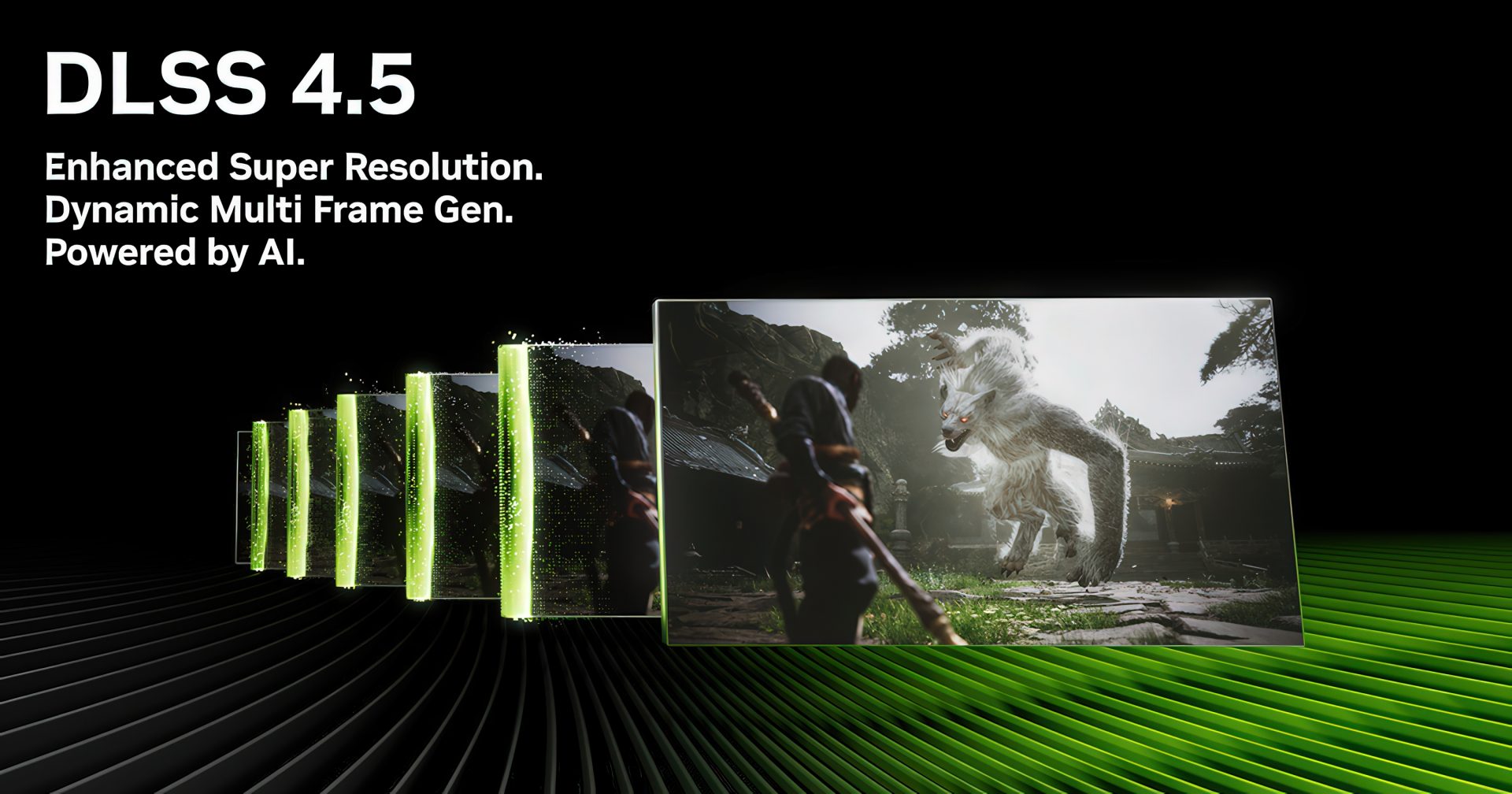
NVIDIA is rolling out a new Frame Generation model designed to deliver higher frame rates for GeForce RTX 50 and RTX 40 series graphics cards. The update focuses on improving the “Performance” mode used in Frame Generation, Multi Frame Generation, and Dynamic Multi Frame Generation, giving gamers another way to squeeze more FPS out of supported titles.
The biggest addition is a new option called “Preset C,” which can be enabled through the NVIDIA app. According to NVIDIA, this preset can increase FPS by up to 35% compared to the current Performance mode, making it especially appealing for players who prioritize smoother gameplay and higher refresh rates.
The improvement comes from a change in how NVIDIA’s AI model handles frame generation. Current Frame Generation technology uses two main AI models. One model relies on game data such as motion vectors and depth information to understand how objects move between rendered frames. The second model calculates optical flow, which helps process elements such as user interfaces, ray-traced effects, and other visual details that may not be fully captured by standard game data.
With Preset C enabled, NVIDIA replaces the second AI model with a newer, lighter, and faster version. Because this model requires less processing time, supported games can produce frames more quickly, resulting in higher overall FPS.
There is a small catch: the faster model may come with minor image quality trade-offs. However, for gamers chasing maximum performance, especially in fast-paced titles where frame rate matters more than tiny visual differences, the new Preset C option could be a very useful upgrade.
NVIDIA has shown performance comparisons using a GeForce RTX 5060, where the new Frame Generation Performance mode delivers a noticeable uplift over the older model. The good news is that this feature is not limited to the latest RTX 50 series. It will also be available for GeForce RTX 40 series GPUs, giving a wider group of users access to the FPS boost.
How to enable NVIDIA Frame Generation Preset C
To try the new Preset C mode, users need to install the latest NVIDIA app update and enable experimental features. The option is currently available through the beta features section of the app.
Start by downloading and installing the newest version of the NVIDIA app. After opening the app, go to Settings, then About, and enable the option that says “Opt in to access Beta or experimental features.”
After enabling this setting, wait for the beta update to download. Once the app shows the installation prompt, follow the on-screen instructions to install the update.
When the update is complete, open the Graphics section in the NVIDIA app beta. From there, select a supported game that uses Frame Generation, Multi Frame Generation, or Dynamic Frame Generation. Users can also choose Global Settings if they want to apply the setting across all supported games in their library.
Next, scroll to Driver Settings and select “DLSS Override – Model Presets.” Choose “Custom,” then open the Frame Generation drop-down menu and select “Preset C.” Finally, click “Apply” to activate the new model.
NVIDIA’s new Frame Generation Preset C gives RTX 50 and RTX 40 GPU owners a simple way to gain extra performance in supported games. With up to 35% higher FPS possible in Performance mode, the update could be a valuable option for players who want smoother gameplay without changing hardware.
While the lighter AI model may slightly reduce visual quality in some situations, the trade-off may be worth it for gamers who prefer higher frame rates, lower perceived latency, and better responsiveness. For anyone using an RTX 40 or RTX 50 graphics card, Preset C is an experimental feature worth testing.


