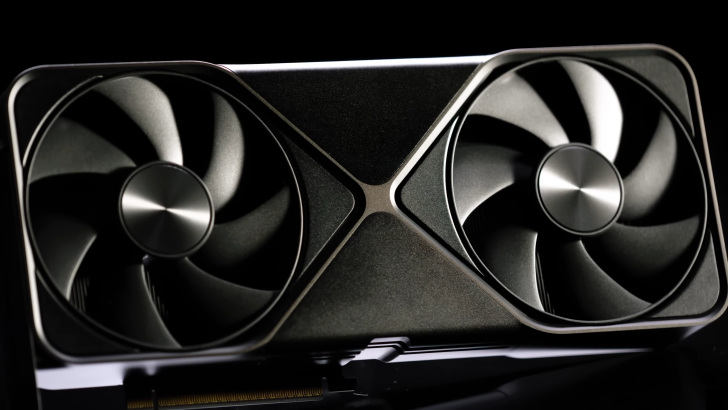
NVIDIA’s cutting-edge Blackwell GPU, part of the GeForce RTX 5090 lineup, encounters a significant dip in performance if not utilizing the full PCIe bandwidth, especially noticeable with video editing software.
The Performance Impact of Additional Add-In Cards
A GPU’s efficiency in various tasks is heavily influenced by the available PCIe bandwidth. With the latest PCIe 5.0 generation, not having enough lanes can drastically reduce performance, mainly in demanding tasks like video rendering and content creation. Recent tests have highlighted how essential full PCIe bandwidth is for the RTX 5090, revealing a considerable performance drop with reduced bandwidth.
The setup of your motherboard plays a vital role here. Many models come with a single PCIe 5.0 x16 slot that allows the RTX 5090 to operate at its peak. However, introducing other add-in cards, such as PCIe network cards, can distribute the lanes differently, affecting performance. Tests on NVIDIA’s flagship GPU during rendering and AI tasks indicate that optimal performance is achieved only when the full PCIe bandwidth is utilized.
In-depth performance analysis showed that when using After Effects, moving from PCIe 5.0 x16 to PCIe 3.0 x4 resulted in a performance decrease of over 10%. Similarly, with DaVinci Resolve, the reduction was more than 20% under PCIe 3.0 x4, and substantial drops were noted from x16 to x4 within the same generation. This highlights the potential drawbacks of running multiple add-in cards, which can severely impact GPU performance.
Interestingly, in gaming and AI benchmark tests—such as those using Unreal Engine and Llama.cpp—the variance in performance was minimal regardless of PCIe configuration. These applications rely more on GPU VRAM, sparing significant degradation from reduced bandwidth. While this may not be a major concern for everyday users, professionals working in content creation should be aware of the potential performance implications.


