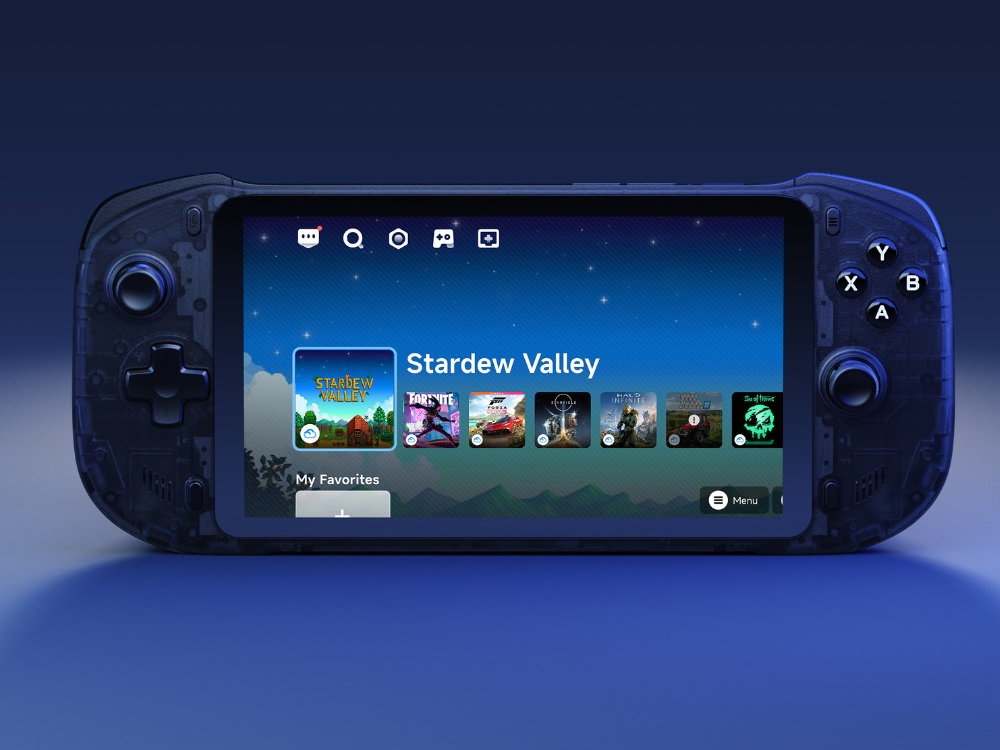
Abxylute One Pro update adds GeForce Now, fixes, and security improvements
A fresh software update is rolling out to the Abxylute One Pro, the Android-powered handheld built for cloud gaming, remote play, emulation, and mobile titles. The headline change is native support for the GeForce Now app, making it easier to stream PC games without workarounds. The update also refreshes Google services, bumps the device’s security patch, and includes behind-the-scenes tweaks for better stability and app compatibility.
What’s new in the latest Abxylute One Pro update
– GeForce Now app preinstalled/available on the device
– Updated Google services
– Updated security patch
– Optimized compatibility for specific apps
– Improvements to built-in apps and services
– General bug fixes
Early user feedback is limited, but one report from the community suggests a sleep-mode crash can still occur for some units; on the positive side, Wi‑Fi no longer disables itself after sleep. There’s no official response to that claim yet, and other users haven’t widely reported the same behavior.
Why this matters for cloud gaming
Adding GeForce Now directly on the handheld streamlines setup for cloud gaming, putting it on par with other streaming-centric devices. Coupled with compatibility optimizations and a newer security patch, the update should deliver a smoother, more reliable experience whether you’re streaming from the cloud, using remote play, or running Android games and emulators.
Abxylute One Pro specs at a glance
– 7-inch 1080p touchscreen, 60Hz
– MediaTek Genio 510 processor
– 4GB RAM, 64GB storage with microSD expansion
– 4K output support
– Stereo speakers, dual microphones, 3.5mm audio jack
– 6-axis gyroscope, dual Z-axis haptic motors
– 5,200mAh battery rated for up to 8 hours of use
– Available in black
Price and current deals
The handheld debuted at $259. It’s currently listed by the manufacturer at $239 with a free gift, and we’ve seen it for $224.99 at major online retailers, undercutting the $299 price of the Logitech G Cloud and making it an appealing budget-friendly cloud gaming option.
How to check for the update
– Ensure you’re connected to Wi‑Fi and have sufficient battery.
– Open the device settings, look for System or About, then Software Update.
– Download and install, then restart if prompted.
If you rely on sleep mode often, consider testing the feature after updating to confirm stability on your unit. Overall, this release makes the Abxylute One Pro a more compelling Android handheld for cloud gaming and remote play, with GeForce Now support now just a tap away.