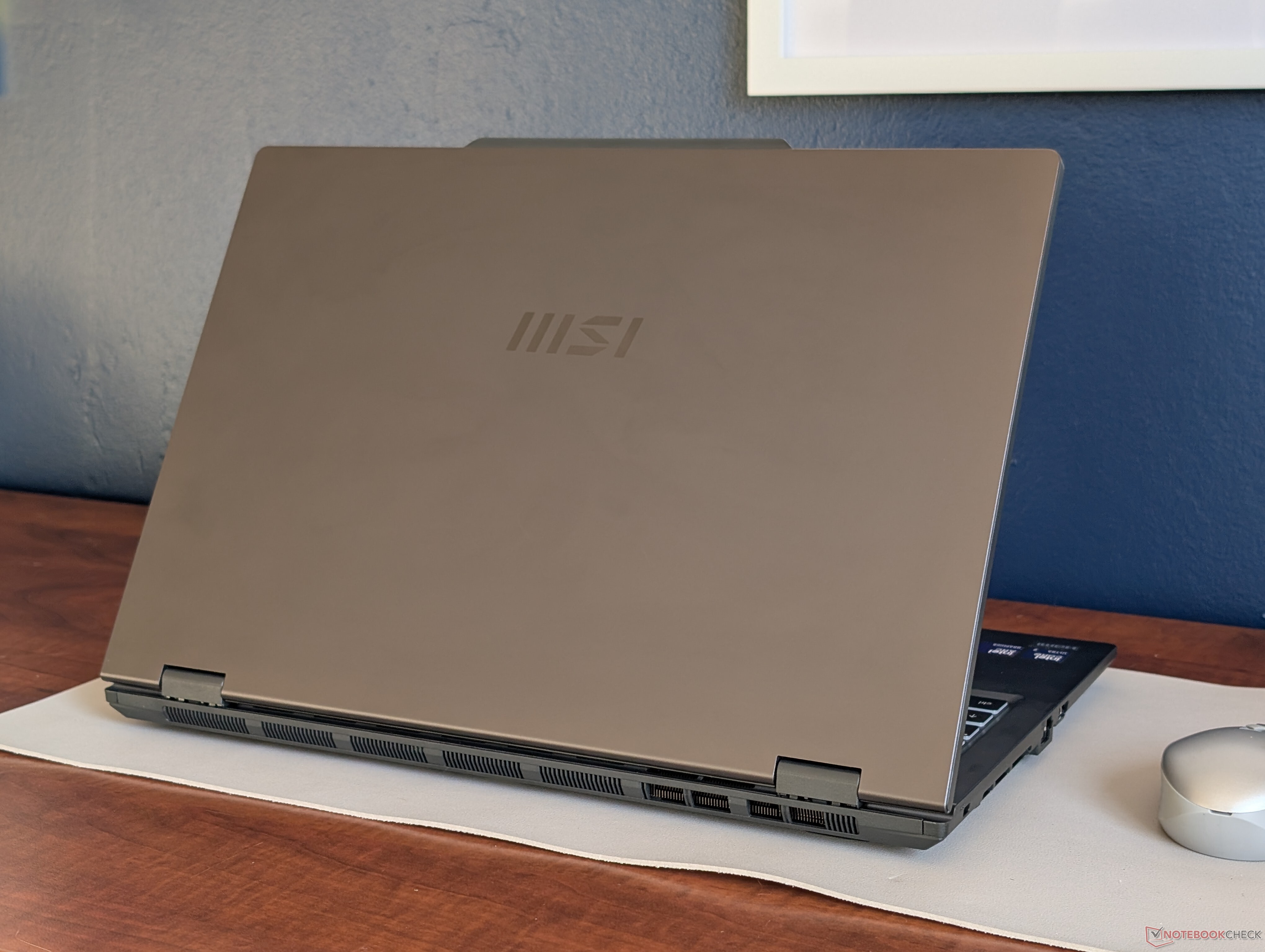
MSI has started shipping the Venture 16 AI, a new 16-inch laptop that targets buyers who want a modern Intel Core Ultra system without paying premium “flagship office laptop” prices. With a starting cost of around $1,000 for the IPS configuration featuring the Intel Core Ultra 7 255H, the Venture 16 lands several hundred dollars below MSI’s higher-end business-focused models, positioning it as a budget-friendly workhorse for school, home office, and everyday productivity.
That lower price comes with clear trade-offs, and MSI doesn’t exactly hide the fact that the Venture 16 is designed to be practical rather than luxurious. To hit the more affordable price point, the laptop drops a few features many professionals have come to expect on midrange and premium notebooks. Depending on what you’re upgrading from, some of these omissions may be minor—or deal-breakers.
One of the first cost-cutting choices is in connectivity and convenience. The Venture 16 skips built-in IR hardware for facial recognition, limits expansion by removing support for a second SSD, and offers fewer USB-C ports than more expensive alternatives. It also relies on a barrel-style AC adapter instead of USB-C charging, a notable step behind the current trend—especially for laptops that don’t have a dedicated graphics card and could comfortably run on USB-C power delivery.
The display is another area where the base model shows its budget focus. The standard 1200p IPS touchscreen covers only about 60% of the sRGB color space. That’s fine for documents, web browsing, spreadsheets, streaming, and general office work, but it’s not ideal for color-sensitive tasks. If your workflow involves photo editing, video production, or graphic design, you’ll likely want to consider the upgraded OLED option with a higher resolution and fuller DCI-P3 color coverage.
Portability is also less of a priority here. The Venture 16 is described as somewhat heavy, which can matter if you’re commuting daily or constantly moving between meetings and classrooms. It’s more of a “carry it when you need to” laptop than an ultra-light travel companion.
Still, the Venture 16 isn’t only about what’s missing. There are real advantages to its more traditional, thicker design. A roomier chassis can mean better thermals and easier maintenance, and in this case, it also brings something increasingly rare: upgradeable RAM. For buyers who keep laptops for several years, being able to expand memory later is a practical benefit that can extend the machine’s lifespan and performance.
Performance is another bright spot. Instead of using a lower-power U-series or similar efficiency-first chip common in many business laptops, this model uses a Core-H class processor. That generally translates to stronger sustained performance for heavier multitasking, larger spreadsheets, coding workloads, and other CPU-demanding tasks. Cooler-than-average core temperatures are also a plus, especially for people who work long sessions and don’t want a laptop that runs hot or gets noisy under pressure.
In short, the MSI Venture 16 AI is built for value: strong CPU performance, serviceability, and upgrade potential, in exchange for a more basic display on the entry configuration, fewer premium features, and older-style charging. If your priority is getting a capable 16-inch productivity laptop around the $1,000 mark—and you can live without IR login, USB-C charging, extra SSD expansion, and wide-gamut color on the base screen—it’s a sensible, cost-conscious option. If you need a better display and more modern conveniences, budgeting for the OLED configuration or stepping up to a higher-tier model will make more sense.