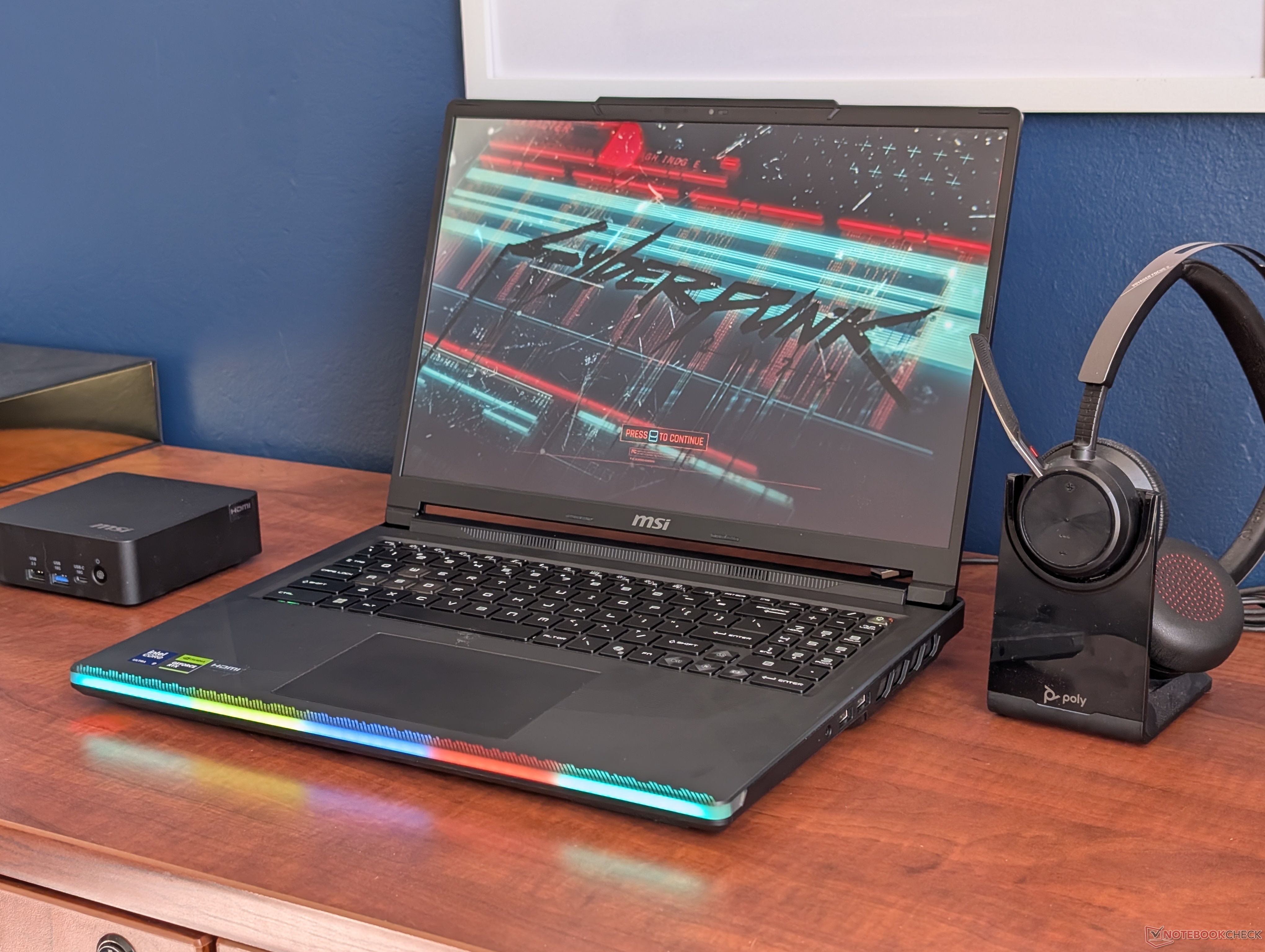
MSI Raider 16 Max HX Gets a New Apex Mode for Extra Gaming Performance
MSI laptops already give users plenty of control through MSI Center, the built-in software hub used to monitor system health, manage graphics settings, update drivers, access support tools, and switch between power profiles. For gamers, that last feature is one of the most important because MSI adds its own performance modes on top of the standard Windows Power Saver, Balanced, and Performance options.
Until now, MSI Center typically offered modes such as Eco Silent, Balanced, Extreme Performance, and Cooler Boost. With the latest MSI Raider 16 Max HX, there is now another option in the mix: Apex mode.
Apex mode is designed to push the laptop harder than Extreme Performance mode. The biggest change is the GPU power limit. In Extreme Performance mode, the graphics processor can reach an average TGP of around 147 W. When Apex mode is enabled, that limit rises to about 169 W. That extra power gives the GPU more room to perform, resulting in a noticeable improvement in graphics-heavy workloads and gaming benchmarks.
In testing, Apex mode delivered roughly a 7 percent increase in graphics performance compared to Extreme Performance mode. The combined benchmark score also improved by around 6 percent. The physics score changed only slightly, which makes sense because Apex mode mainly benefits the GPU rather than dramatically changing CPU performance.
The issue is that MSI does not make this feature very obvious. Apex mode is not clearly presented as a higher-performance option than Extreme Performance mode, and the toggle can be easy to miss inside MSI Center. For users who are not already familiar with MSI’s power profile system, it may not be immediately clear that enabling Apex mode can unlock more GPU power.
That matters because many gamers may buy a high-end MSI gaming laptop and never realize they are leaving extra performance unused. If someone is playing demanding titles, using an external monitor, or trying to get the highest possible frame rates, Apex mode could be worth turning on.
There is a trade-off, however. More GPU power usually means more heat and louder fans. Compared to Extreme Performance mode, Apex mode can make the laptop noticeably noisier under load. For competitive gaming or demanding AAA titles, that may be an acceptable compromise. For casual use, quiet environments, or battery-powered sessions, Balanced or Eco Silent mode will likely make more sense.
For the best experience, Apex mode should be used when the laptop is plugged in and placed on a flat surface with good airflow. It is not the ideal setting for everyday browsing, video streaming, or light productivity, but it can help the MSI Raider 16 Max HX deliver stronger gaming performance when maximum power is needed.
In short, Apex mode is a useful addition to MSI Center, but it needs clearer labeling. It is more than just another profile name; it raises the GPU power ceiling and can improve gaming performance. MSI Raider 16 Max HX owners who want the most out of their laptop should check MSI Center and enable Apex mode before launching demanding games, as long as they are comfortable with the extra fan noise.