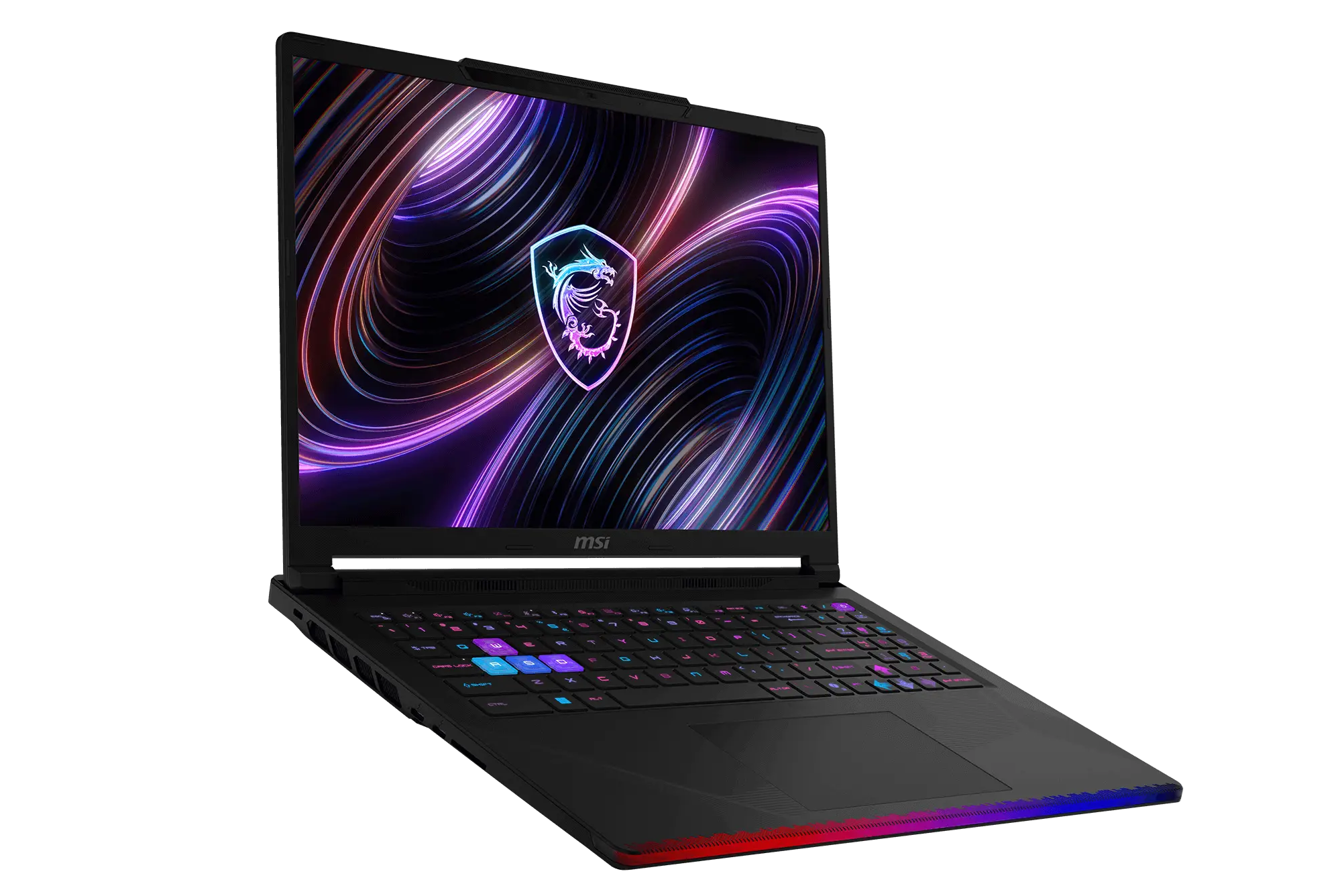
MSI Raider 16 Max HX power modes explained: Balanced may be the best choice for most gamers
The MSI Raider 16 Max HX is a powerful gaming laptop built for high-end performance, but one thing can make the experience more confusing than it needs to be: its many power profile modes. Users can choose between Quiet, Balanced, Extreme Performance, Apex, and Cooler Boost, yet the laptop does not clearly explain what each mode actually changes.
That matters because these modes affect gaming performance, fan noise, temperatures, CPU power, GPU power, and clock speeds. Choosing the wrong profile could mean dealing with unnecessary fan noise without gaining many extra frames per second.
After comparing the main performance modes, one result stands out clearly: Balanced mode delivers nearly the same gaming performance as Extreme Performance mode while running noticeably quieter. For many players, that makes Balanced mode the smarter everyday setting.
Quiet mode is the most restrained option. It keeps noise low, but performance drops significantly compared to the stronger profiles. In testing, the graphics score was far behind the other modes, with the GPU averaging around 87 W. Fan noise stayed much lower, but this mode is best suited for light gaming, casual use, or situations where silence matters more than frame rates.
Balanced mode offers a major step up. GPU power rises to around 145 W, and graphics performance improves by roughly 25 percent compared with Quiet mode. Fan noise remains reasonable at about 47.5 dB(A), making it a strong choice for gaming without making the laptop sound overly loud. GPU clocks also climb substantially, helping the Raider 16 Max HX perform like a true high-end gaming machine.
Extreme Performance mode sounds like it should be the obvious pick for gamers, but the results are more complicated. While CPU performance improves compared with Balanced mode, gaming performance is only slightly higher. The GPU averages around 147 W, which is barely above Balanced mode, and the graphics score sees only a small increase. However, fan noise rises to about 51.1 dB(A). In real-world gaming, that means users may hear more noise without seeing a meaningful boost in frame rate.
Apex mode is where the laptop starts pushing harder. GPU power climbs to around 169 W, allowing the graphics score to rise by about 35 percent compared with Quiet mode. CPU package power also increases sharply, and temperatures move higher. The tradeoff is noise: fan output reaches around 57 dB(A), making this mode much louder. Apex mode is useful for players who want maximum GPU performance and do not mind a louder gaming laptop.
Cooler Boost mode delivers the highest graphics result in this comparison, with performance around 38 percent higher than Quiet mode. Like Apex mode, it allows the GPU to run at about 169 W. It also pushes the fans even harder, reaching roughly 60.2 dB(A). This is the loudest profile and is best reserved for short sessions, benchmarking, heavy workloads, or gaming with headphones.
The key takeaway is simple: Balanced mode appears to be the best power profile for most MSI Raider 16 Max HX owners. It provides excellent gaming performance, keeps the GPU running at a strong power level, and avoids the louder fan behavior of Extreme Performance, Apex, and Cooler Boost modes.
Extreme Performance mode may still be useful for CPU-heavy tasks, but for gaming, it offers very limited gains over Balanced mode. If fan noise is a concern, Balanced mode is the better option.
For users who want every possible frame from the GPU, Apex mode or Cooler Boost mode will unlock the highest graphics performance. Just be prepared for much louder fans and higher power consumption.
In short, MSI Raider 16 Max HX owners should consider using Balanced mode for everyday gaming, Quiet mode for low-noise situations, and Apex or Cooler Boost only when maximum performance is the top priority.