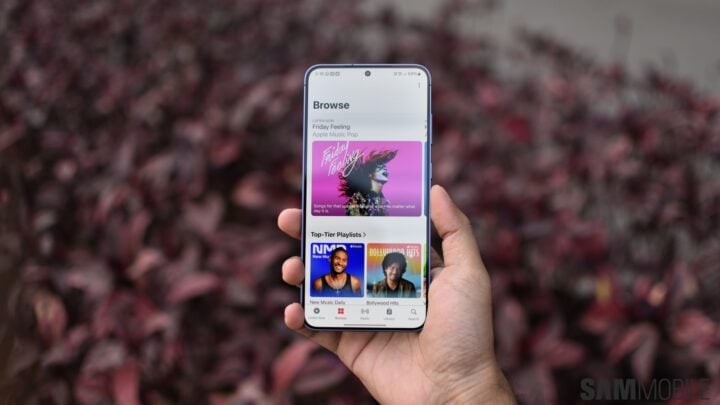
The Samsung Galaxy S24 series, comprising the Galaxy S24, S24+, and S24 Ultra, introduces a slew of new features for users to explore after unpacking these flagship devices. These range from the sleek, updated design and superior performance to the innovative Galaxy AI tools.
The cutting-edge Dynamic AMOLED displays on these models are particular standouts, offering exceptional viewing experiences. As you begin to familiarize yourself with your Galaxy S24 device, you might want to fine-tune the display settings to enhance screen brightness, color, and clarity.
If you’re the proud owner of a new Galaxy S24 device, experimenting with these user-friendly display tweaks could elevate your overall experience. For a glimpse at some of the display settings adjustments you might consider, take a look at the brief video overview we have prepared.
Enhancing Your Galaxy S24 Display
Adjusting your Galaxy S24, S24+, or S24 Ultra display settings can significantly modify how your screen appears. The aim of these tips is to maximize the potential of the already brilliant Galaxy S24 display, making it brighter, more vibrant, and sharper right out of the box.
On the other hand, if you’re looking to tame your device’s bright display to reduce glare and strain, particularly during evening hours, we also have some useful suggestions for calibrating the screen to be softer and warmer.
Keep an eye out for more Galaxy S24 how-tos and useful advice. Don’t forget to check out the short instructional video below and follow us on social media for an array of engaging content.
@user
Adapt these settings on your new S24 Ultra for the best experience! #samsungtips #samsunggalaxy #s24ultra #trending #tech