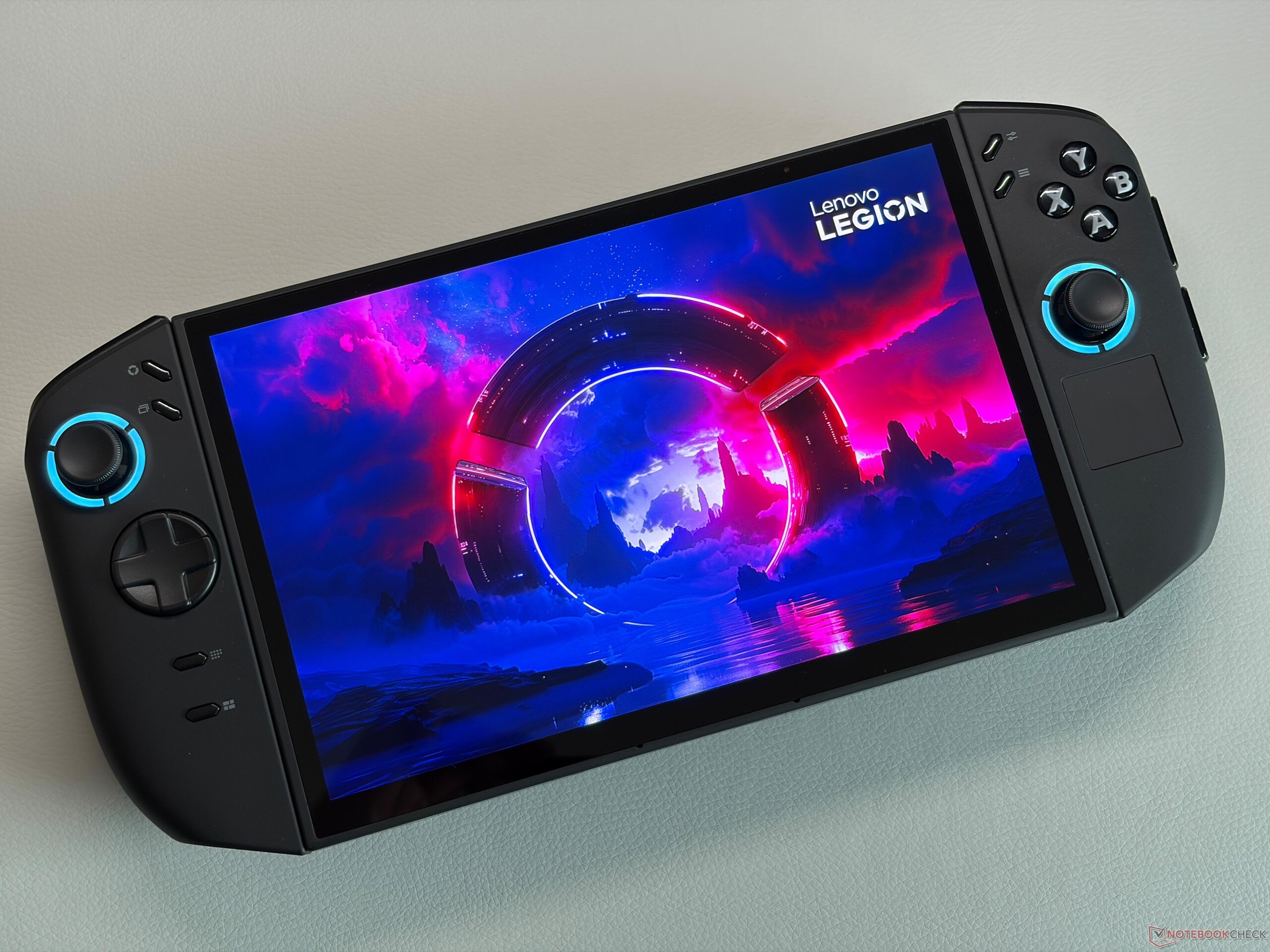
Microsoft’s Xbox Full Screen Experience (FSE) is set to expand again, and this time it’s heading to Lenovo’s popular Legion Go lineup. Originally revealed in June 2025, Xbox FSE debuted on the ROG Xbox Ally and ROG Xbox Ally X as a console-style interface designed specifically for handheld Windows gaming. Since then, Microsoft has been working to bring the same streamlined, controller-friendly experience to more Windows-based gaming devices—and Lenovo owners appear to be next in line.
Lenovo has now officially confirmed that Xbox Full Screen Experience is coming to Legion Go devices. The confirmation came from Lenovo’s Senior Global Gaming Manager, Ben Green, who shared that the company is preparing to roll out FSE to Legion Go users through an early testing phase first. This trial period is intended to collect user feedback, spot bugs, and smooth out any performance or usability issues before the wider public release.
If you own a Lenovo Legion Go or the newer Legion Go 2, you can potentially get early access. Lenovo is inviting users to sign up for the test through a Gleam registration page. The process is straightforward: enter your email address, and if you’re selected, Lenovo will send you instructions on how to install and enable Xbox Full Screen Experience on your handheld. To avoid installation hiccups, it’s also recommended that your Legion Go is updated to the latest software version before trying to add the new interface.
As for when everyone will get Xbox FSE on Legion Go, Lenovo hasn’t shared a firm release date yet. However, the early-access sign-up window won’t be open for long—entries for the testing program are expected to close in roughly two days from the time the announcement was published. That means interested Legion Go owners may want to register soon if they want a chance to try Xbox Full Screen Experience before it rolls out more broadly.
With Xbox FSE, Lenovo Legion Go users can look forward to a more console-like handheld gaming setup on Windows—one that’s built to be navigated with game controls, gets you into your library faster, and reduces the friction that can come with traditional desktop-style menus on a handheld device.