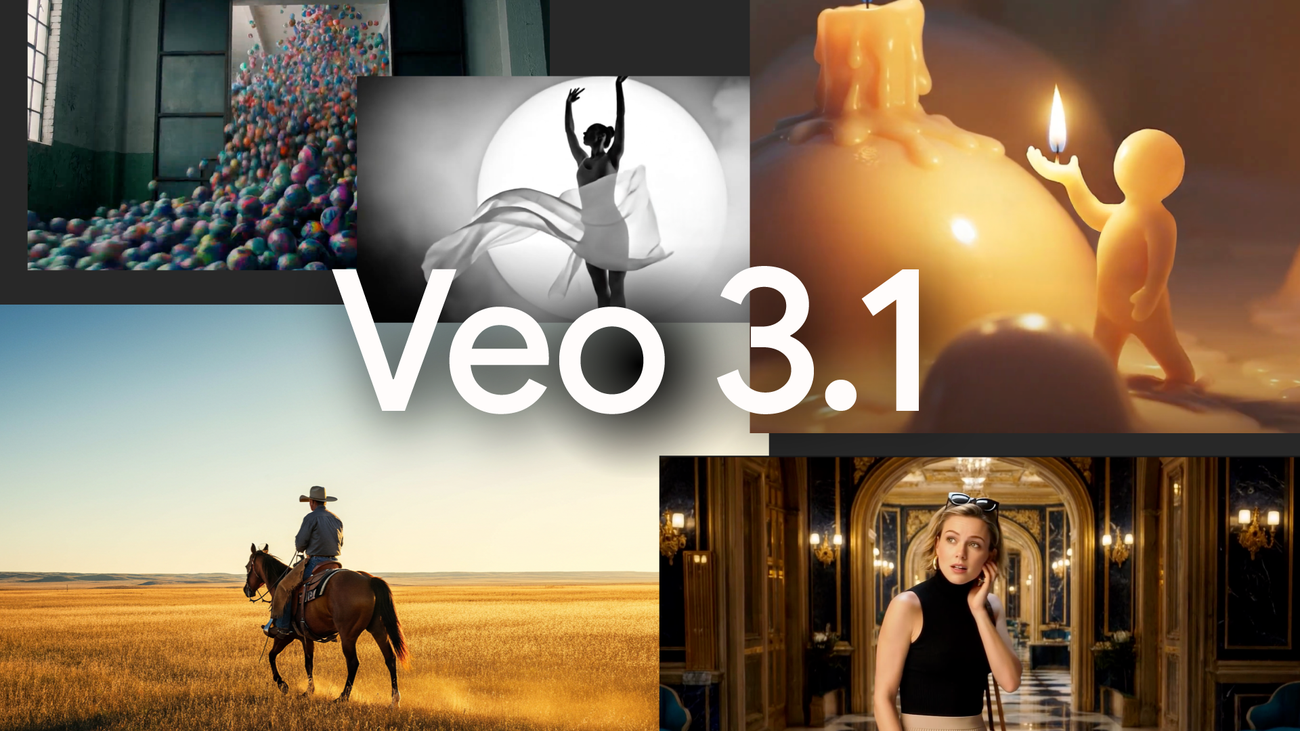
Google is rolling out a meaningful upgrade to its AI video model Veo 3.1 inside the Gemini app, giving creators more precise control over how their clips look and feel. The standout addition is the ability to upload multiple reference images alongside a text prompt, so you can guide the model on characters, backgrounds, and overall visual style in one go. The result is cleaner consistency, richer detail, and videos that more closely match your creative vision.
What’s new and why it matters
– Multi-image references: Add several images at once to inform different elements of your video. For example, use one image for a character’s look, a second for the environment, and a third for the stylistic mood.
– Tighter creative control: Combining visuals with a clear prompt helps Veo 3.1 interpret your intent more accurately, producing more nuanced, cohesive scenes.
– Wider availability: This capability was previously available through specialized tools like Flow and in developer-focused platforms such as Vertex AI. It’s now built directly into the Gemini app on mobile and desktop, reaching far more users.
– Active rollout: Google says the update has begun rolling out, so availability should expand steadily.
How to use the feature
– Update the Gemini app on your phone or access it on desktop.
– Start a video generation request with Veo 3.1.
– Add a clear text prompt describing your scene, action, and mood.
– Upload multiple reference images to guide character design, background, and overall style.
– Generate and iterate, refining your prompt or swapping references to hone the final look.
Who benefits most
– Content creators and social media teams aiming for a consistent on-brand style across multiple videos.
– Filmmakers and animators exploring previsualization or concept tests with repeatable characters and environments.
– Educators and marketers who need fast, coherent visuals aligned with existing assets.
Context in the AI video landscape
While OpenAI’s Sora 2 has not launched in Europe, Google continues to sharpen its own video model. Veo 3.1 already debuted in mid-October, and this integration into the Gemini app significantly lowers the barrier to high-quality AI video creation by bringing pro-style controls to a consumer-friendly interface.
Tips for better results
– Be specific: Name the subject, setting, camera mood, and action in your prompt.
– Use high-quality references: Clear, well-lit images help the model lock onto the traits you want.
– Separate concerns: Dedicate one image to character, one to background, and one to style so your prompt can combine them effectively.
– Iterate quickly: Small prompt tweaks or updated reference images can dramatically improve the final output.
Bottom line
The latest Veo 3.1 update inside the Gemini app puts multi-image guidance in the hands of everyday creators, making AI video generation more predictable, stylistically coherent, and fun to experiment with. If you’ve been waiting for more control over how AI interprets your vision, this rollout is designed to deliver exactly that.


