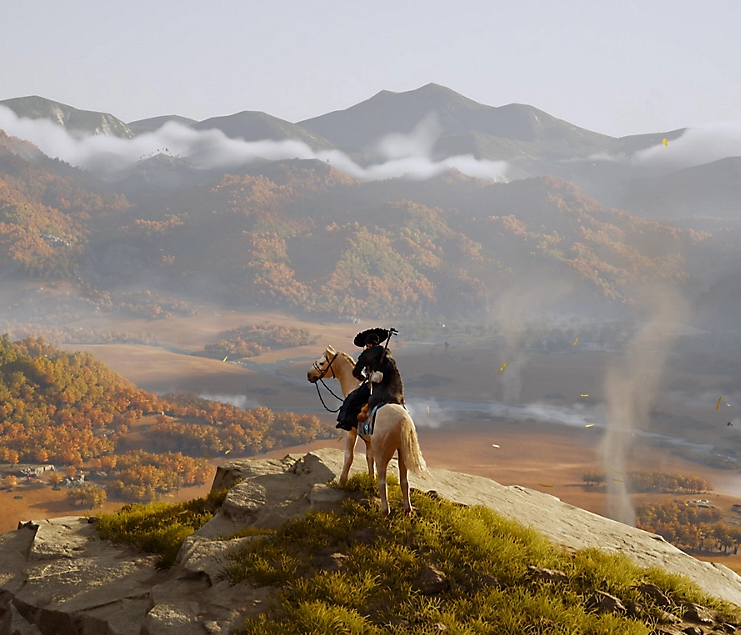
Ghost of Yotei is dazzling critics, but a growing number of players are reporting a serious issue on PlayStation 5: the game can trigger a sudden, full console shutdown during play. Reports shared on Reddit and X describe sessions running smoothly for an hour or more before the PS5 abruptly powers off as if it overheated. In many cases, the console won’t turn back on until power is fully cut and restored at the outlet or by unplugging the cord.
This doesn’t appear limited to one hardware tier. Most accounts involve the standard PS5, but at least one PS5 Pro owner has reported the same random crash behavior. Some players say it happens at the same point in the game, particularly on version 1.008, while others experience shutdowns after longer play sessions. One user managed to bypass an early-game crash point by reinstalling Ghost of Yotei and temporarily dropping resolution to 1080p instead of 4K, only for the system to later trip off again under similar circumstances.
There is a new update, V1.009, that rolled out quietly within the last day. No patch notes have been published yet, so it’s unclear if this build addresses the shutdown bug. One anecdotal fix that has helped at least one affected player was a thorough cleaning of the PS5’s fan and heatsink, followed by clearing the system cache. The working theory is that heavy in-game loads may be pushing certain consoles toward thermal or power protection thresholds, and dust buildup or limited airflow can make the system more sensitive—even if the console doesn’t feel hot.
If Ghost of Yotei is shutting down your PS5, try these steps
– Update the game: Check for the latest Ghost of Yotei patch (V1.009 at the time of writing) and install any system software updates.
– Power cycle the console: Shut down the PS5, unplug it for a minute, then reconnect and reboot.
– Clear system cache and rebuild database: Boot into Safe Mode (turn off the console, then hold the power button until you hear a second beep). Choose the options to clear cache and rebuild the database.
– Lower the graphics load: Temporarily switch to 1080p output, disable 120 Hz and VRR if enabled, and try Quality mode instead of Performance, or vice versa. This helped some players get past crash points.
– Reinstall the game: Delete and reinstall Ghost of Yotei. If you have both internal and external storage, install it to the internal SSD.
– Improve airflow: Ensure the PS5 has plenty of space around it and isn’t in an enclosed cabinet.
– Clean dust from the console: Power off, unplug, and remove the side panels to access the dust ports. Use short bursts of compressed air to clear dust from the vents and fan without spinning the blades. Avoid liquids. Reassemble and try again.
– Check your power: Plug the PS5 directly into a wall outlet rather than a power strip. If possible, try a different outlet.
– Monitor temperature and rest mode: Avoid long sessions in a hot room, and consider disabling Rest Mode features temporarily to rule out power management glitches.
What to expect next
– Watch for official patch notes: With V1.009 live and more reports surfacing, a stability hotfix is likely. Keep the game up to date.
– Report the crash: If your console shuts down while playing Ghost of Yotei, submit a crash report and contact support so the issue can be reproduced and prioritized.
Bottom line
Ghost of Yotei is a standout sequel, but some PS5 owners are running into random shutdowns that feel like false overheating trips. Updating the game, clearing the cache, reducing resolution, and giving the console a careful dust clean have helped some players get back in the action. If the issue persists, keep sessions shorter, ensure excellent ventilation, and watch for the next patch.