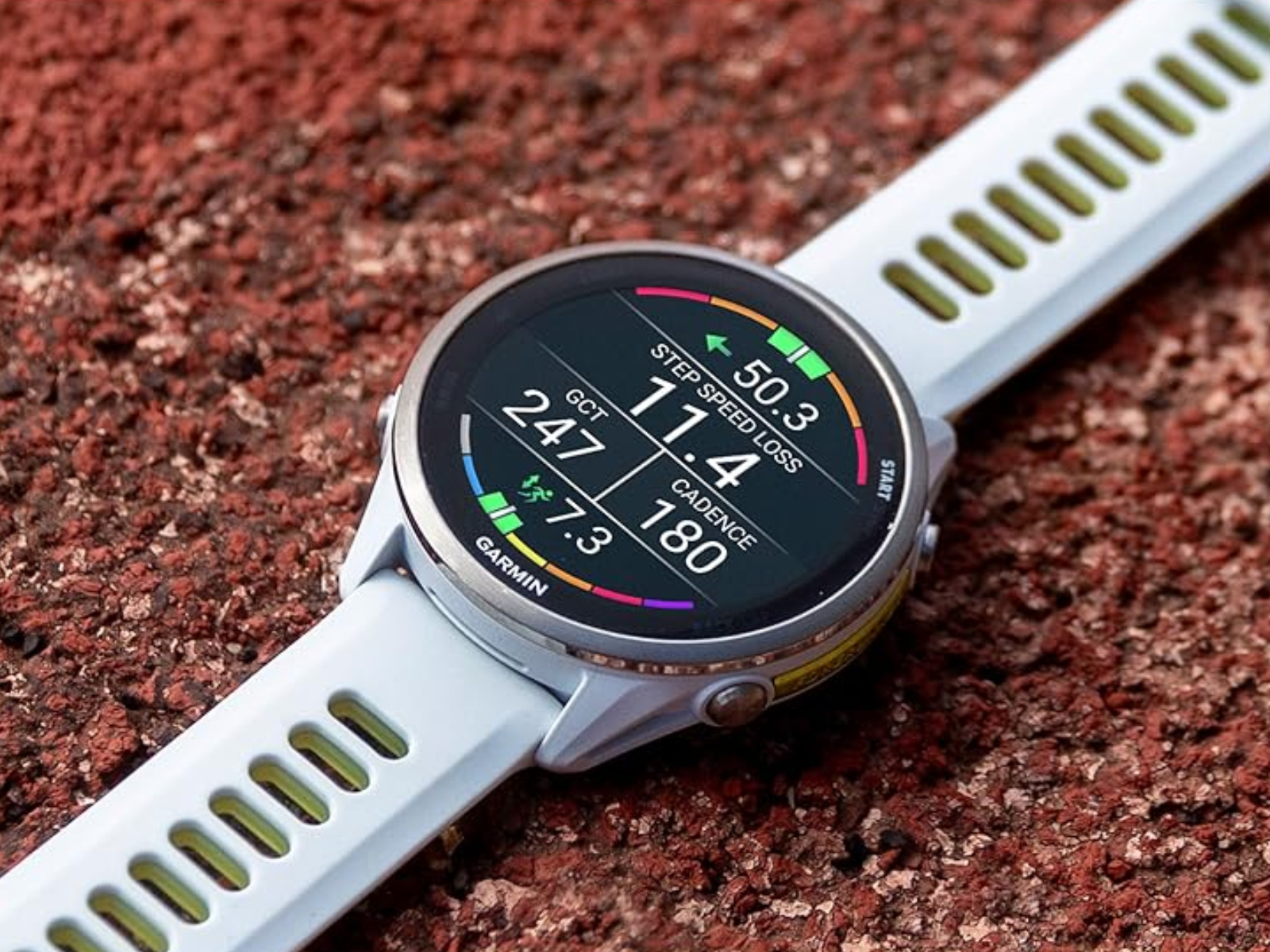
Garmin is rolling out a fresh beta software update for its Forerunner 570 and Forerunner 970 smartwatches, and it’s a meaningful one for anyone who relies on these devices for training, recovery tracking, and everyday fitness stats. The new release, Beta Version 16.17, delivers more than a dozen changes, with a strong focus on fixing frustrating bugs while also adding a few quality-of-life upgrades.
This beta update follows Beta Version 16.14 and jumps ahead by skipping two interim builds, suggesting Garmin bundled several fixes into one larger patch. In total, it includes 13 listed changes, and most of them are stability-focused—particularly addressing issues that could cause the watch to reset unexpectedly.
One of the biggest improvements is aimed at the heart rate variability (HRV) experience. Garmin says it has fixed a problem that could cause the Forerunner 570 or Forerunner 970 to reset when viewing the HRV chart, which is an important screen for users tracking recovery readiness, stress, and training load trends. If you use HRV regularly, this single fix could make the update worth installing on its own.
Sports fans will also benefit, as Garmin has tackled multiple issues tied to the sports scores glance. The update fixes bugs that could trigger resets when setting a favorite team, adding a team, or interacting with sports scores features. On top of that, Beta Version 16.17 adds support for showing stoppage time on sports scores, making match tracking more accurate at a glance.
For athletes who depend on navigation and structured training, Garmin is also addressing several problems connected to courses and routing. The update fixes an issue that could cancel an activity when adding a navigation data screen to the page loop, and it resolves reset problems that could occur when loading a course for indoor cycling. There are also fixes for incorrectly displayed stay time when following a course with a rest point, along with improvements to how long course point names appear.
Garmin is also polishing the overall navigation experience with an improved course details page layout, which should make key workout and route information easier to read during planning and mid-session checks.
Audio guidance gets an upgrade too. The watch will now improve the distance intervals audio prompt so it reports the time for that interval, a practical refinement for runners and cyclists using interval sessions and wanting cleaner, more useful spoken feedback.
Rounding out the update are a few additional improvements, including fixes for a golf-related display issue where the course green might not render correctly, plus a general set of other minor fixes. Garmin also adds support for additional spoken watch face complications, expanding what the watch can say aloud depending on the complication setup you use.
Beta Version 16.17 is expected to arrive within the next few days for Forerunner 570 and Forerunner 970 owners who are enrolled in Garmin’s Beta Program. If you don’t want to wait for the automatic rollout, Garmin notes that users can also request the update manually.
Beta Version 16.17 changelog (from 16.14 to 16.17) includes:
– Adds support for additional spoken watch face complications
– Adds support for showing stoppage time on sports scores
– Fixes an issue that could cause an activity to be canceled when adding a navigation data screen to the page loop
– Fixes an issue that could cause the device to reset when adding a team to the sports scores glance
– Fixes an issue that could cause the device to reset when loading a course for indoor cycling
– Fixes an issue that could cause the device to reset when setting a favorite team in the sports scores glance
– Fixes an issue that could cause the device to reset when viewing the HRV chart
– Fixes an issue that could cause the stay time to be displayed incorrectly when following a course with a rest point
– Fixes an issue with displaying long course point names
– Fixes an issue with the golf course green not displaying correctly
– Fixes other minor issues
– Improves the audio prompt for distance intervals to report the time for that interval
– Improves the layout of the course details page


