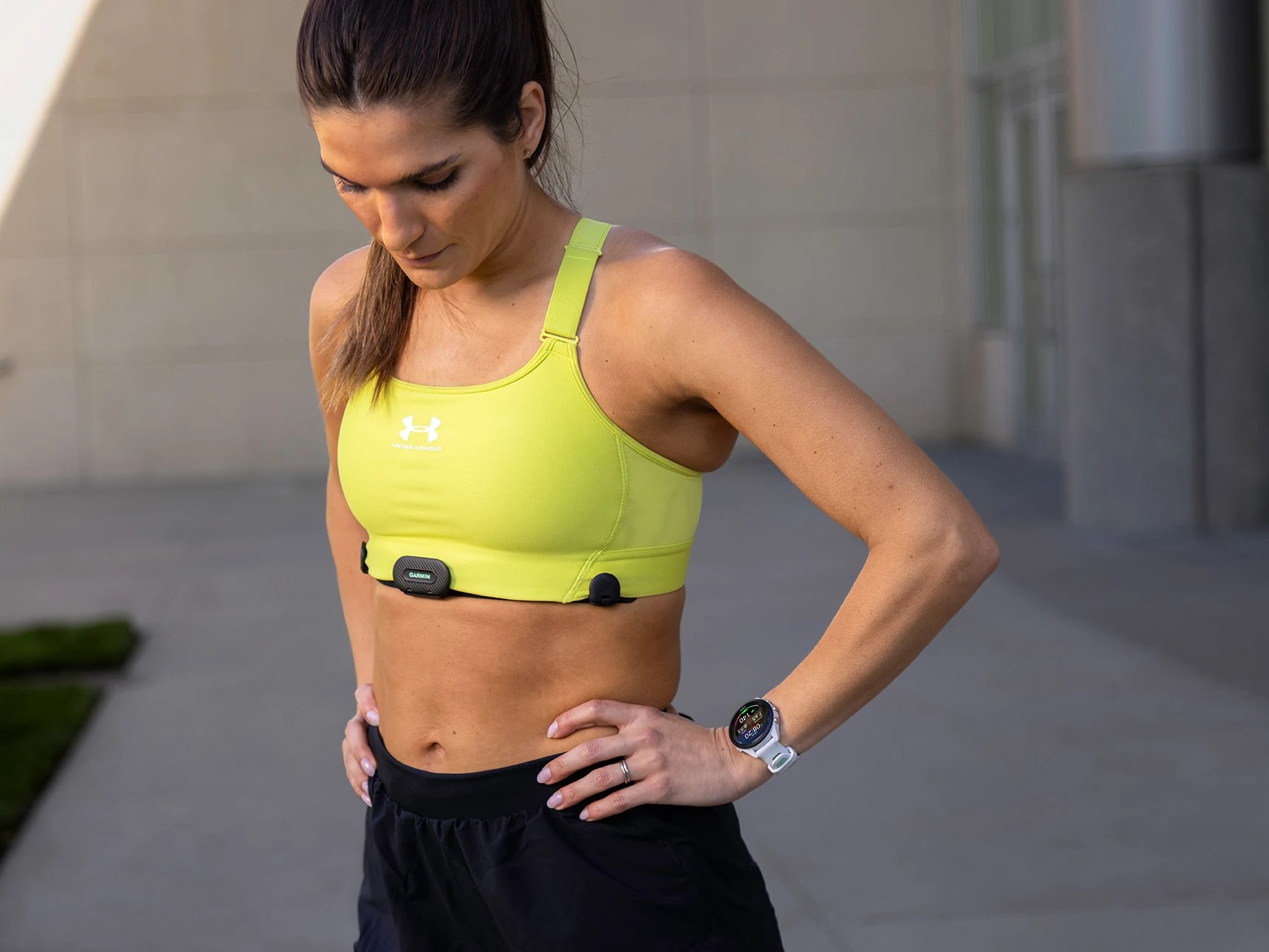
Garmin, a leading smartwatch manufacturer, has been actively engaging with its user community to address concerns regarding heart rate sensor settings on devices like the Fenix 7 and Epix 2. With recent updates in the 16.xx beta cycle, users have noticed that the optical heart rate (OHR) sensor remains automatically enabled during activities, prompting discussions about its impact on battery life and data accuracy.
Users have highlighted two primary issues on Garmin’s Beta Program Forum relating to these settings. First, having the OHR sensor continuously on can lead to quicker battery drain. Second, when the smartwatch is used alongside a heart rate monitor (HRM) chest strap, the data integration appears to be causing inaccuracies.
Garmin has confirmed that the OHR sensor being switched on by default does influence battery life. It also acknowledged that while heart rate data in FIT files should primarily come from an HRM, there are exceptional cases when the smartwatch might use its own data — such as if the HRM’s battery depletes or if it gets too distant from the watch. Nevertheless, the precise effects on HRM measurements from the OHR sensor remain a topic of discussion.
The company provided insights into the rationale behind the OHR sensor’s automatic activation during workouts. Primarily, it’s to ensure continuous recording of heart rate and heart rate variability (HRV) data should the HRM encounter any issues. Another reason pertains to the functionality of Garmin Pay which, without the OHR sensor, would require a PIN code for every transaction since the disabled sensor could indicate the watch is not being worn. Garmin highlights that users have the option of making payments for 24 hours without re-entry of the PIN once it’s been entered, as long as the smartwatch is not removed and its settings are not changed.
For Garmin smartwatch owners wanting to disable the OHR sensor, there are ways to do so manually or automatically. Users can navigate to the Menu, then to Sensors and Accessories, and finally to Wrist HR to switch it off for each exercise session. Alternatively, a Power Mode can be set up through the Power Manager settings, allowing for the creation of custom setups that disable the wrist-based heart rate sensors.
It is important to note that these Power Modes need to be created for each activity app separately if users require a tailored experience for different workouts or activities.
Garmin continues to provide support and updates based on user feedback, ensuring a beneficial experience for those utilizing their smartwatches for fitness and daily activities. Users are encouraged to join the discussion on Garmin’s dedicated forums and share experiences to contribute to the product’s evolution.