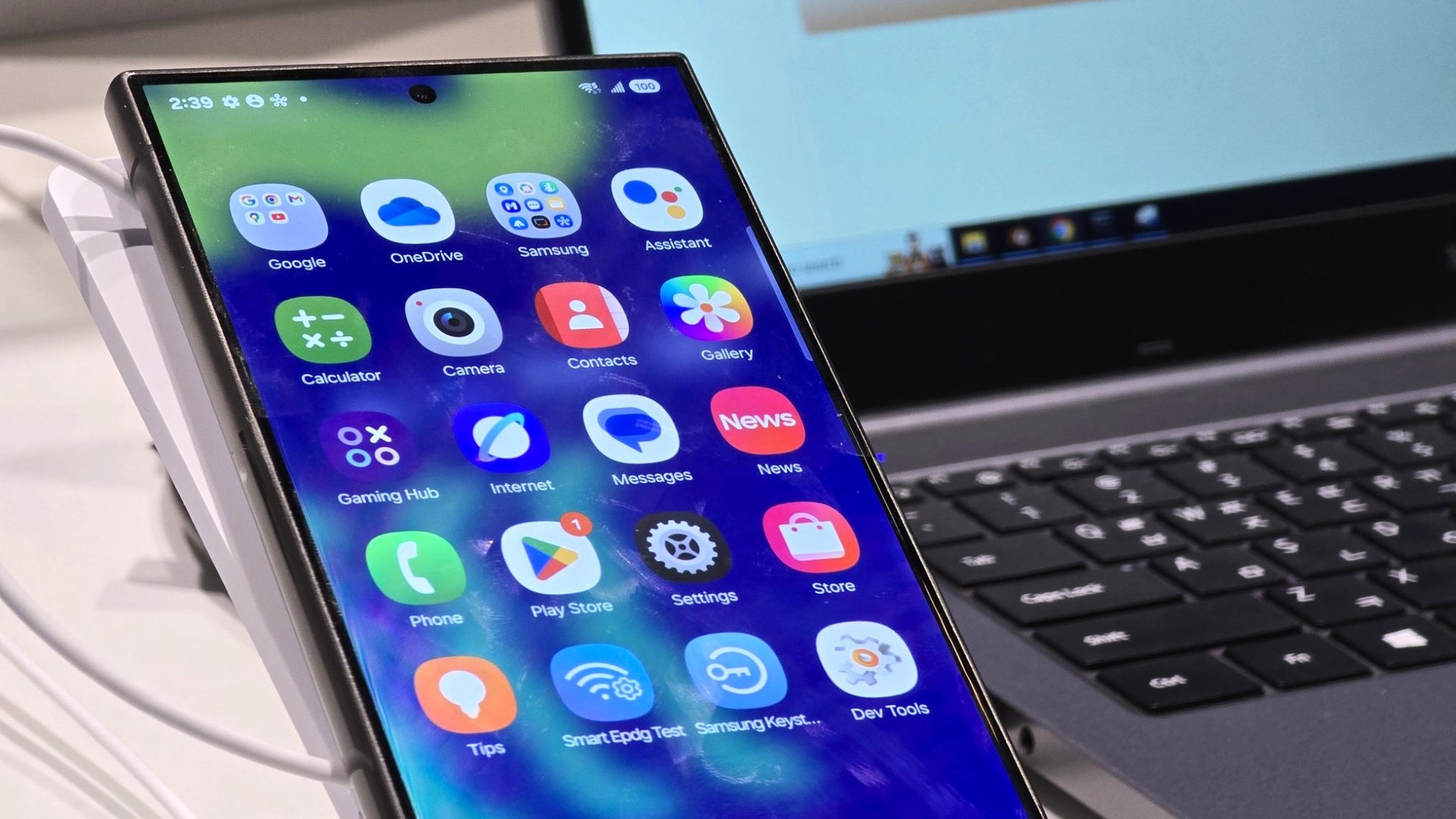
Samsung’s One UI 7 is bringing a refreshing change to how users interact with their Galaxy devices, with a focus on a more user-friendly experience. The latest update introduces a clear separation between notifications and Quick Settings, which is designed to enhance one-handed usability—a welcome development for many smartphone users.
In this new setup, a fold-out button, conveniently positioned near the shutter button, provides quick access to settings. It’s a smart move, as it aims to make navigating settings effortless, especially when handling the phone with one hand.
For existing Samsung users, this change might require a bit of an adjustment period. Under the current One UI 7 test version, accessing various settings like WiFi, Bluetooth, or flight mode involves swiping down from the top right corner. Meanwhile, swiping down from the top left or the center of the display will exclusively show your notifications. This separation ensures that notifications and Quick Settings each have their own dedicated space, making the user interface more organized and intuitive.
Additionally, notifications have undergone a redesign, offering a fresh visual appeal. This not only adds to the aesthetic of the user interface but also enhances functionality by making important notifications clearer and easier to manage.
Overall, Samsung’s One UI 7 is poised to offer a more streamlined and efficient user experience, driven by thoughtful design improvements that cater to the everyday needs of smartphone users. Keep an eye out for more updates as they roll out and experience the future of Samsung’s mobile interface!