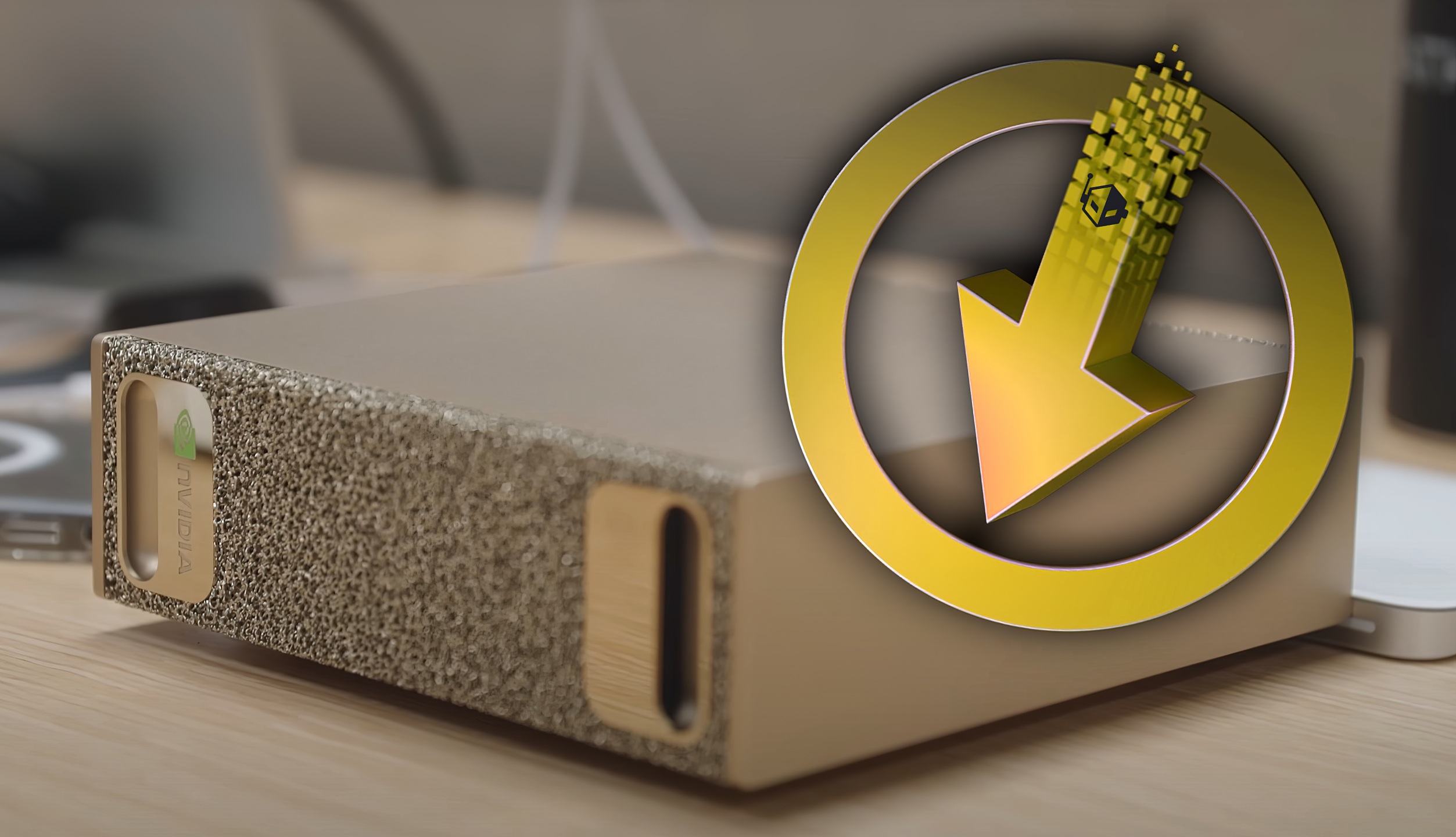
NVIDIA has started rolling out the first over-the-air update for its DGX Spark mini AI supercomputer, and it’s a meaningful one. Whether you’re using Spark as a compact AI workstation, a development box for CUDA and PyTorch, or even as a surprisingly capable gaming rig, this release focuses on faster performance, tighter stability, and smoother end-to-end workflows.
The update targets DGX Spark systems built around the GB10 Superchip and works across NVIDIA’s reference model as well as partner configurations. With entry pricing from $3,144, Spark already packs serious acceleration into a small footprint; this update helps unlock even more of that potential.
What’s new in the latest DGX Spark OTA update
– New DGX OS kernel (Ubuntu 6.14 HWE stack): Improved performance, stronger stability, broader hardware compatibility, and up-to-date security patches.
– Updated JupyterLab environment: Now bundles CUDA 13.0.2 and the latest PyTorch stack, giving you immediate access to current frameworks without extra setup.
– Accurate memory reporting: DGX Dashboard now aligns with CUDA unified memory guidance for clearer, more reliable resource visibility.
– Better peripheral interoperability: Smoother connectivity with USB-C accessories, displays, Bluetooth devices, and Wi‑Fi access points.
– Stable Diffusion XL fix: The example workflow now runs end to end within JupyterLab without manual tweaks.
– More reliable recovery images: Installs correctly on macOS systems and when multiple external USB drives are attached.
– Improved keyboard accessibility: A more seamless, keyboard-friendly Out‑of‑Box Experience for easier initial setup.
Beyond the core update, NVIDIA is collaborating with ecosystem partners to expand software support on Spark, including projects like Llama.cpp. The goal is to improve unified-memory efficiency and ensure the platform reports available resources accurately for AI developers and data scientists.
Best practices before you update
– Use the DGX Dashboard: It’s the recommended path to ensure compatibility and optimal results.
– Update regularly: Especially important for security and framework compatibility.
– Back up important data: Safeguard critical projects before major system changes.
– Ensure stable power: Avoid interruptions during the update process.
– Schedule maintenance windows: Reduce disruption by updating during planned downtime.
How to get the update
You can install the OTA release directly through the DGX Dashboard or by using command-line tools if you prefer. Consult the official product documentation for step-by-step guidance on pulling updates and upgrades for your specific Spark configuration.
Bottom line
This DGX Spark OTA update brings tangible gains for AI workflows, development environments, and everyday usability. With refreshed CUDA and PyTorch stacks, improved OS stability, better device compatibility, and fixes for popular models like Stable Diffusion XL, Spark becomes an even more compelling compact AI system for creators, researchers, and professionals.


