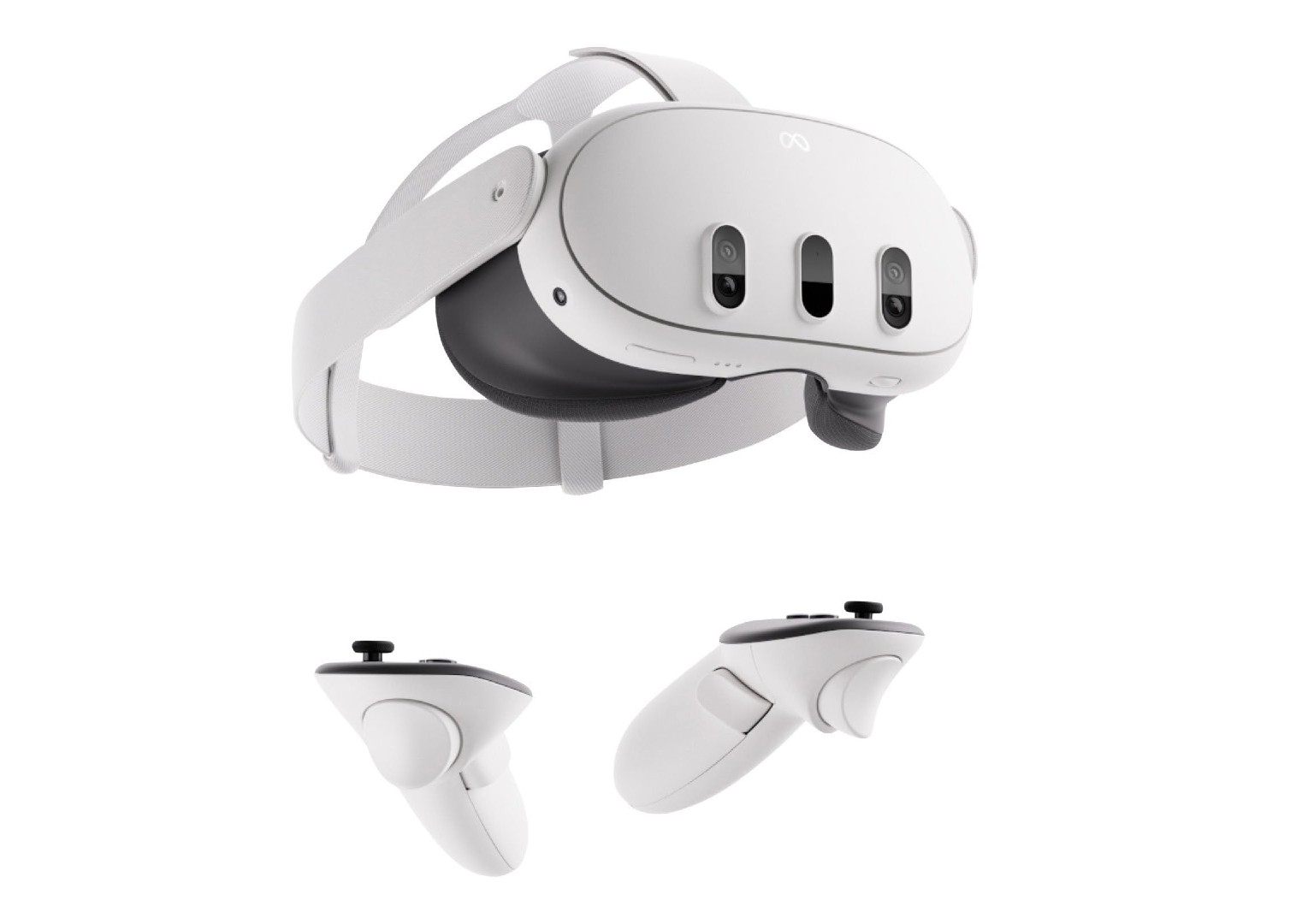
Meta has introduced an exciting feature for its Quest line of headsets, allowing users to connect their devices to HDMI and DisplayPort sources. This capability extends the use of Meta Quest headsets beyond traditional VR applications, enabling them to function as external displays for a variety of devices such as gaming consoles, laptops, phones, and gaming handhelds.
Connecting Your World to Virtual Reality
Owners of the Meta Quest 2, Quest 3, and Quest Pro can now enhance their connectivity possibilities with the Meta Quest HDMI Link app. This application transforms the headsets into floating 2D screens, showcasing content from connected devices directly within the VR environment. Whether looking for a private and immersive large-screen experience for gaming or work, Meta Quest headsets provide an innovative solution.
Setting Up Your Quest HDMI Link
In order to take advantage of this new feature, users will need additional hardware—a UVC (USB Video Class) and UAC (USB Audio Class) compatible capture card. This card should support 1080p capture and offer efficient performance, preferably through USB 3.0 connectivity. For sustained use, selecting a capture card with USB-C power input is recommended, ensuring your headset remains charged during operation.
Actionable Steps:
1. Acquire a compatible UVC and UAC capture card that meets the resolution and connectivity specifications.
2. Install the Meta Quest HDMI Link app from the Meta Quest Store.
3. Connect your external device to the capture card using the appropriate HDMI cable, USB-C to HDMI, or Lightning to HDMI cable.
4. Attach the capture card to your Meta Quest headset via a USB-A to USB-C cable.
5. Power on your Meta Quest headset and allow the necessary permissions to activate the feature.
Expanding the Horizons of Meta Quest
The HDMI Link feature broadens the horizons of Meta Quest headsets, providing a unique and versatile way to enjoy content. While Meta’s wireless Air Link option facilitates streaming from PCs to Meta Quest headsets using a Wi-Fi connection, the HDMI Link provides a wired alternative with broader device compatibility and without the need for internet connectivity.
New Perspectives and Applications
With the introduction of HDMI and DisplayPort connectivity, the potential uses of Meta Quest headsets expand significantly. From playing console games in an immersive setting to working privately on a large virtual display, the options are plentiful. Users interested in exploring new dimensions of their devices will find this feature particularly beneficial.
Incorporating HDMI Link into Daily Life
Consider incorporating the HDMI Link into your routine by setting up a private gaming space within your headset, or using it as a secondary monitor for productivity tasks. You might also explore new ways to enjoy content from your mobile devices directly through your VR headset.
In summary, the Meta Quest HDMI Link app provides a revolutionary way of repurposing VR headsets for a more diverse range of entertainment and productivity applications. By combining the immersive capabilities of Meta Quest with other devices, users gain a powerful tool, adding greater value and versatility to their VR experience.