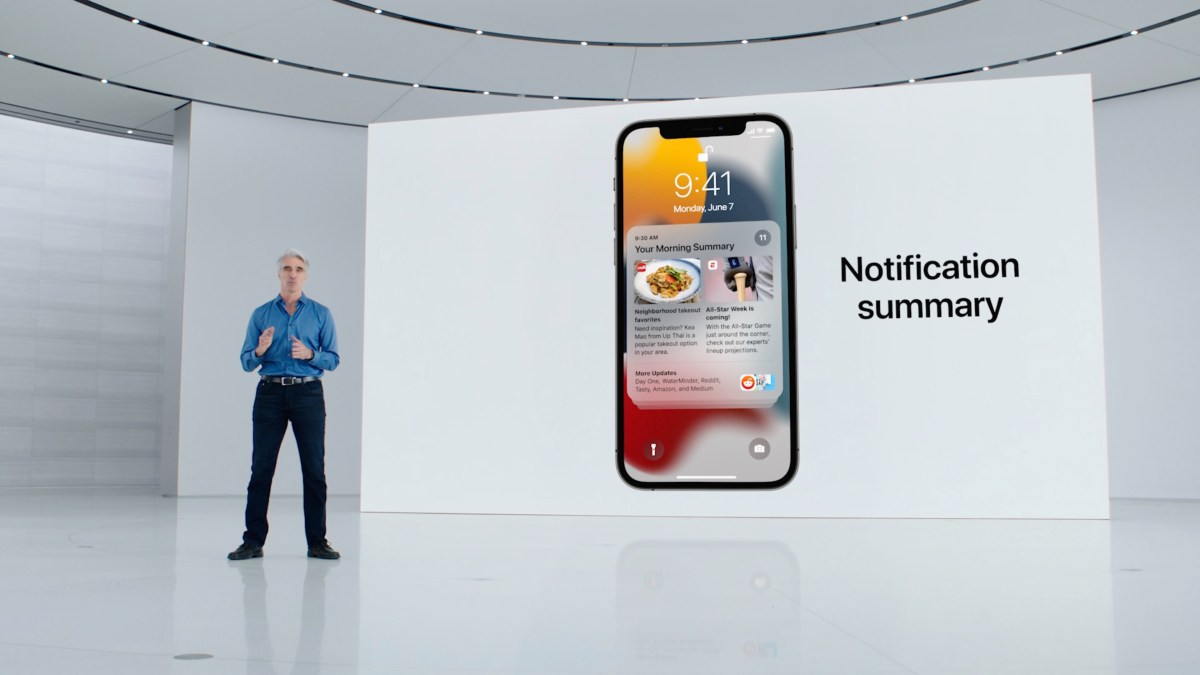
With the arrival of iOS 18, Apple introduced Apple Intelligence, a feature designed to streamline your notifications experience using AI technology. This smart tool aims to declutter your lock screen by summarizing multiple notifications from a single app into one concise card. Once you view this summary, you have the option to dismiss it or dig deeper into the individual notifications if you choose.
However, like many AI-driven tools, perfection is a work in progress. Users have reported some humorous and sometimes baffling summaries that don’t quite capture the essence of the notifications. If you find this feature more confusing than convenient, Apple provides the flexibility to modify or disable it.
For iPhone and iPad users, here’s how you can gain control over your notifications: Navigate to Settings, select Notifications, and then tap on the Summarize Notifications option. From there, you have two choices: deactivate AI-powered summaries across all apps or selectively for specific apps.
Mac users can also enjoy similar control. Simply click the Apple menu at the top left, go to System Settings, and select Notifications. From there, you will find the Summarize Notifications tab, where you can choose to turn off summaries entirely or only for certain applications.
It’s important to note that there isn’t an option to disable summaries for specific categories, such as news or shopping. However, Apple has acknowledged the need for clearer indicators of AI-generated summaries and has pledged a future software update to address accuracy concerns.
Stay informed and tailor your notification preferences to ensure this innovative feature enhances rather than complicates your device usage.