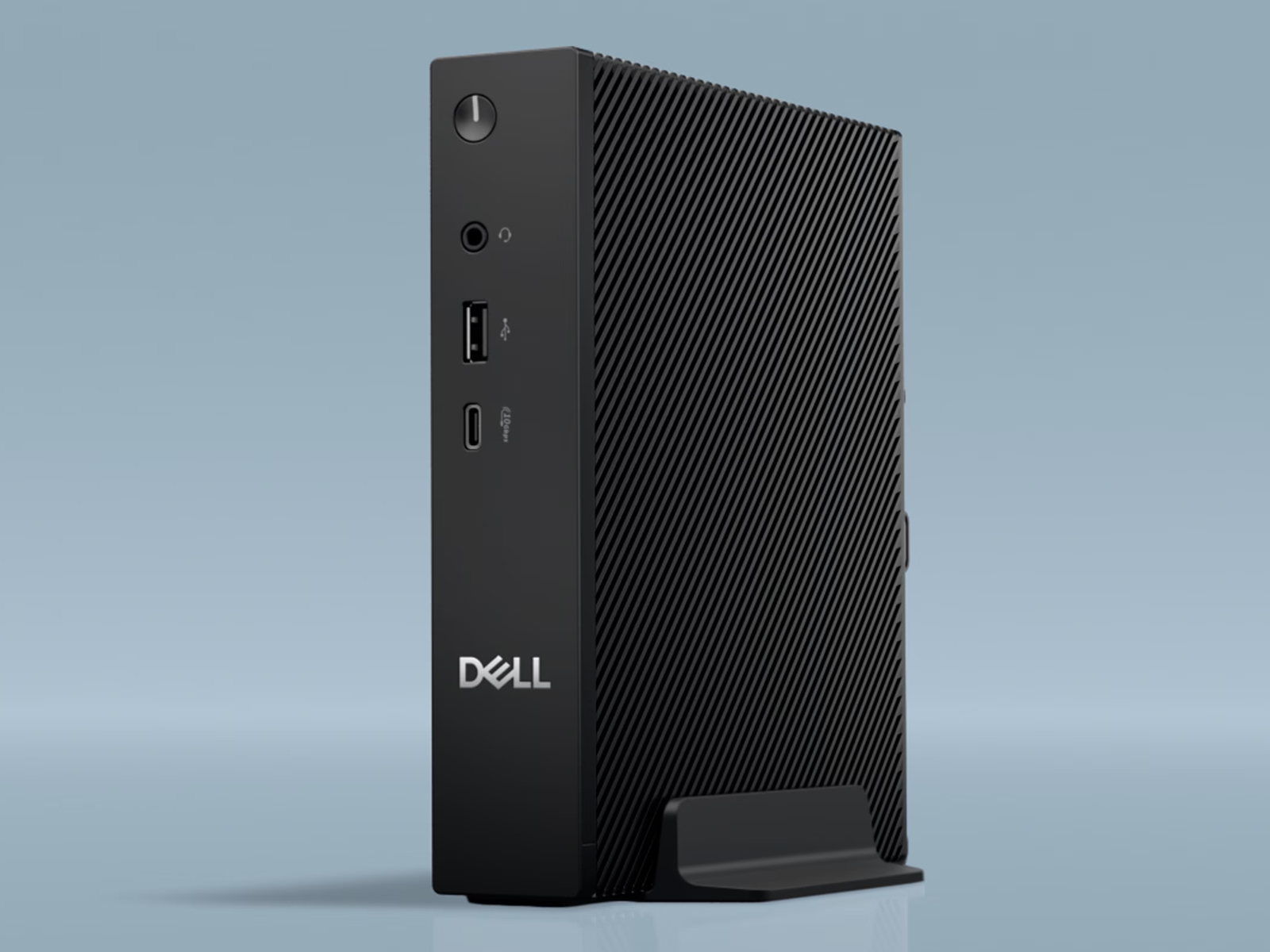
Dell has quietly expanded its mini PC lineup worldwide with the new Pro Micro Thin Client, a compact desktop aimed at businesses and managed workspaces that need a small footprint without sacrificing modern memory and CPU options. With multiple processor choices and DDR5 RAM across the board, this tiny system is positioned as a flexible option for everything from basic virtual desktop access to heavier everyday productivity workloads.
At the entry level, the Pro Micro Thin Client ships with a Processor N150 paired with 8 GB of DDR5-5600 memory. Buyers can upgrade to 16 GB of DDR5-5600, but it’s worth noting that both memory configurations run in single-channel mode. That means you get the capacity upgrade, but not the extra bandwidth benefits that come with dual-channel RAM—something performance-focused buyers often consider when comparing mini PCs for multitasking.
Dell also allows the Pro Micro to be configured with more capable processors, including the Processor N250 and the Core 3 N350. Among the available options, the Core 3 N350 stands out as the clear performance leader. It’s described as significantly more powerful thanks to doubling the number of Gracemont E-Cores compared with the Processor N150 and Processor N250, making it the best fit for users who expect snappier responsiveness, heavier browser workloads, or more demanding office applications in a thin client environment.
Pricing varies widely depending on configuration and region. In the United States, the Pro Micro Thin Client currently ranges from $966 to $1,748 before adding accessories like a mouse or keyboard. International pricing starts at £646 in the UK, CAD 2,147 in Canada, and around €731 in parts of the Eurozone, reflecting the typical swings seen with business hardware across different markets.
For buyers comparing compact business desktops, the key takeaways are straightforward: the Dell Pro Micro Thin Client offers DDR5-5600 memory, several CPU tiers, and a notable step up in performance with the Core 3 N350. The right configuration will come down to whether you’re prioritizing cost, responsiveness, or a little extra headroom for daily workloads.