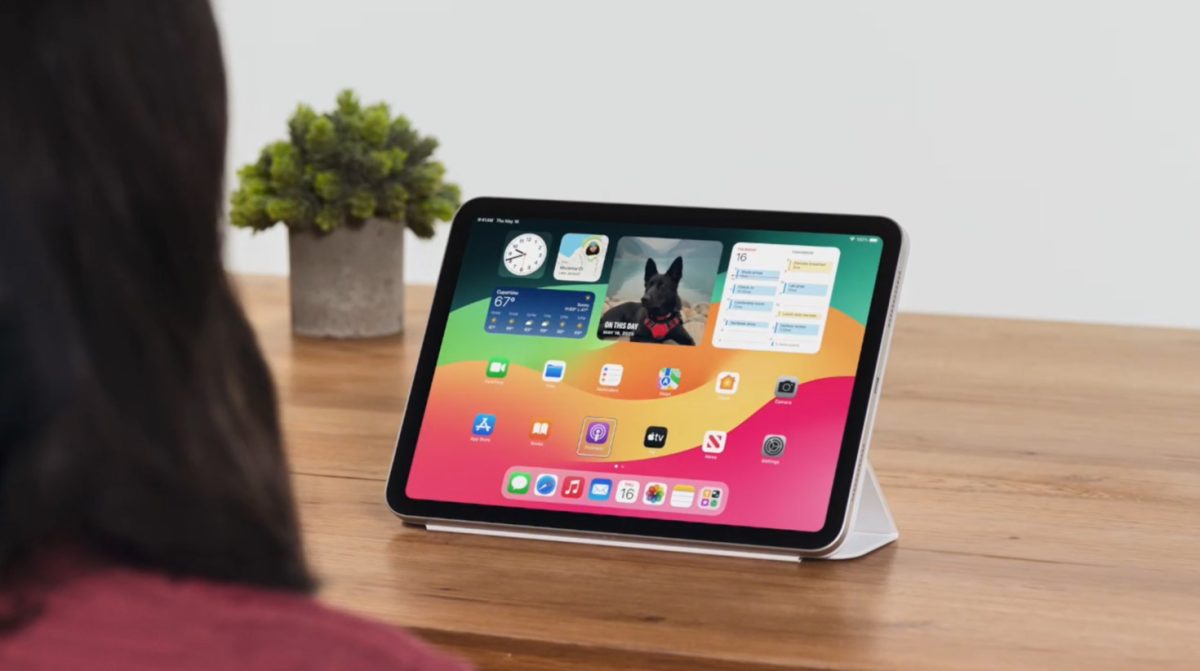
Apple has recently shared its latest suite of accessibility enhancements, set to launch with upcoming software updates including iOS 18, iPadOS 18, macOS 15, and visionOS 2, in recognition of Global Accessibility Awareness Day. These innovations are designed to support users with disabilities, offering new ways to interact with devices, listen to music, and remain comfortable while on the move.
Eye Tracking Technology for Enhanced Navigation
Apple’s development of eye-tracking technology has culminated in the introduction of a feature that allows iPhone users to navigate their devices using only their eyes. This technology, which utilizes the front-facing camera, has been fine-tuned to suit users with physical disabilities, providing a seamless and secure way to control the device without any additional hardware. Eye Tracking includes Dwell Control, permitting the activation of app elements through eye movement, which could simulate traditional physical gestures.
Vibrating to the Beat: Music Haptics for the Audio-Impaired
A remarkable feature being introduced is Music Haptics, which transforms audio impressions into tactile sensations. Designed for users who are deaf or hard of hearing, the feature utilizes iPhone’s Taptic Engine, enabling individuals to ‘feel’ the music, aligning vibrations with the beats and rhythms of the music. Apple plans to make an API available for developers, which may allow third-party applications to integrate music accessibility within their platforms.
Vehicle Motion Cues to Combat Motion Sickness
A newly-designed feature aimed to counter motion sickness gives users visual cues to represent vehicle motion. Animated dots will appear along the edges of the iPhone or iPad display to mimic the acceleration or deceleration of a vehicle. This application of the device’s built-in sensors helps minimize sensory conflicts without disrupting the main content of the display.
Vocal Shortcuts: Swift Action with Voice Commands
Enhancing the already popular Siri voice assistant, Vocal Shortcuts allow users to execute pre-loaded actions without the need to utter ‘Hey, Siri.’ This convenience is particularly useful for individuals who have difficulty with speech activation, further streamlining their interaction with the device.
Additional Accessibility Advancements
A plethora of other accessibility options are on the horizon, including:
– Enhanced VoiceOver functionalities, including new voices, flexible control, volume adjustments, and customized keyboard shortcuts.
– Magnifier improvements, with Reader Mode and easier access to Detection Mode.
– Braille Screen Input updates, multi-line Braille support, and more accommodating input tables.
– Hover Typing for clarity while typing and customizable text appearance preferences.
– The introduction of Personal Voice in Mandarin, aiding users with speech difficulties.
– Live Speech and Live Captions for non-speaking users.
– Virtual Trackpad for those with physical disabilities.
– Enhanced Switch Control through finger-tap gesture recognition.
– Tailored Voice Control settings for complex vocabularies.
CarPlay and Vision Pro: Expanding Accessibility
CarPlay is set to receive Voice Control, Color Filters, and Sound Recognition for crucial alerts like horns and sirens. VisionOS 2 will bring system-wide Live Captions across the operating system.
The infusion of these features into Apple’s ecosystem demonstrates a significant commitment to accessibility and inclusion. Users interested in the integration of these features can look forward to their deployment with iOS 18, iPadOS 18, macOS 15, and visionOS 2 later this year. Future Apple events, such as WWDC 2024, may unveil additional functionalities, continuing the expansion of accessible technology.


