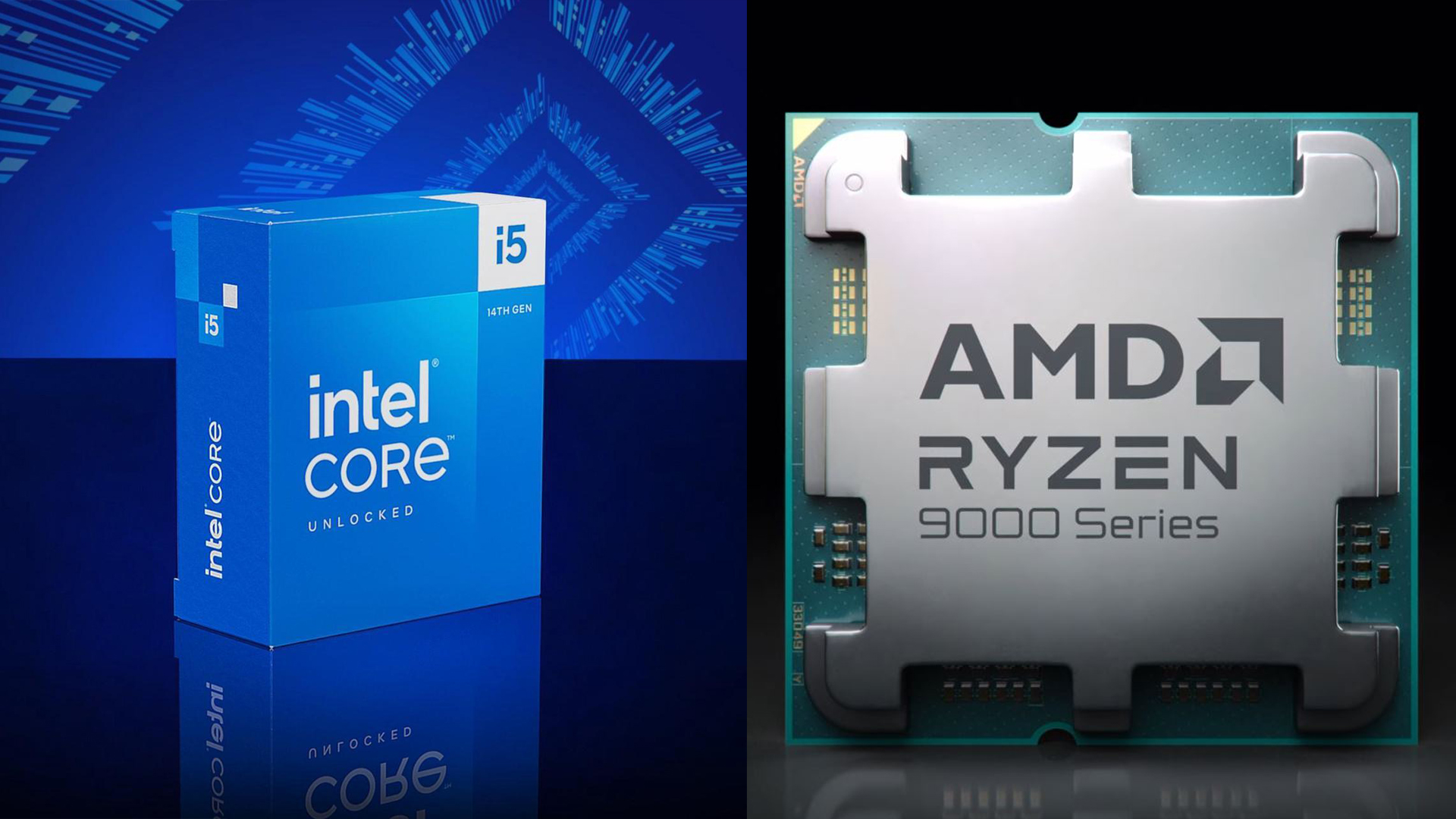
The AMD Ryzen 7 9800X3D may be a powerhouse for top-tier gaming, but you don’t need to shell out nearly $500 to enjoy impressive frame rates in your favorite games. Choosing a more budget-friendly CPU can be a smart move, particularly when your GPU isn’t in the high-end tier. Investing wisely in a CPU while prioritizing the GPU can ensure no bottlenecks and give you more bang for your buck. Instead of splurging on high-priced CPUs like the Ryzen 9800X3D, consider these excellent alternatives.
The AMD Ryzen 5 9600X stands out as a speedy, sub-$200 option that delivers gaming performance comparable to the pricier Ryzen 9700X. As a 6-core, 12-thread CPU with Zen 5 architecture, it’s a solid choice for modern gaming builds, matching up well with higher-core Intel processors. It generates less heat compared to its predecessors, making cooling easier, and offers significant improvements in both single-core and multi-core performance—ideal for gaming and some rendering tasks.
Meanwhile, the AMD Ryzen 5 7600X3D enhances its non-X3D counterpart with a V-Cache chiplet, transforming it into a superior gaming chip that surpasses even more expensive models. With a 6-core, 12-thread configuration and additional L3 cache, it meets gaming demands effectively. Although priced at $299, it remains the most affordable AM5-compatible X3D CPU available today, offering excellent gaming performance and easy future upgrades without the need for a new motherboard.
On the Intel side, the Core i5 14600K, part of the Raptor Lake Refresh lineup, continues to impress as a budget-friendly gaming CPU. Despite newer releases, it holds its ground in performance, sometimes outpacing the Ryzen 9600X. With a robust 14-core, 20-thread configuration, it’s well-suited for both gaming and modern applications, making it a versatile choice for content creators and professionals alike.
When considering a budget gaming CPU, keep these factors in mind:
1. **Cooling Solutions**: Aftermarket coolers are a must, as none of these CPUs include stock coolers. The Ryzen 5 9600X typically runs coolest, while the Intel Core i5 14600K might require more robust cooling solutions, such as a 240mm AIO cooler or dual-tower air coolers. The Ryzen 5 7600X3D may also need a strong cooler due to its X3D chiplet design.
2. **GPU Choice**: Balance between CPU and GPU is essential to avoid bottlenecks. While the CPUs discussed are capable of handling high-end cards, those intending to use flagship GPUs like the RTX 5090 may benefit from a higher-end CPU such as the Ryzen 7800X3D. For those with 70 or 60-class cards, the recommended CPUs here would pair perfectly.
3. **Motherboard Chipset**: Your motherboard’s chipset determines compatibility with powerful components. Opt for one that supports increasing CPU and RAM core clocks to boost performance noticeably. An appropriately matched CPU, GPU, and RAM setup can enhance gaming and overall application performance significantly.
By choosing one of these budget-friendly CPUs, you can achieve exceptional gaming performance without breaking the bank, making them excellent options for most gamers looking to optimize value and capability.