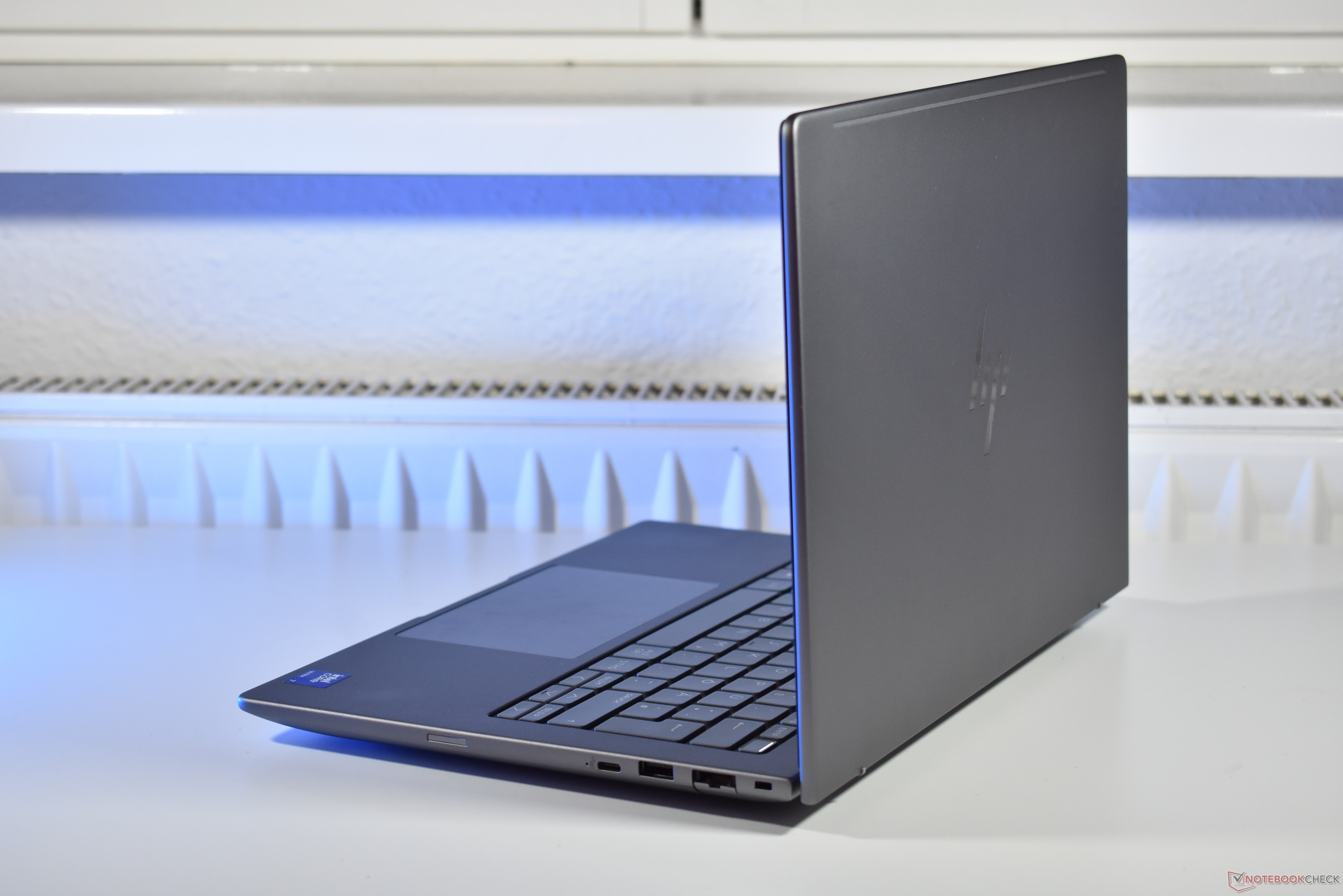
HP is bringing back a port professionals still swear by: the RJ45 Ethernet jack. In an era dominated by Wi‑Fi 7 and tethered mobile hotspots, it’s easy to forget that wired networking still delivers the most stable, secure, and predictable connection—especially in offices, labs, and conference rooms where reliability matters.
Over the past few years, many thin-and-light business notebooks dropped the Ethernet port in favor of sleeker designs and dongle life. Even HP’s own enterprise lines weren’t immune: last year’s EliteBook 845 G11 and ZBook Firefly G11 skipped RJ45 entirely. For 2025, HP is reversing course on select models. The new ZBook 8 G1i 14 includes a built-in RJ45 port, giving power users and IT teams a native, no-dongle way to plug into corporate networks. However, the story isn’t universal across the lineup. The EliteBook 8 G1a 14, which shares a similar overall design, omits the Ethernet jack—leaving the space where it might have gone unused.
Why the return matters:
– Consistent throughput and lower latency for video calls, large file transfers, and remote sessions
– Better security and compliance for managed, wired corporate networks
– Reliable connectivity in Wi‑Fi-congested environments
– Support for IT workflows that often prefer native Ethernet connectivity
Key takeaway: RJ45 is back on some HP business laptops—but not all. If a wired LAN port is essential for your work, verify the exact configuration before you buy. Check the product specs and photos for “RJ45,” “Ethernet,” or “LAN” and confirm whether you need native Ethernet or if a USB‑C to Ethernet adapter will suffice. For teams that rely on dependable networking without dongles, the right 2025 HP ZBook or EliteBook configuration can bring that old standard back where it belongs.