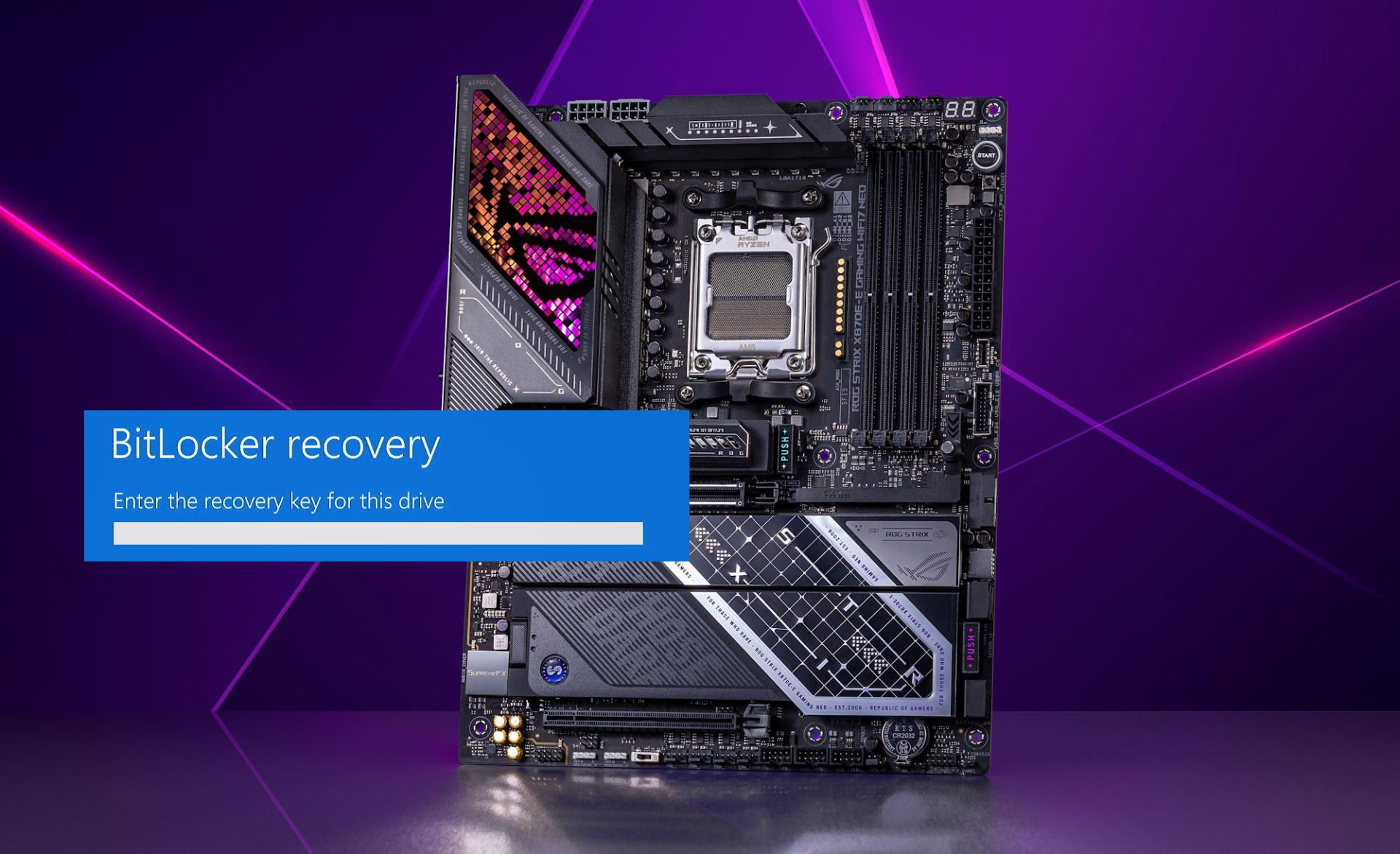
ASUS has started rolling out new beta BIOS updates designed to stop an annoying BitLocker recovery loop that many users have been reporting on AM5 motherboards.
The issue appeared after some users installed ASUS beta BIOS version 2101. Following the update, Windows would repeatedly trigger BitLocker recovery on every boot, asking for the 48-digit recovery key each time. For affected systems, this quickly became more than a minor inconvenience—if you didn’t have that recovery key saved somewhere, you could be locked out of your own data.
What made the situation especially frustrating was how stubborn it could be. Even after rolling back to an older BIOS, clearing TPM, and trying other common fixes, some users said the recovery prompt kept returning. That behavior pointed to a deeper problem than a simple settings mismatch, with reports suggesting Secure Boot logs may have been corrupted in the process.
To address this, ASUS has now released a newer beta BIOS—version 2102 for 600-series AM5 boards and version 1642 for 800-series boards—intended to resolve the BitLocker recovery problem. The update notes also mention an AGESA microcode update to 1.3.0.0a, which was already present in the previous beta release, but the key change here is the BitLocker-related fix that users have been waiting for.
It’s worth noting that BitLocker recovery prompts aren’t exclusive to ASUS hardware. Microsoft’s drive encryption feature is designed to protect your data, and it can activate recovery mode after hardware changes or certain BIOS adjustments—especially anything tied to TPM or Secure Boot. When BitLocker detects something it considers a security risk, it can block access until you enter the recovery key. In normal situations, that’s expected behavior. In this case, though, the repeated prompts after the BIOS update were clearly abnormal.
Some users even attempted preventative steps like disabling BitLocker before flashing the BIOS, but still saw the recovery screen afterward. Others tried a wide range of troubleshooting measures—reflashing older BIOS versions, clearing TPM, removing secure boot keys, and performing a full CMOS reset—without consistent success.
With these new beta BIOS releases, ASUS is aiming to finally put the problem to rest. If you’ve been hit by the recurring BitLocker recovery screen after updating your AM5 motherboard BIOS, checking your motherboard’s support page for the latest beta BIOS may be the most practical path to getting your system back to normal boot behavior.