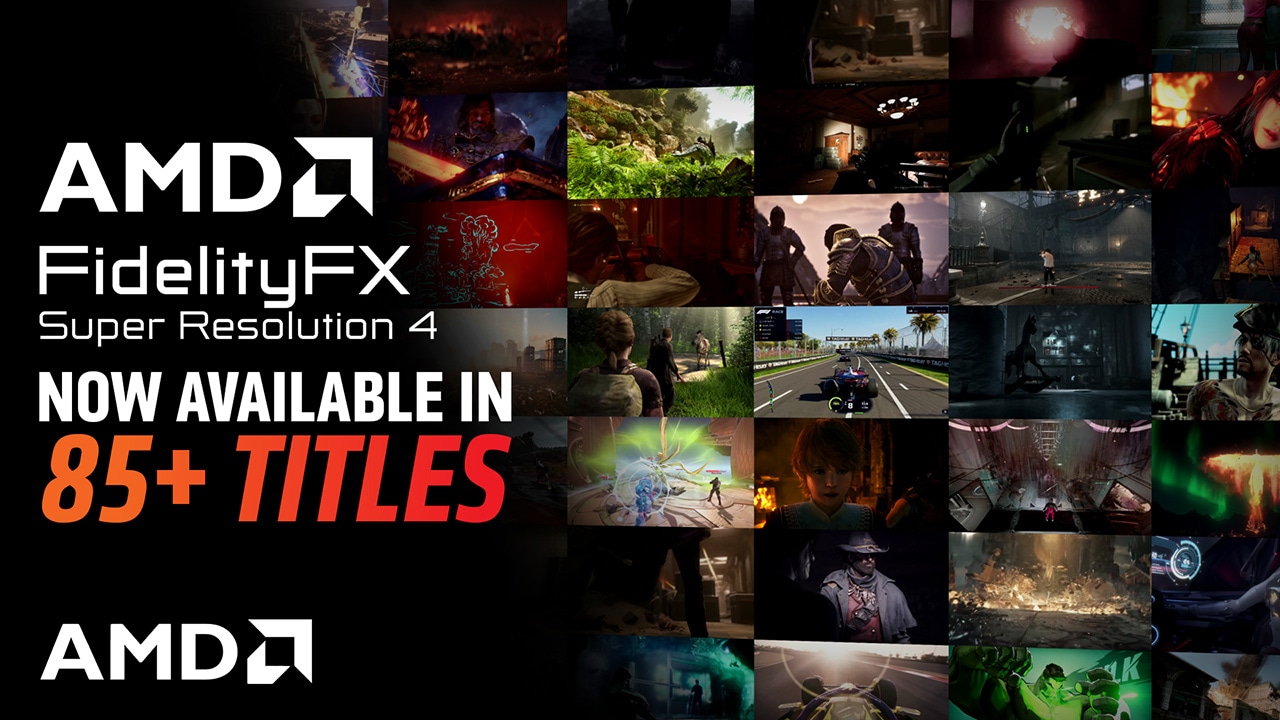
AMD’s latest Software: Adrenalin Edition 25.9.1 makes a big leap for game upscaling. If a title already supports FSR 3.1 on DirectX 12, this driver can unlock FSR 4 automatically, no DLL swapping needed. That means dozens of existing games can now tap into the newer, faster upscaler for sharper imagery and cleaner motion, with AMD stating that more than 85 games now support FSR 4. With fresh additions like Borderlands 4 and Hell Is Us, the total is edging close to 100 titles with official FSR 4 compatibility.
Until now, many players relied on third-party DLL swap tools to get FSR 4 working in FSR 3.1 games. With 25.9.1, AMD streamlines the process directly in the driver—provided the game runs on DirectX 12 and already includes FSR 3.1. This update is especially compelling because FSR 4 often delivers noticeably better visual quality than FSR 3.1 even at performance and balanced modes, giving you more frames without the fuzzy edges or flicker that can sour fast-paced action.
There are still a few caveats. Native, official FSR 4 support requires an RDNA 4 GPU. Some Linux-only workarounds can enable FSR 4 on RDNA 3, but they’re not officially supported. Also, Vulkan titles remain outside the scope for now; neither the new driver nor third-party upscaler tools offer a ready-made FSR 4 path for Vulkan-based games at this time.
What’s new and improved in AMD Software: Adrenalin Edition 25.9.1
– FSR 4 enablement for most games that already support FSR 3.1 on DirectX 12
– New FSR 4 support confirmed for Borderlands 4 and Hell Is Us, contributing to a list that now surpasses 85 games and is approaching 100 overall
– Broader optimizations and stability updates across a range of titles
Key fixes in this release
– Addressed visual corruption in Mafia: The Old Country on Radeon RX 6600 series cards
– Reduced intermittent crashes or driver timeouts in WUCHANG: Fallen Feathers when FSR 4 is enabled on Radeon RX 9000 series GPUs
– Resolved an issue where PlayStation VR controllers were not detected while using SteamVR
– Mitigated intermittent crashes or driver timeouts in Monster Hunter Wilds with Ray Tracing enabled while recording using AMD Software on Radeon RX 7600, 7700, and 7800 series GPUs
Why this matters for PC gamers
– Easier path to next-gen upscaling: If your game already ships with FSR 3.1 on DX12, the chance it can run FSR 4 just went way up with minimal hassle.
– Better visuals at higher frame rates: FSR 4 aims to improve clarity and stability, especially in motion, helping performance modes look cleaner than before.
– Fewer workarounds: You no longer need to rely on third-party DLL swaps to try FSR 4 in compatible DX12 titles.
How to get started
– Update to AMD Software: Adrenalin Edition 25.9.1 through the AMD app or a clean install.
– Launch a game that supports FSR 3.1 under DirectX 12.
– Open the in-game graphics menu and select FidelityFX Super Resolution 4 in your preferred mode (Performance, Balanced, Quality, or as available).
– Tweak sharpness and anti-aliasing to taste for the best balance of clarity and stability.
The bottom line: AMD’s 25.9.1 driver meaningfully expands FSR 4’s reach without forcing players to jump through hoops. With more than 85 games already on board and new titles joining the roster, this is one of the most impactful upscaling updates in recent memory—particularly if you’re running RDNA 4 hardware and want both higher performance and better image quality without sacrificing ease of use.